Seedream 5 Pro AI Image Generator
Turn a written brief or a reference image into visual directions for product campaigns, posters, social content, and creative exploration. Choose a mode, then refine the composition, format, and output settings for your next idea.
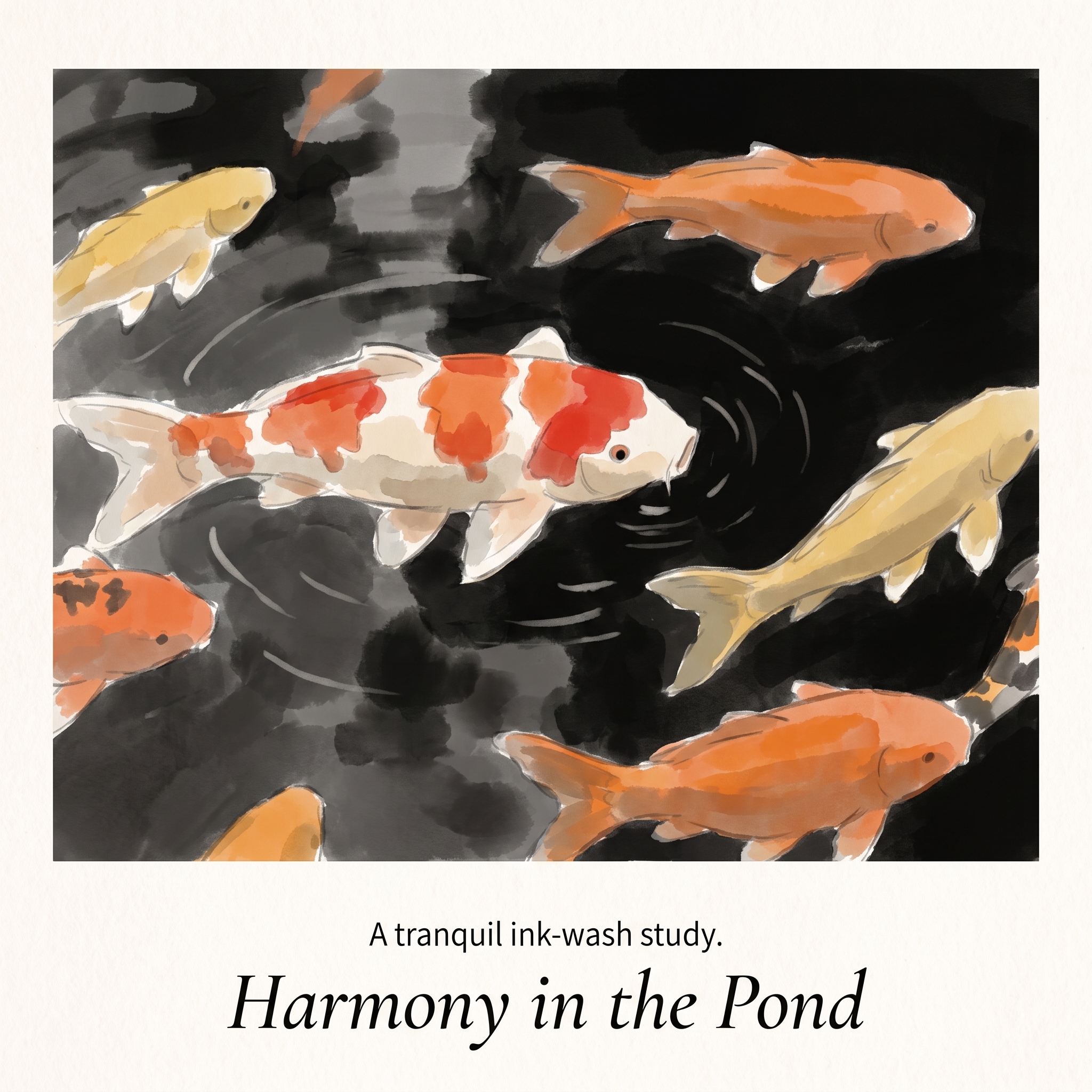
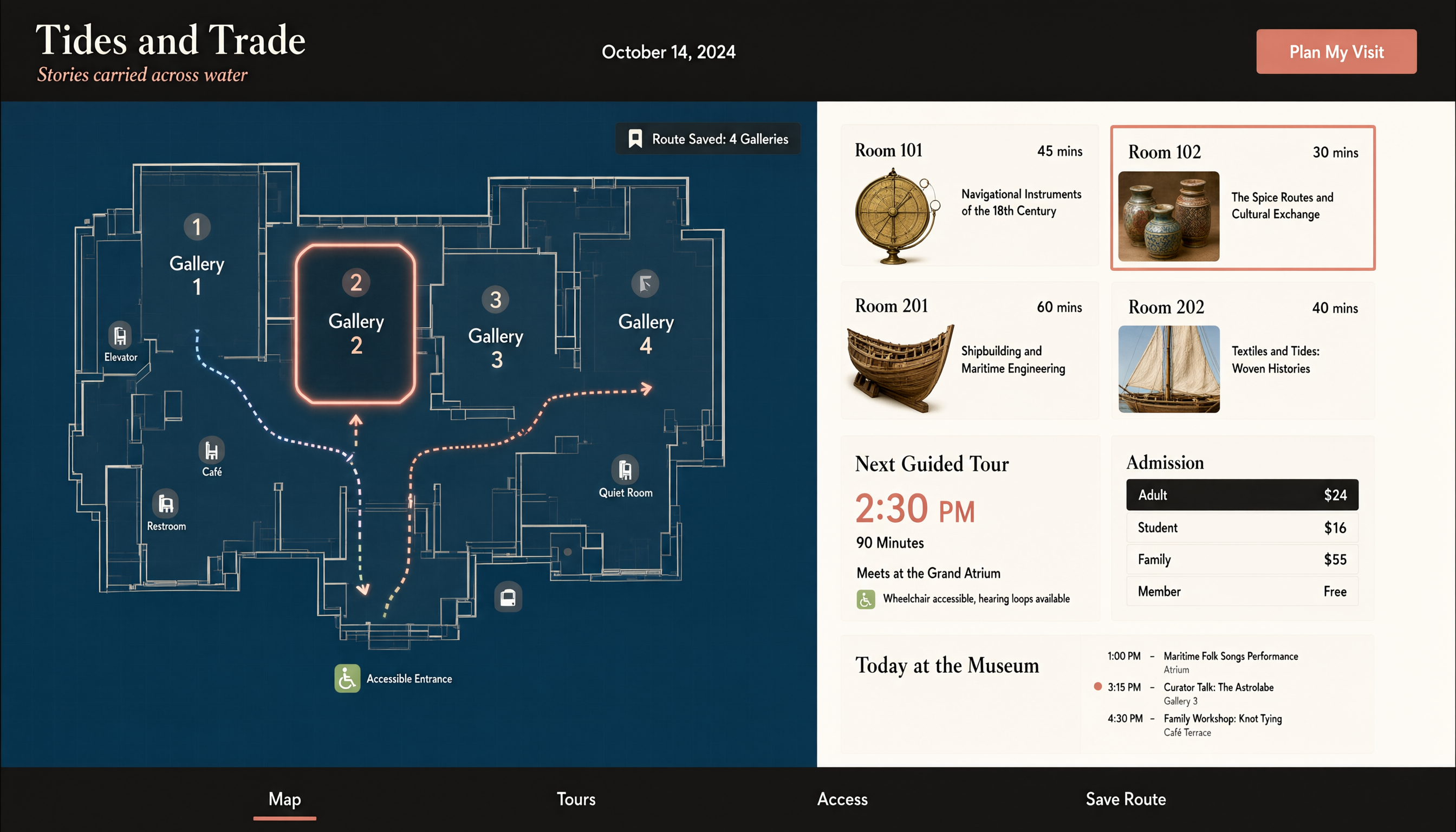
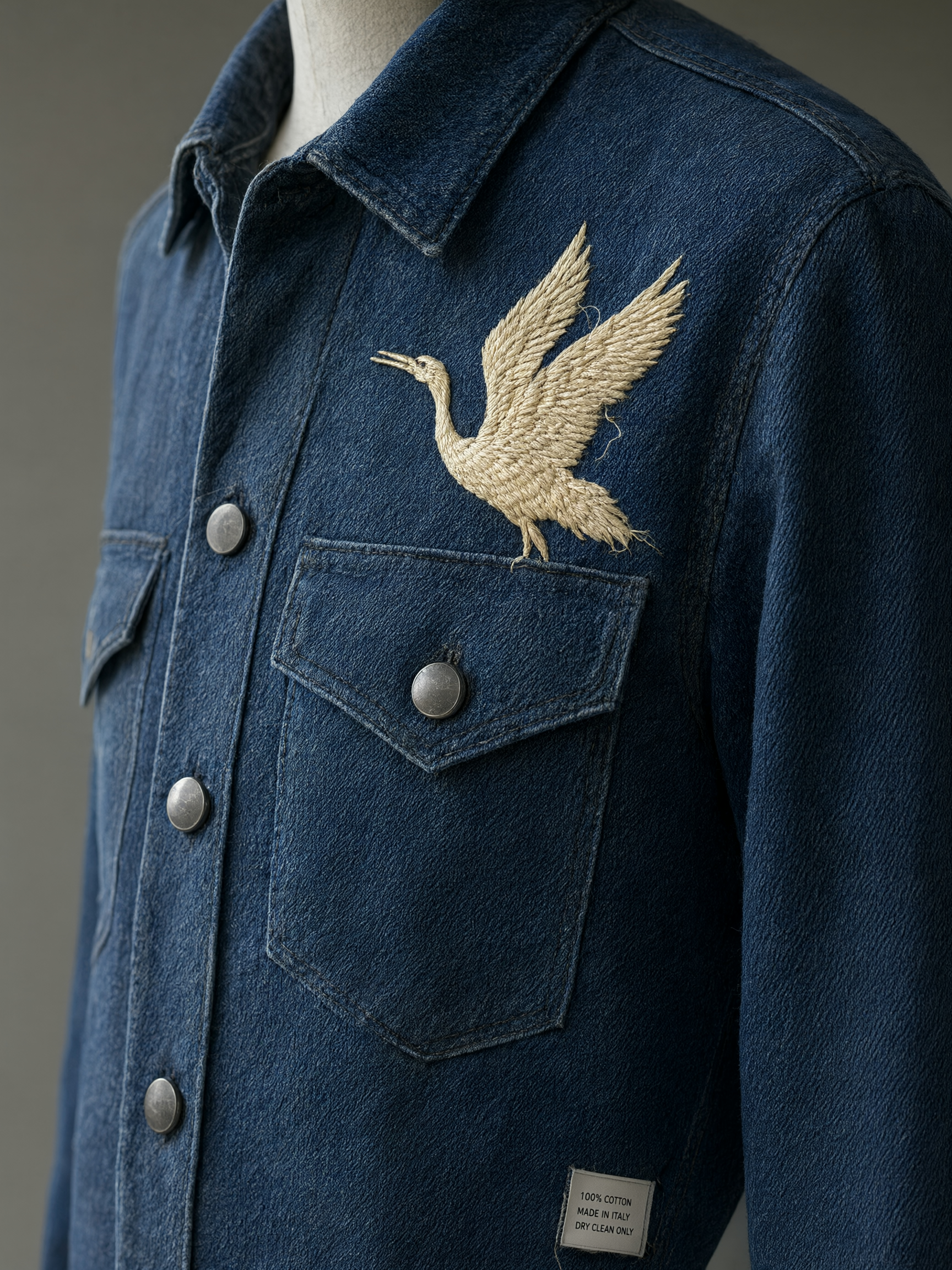
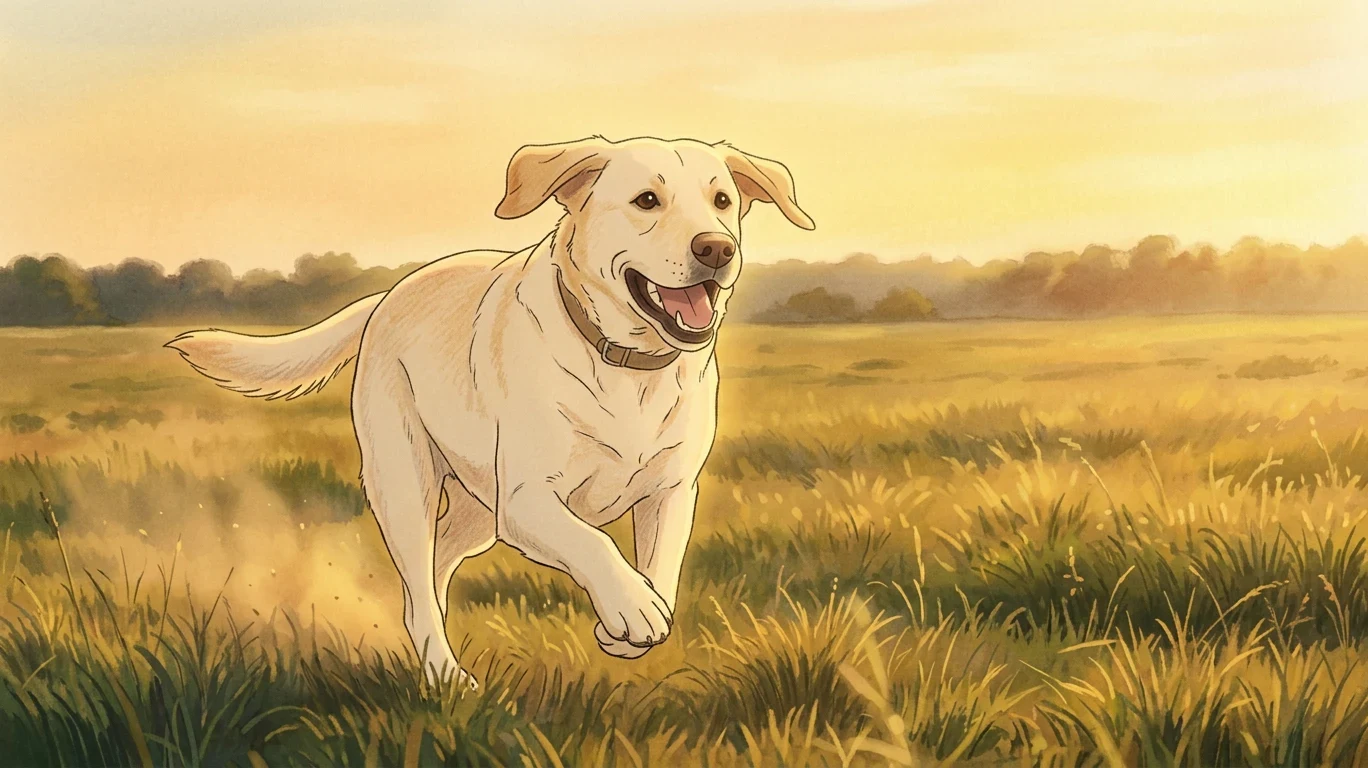
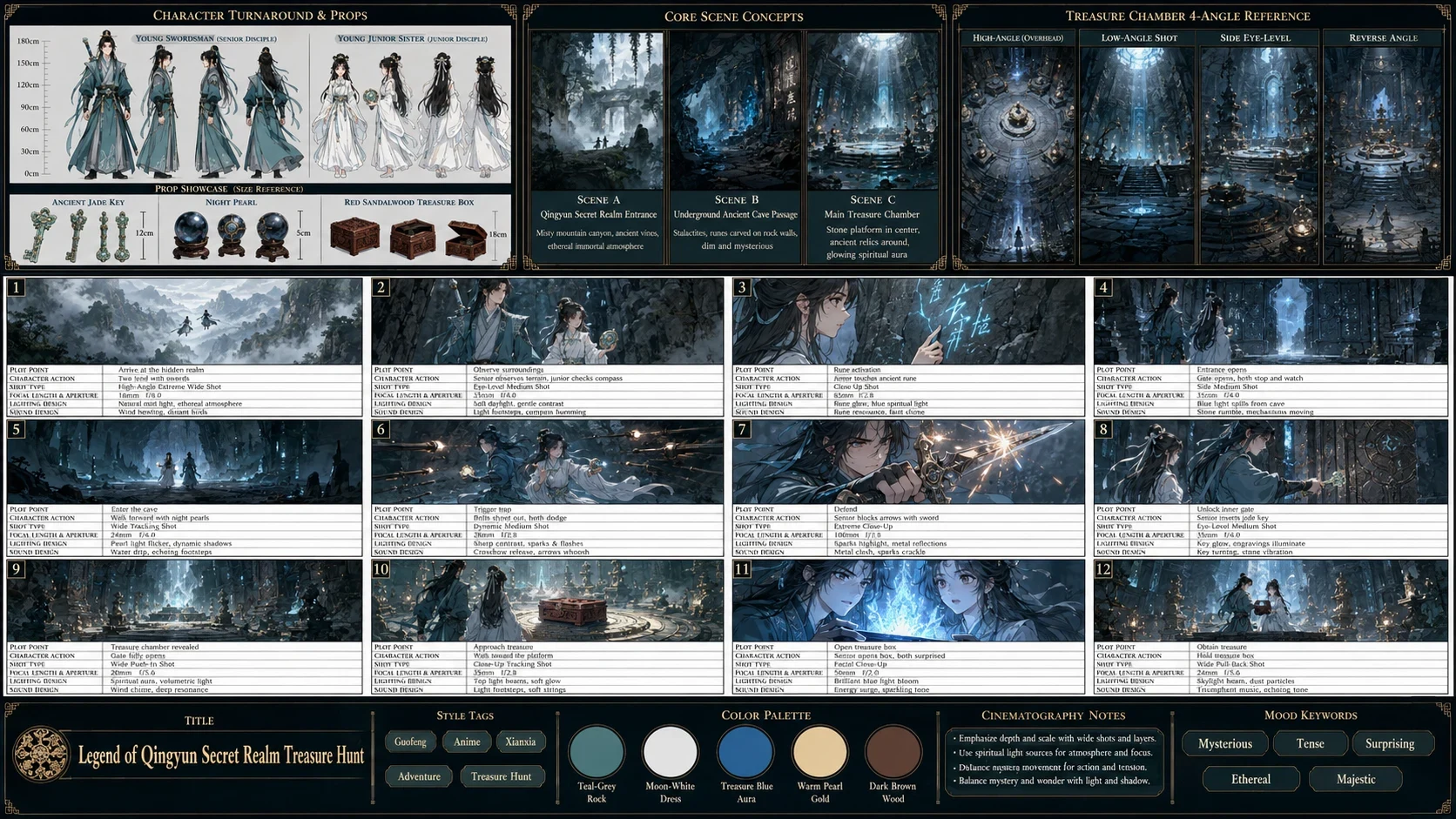
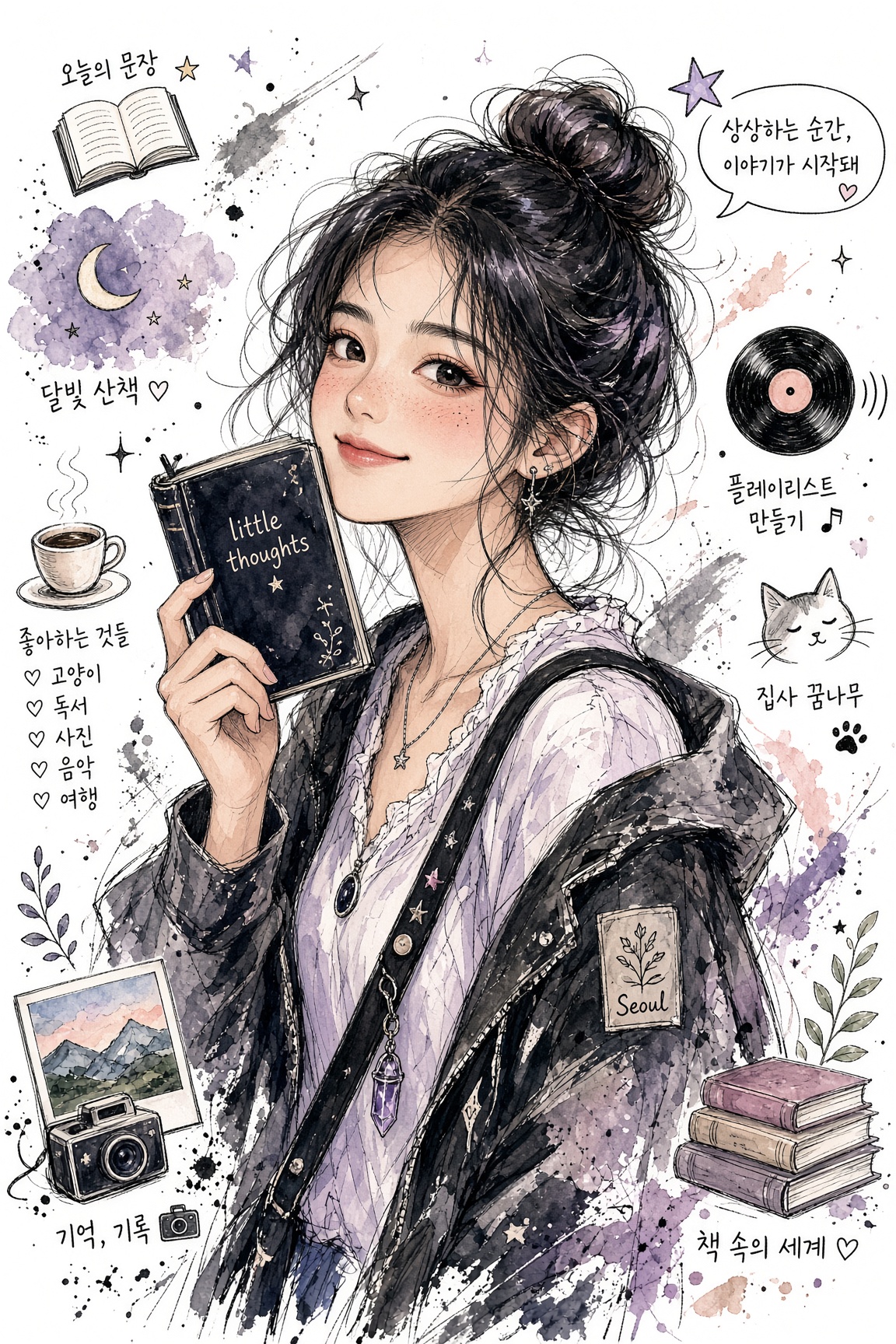
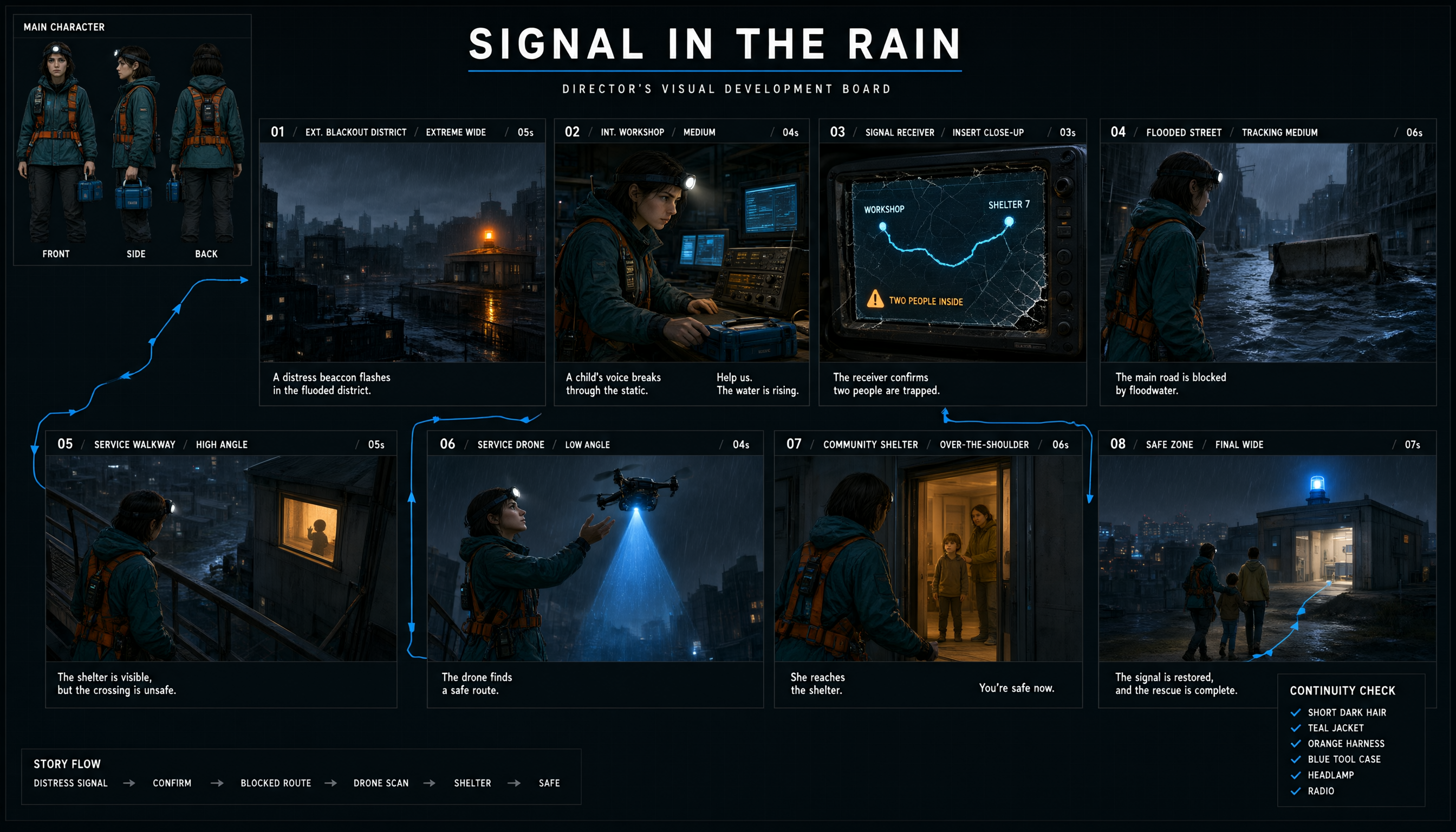
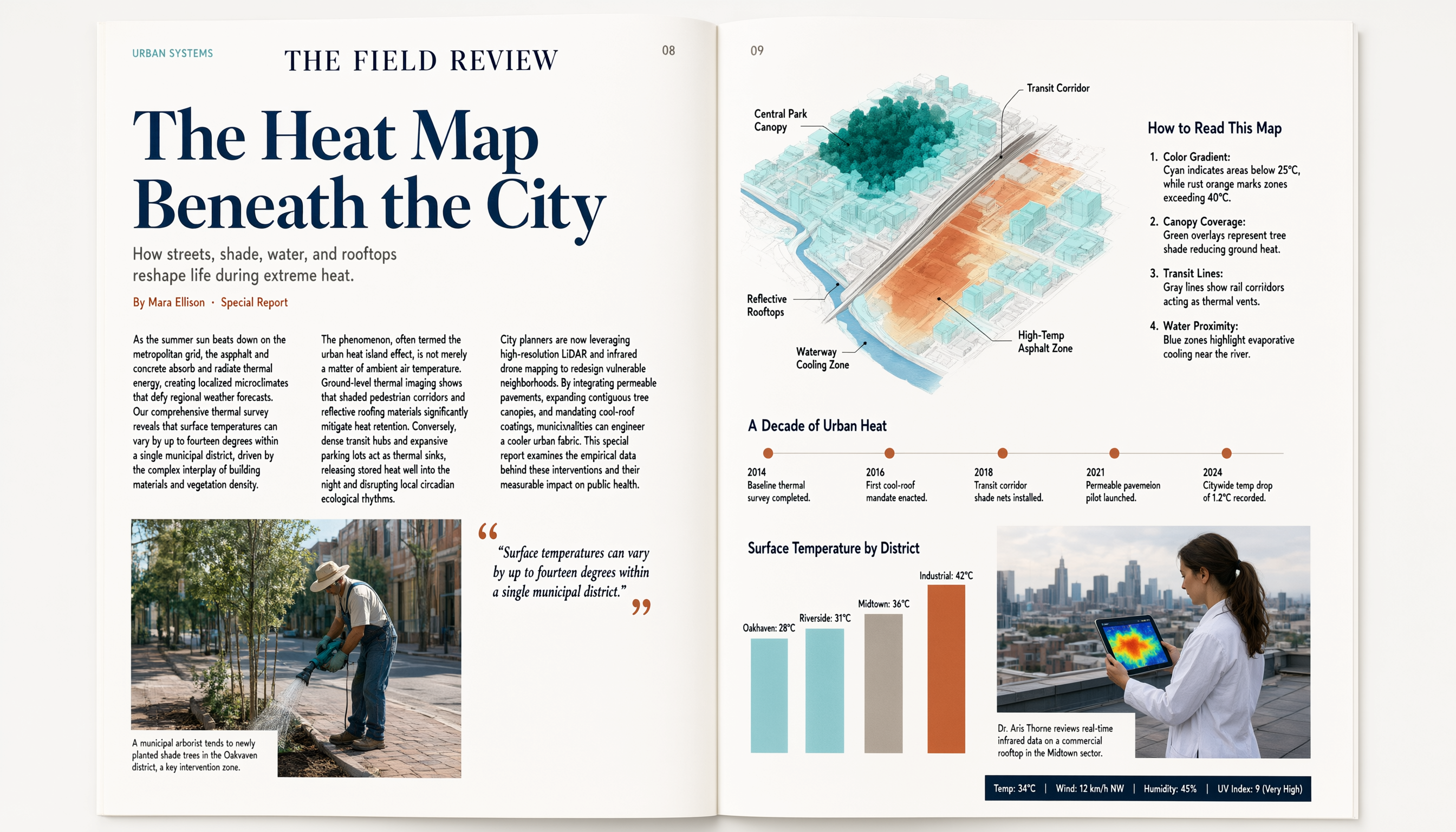
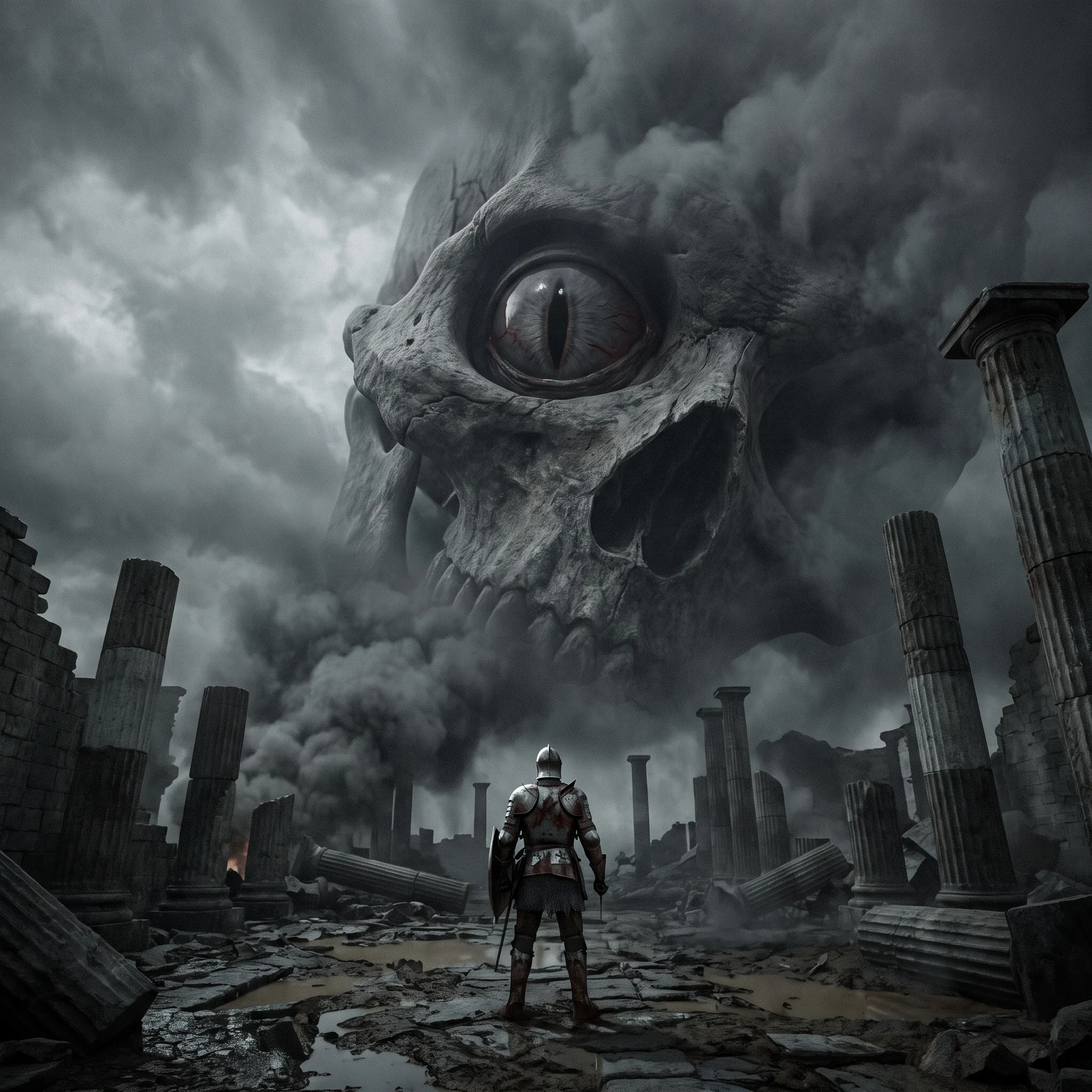
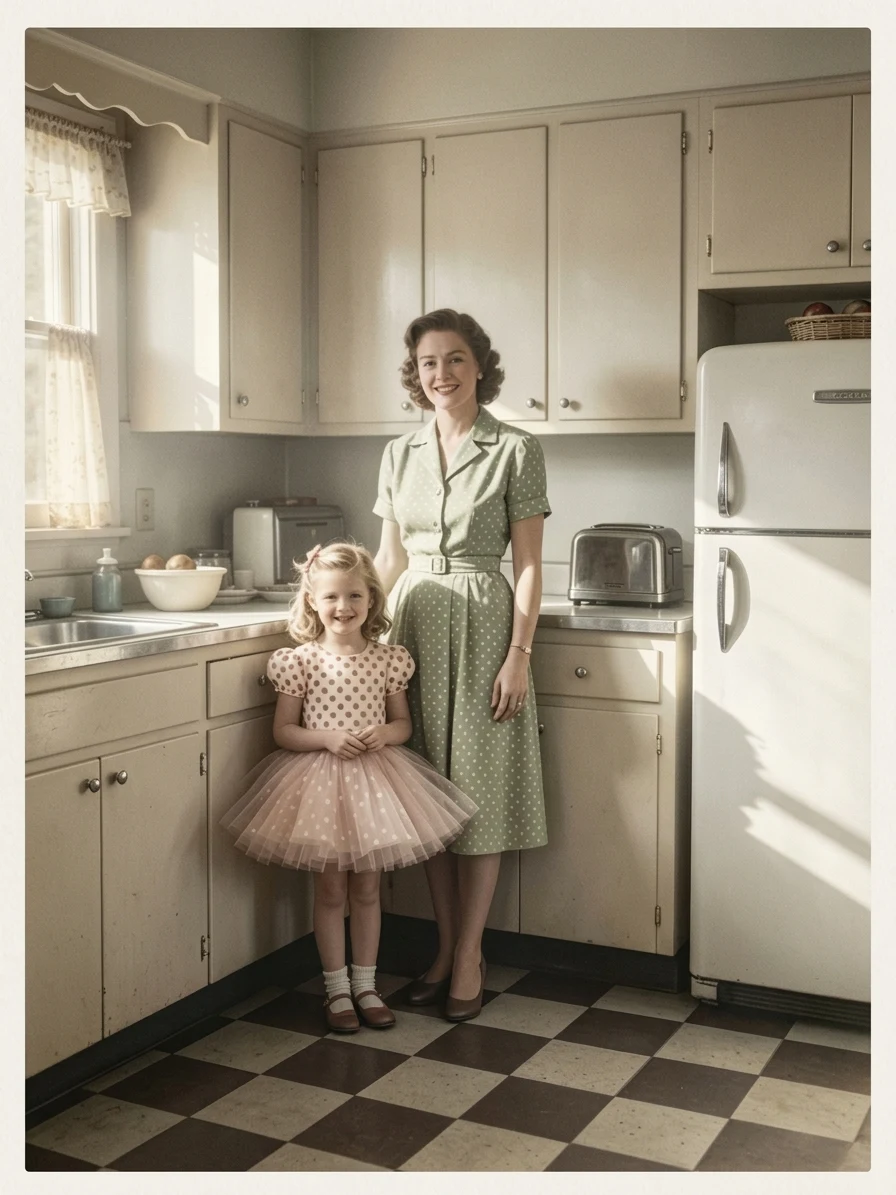
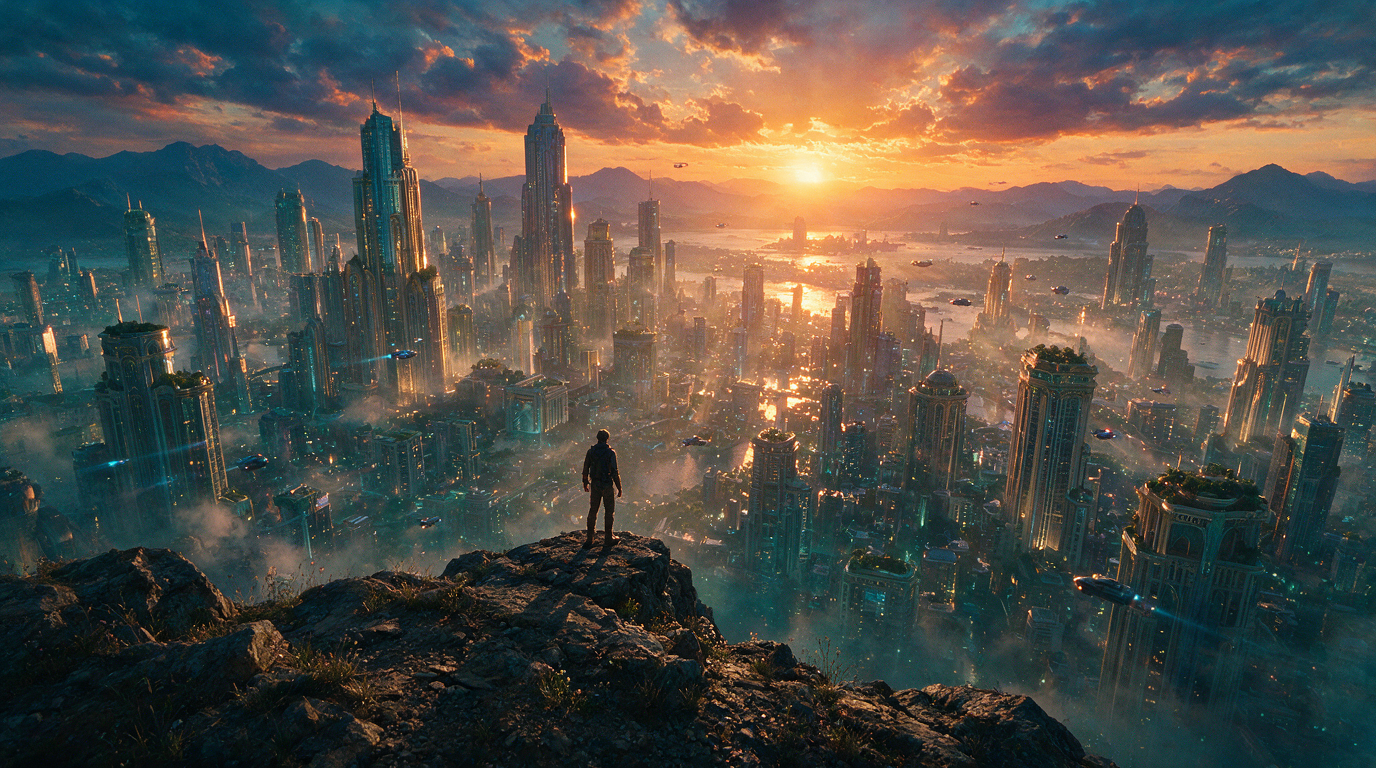
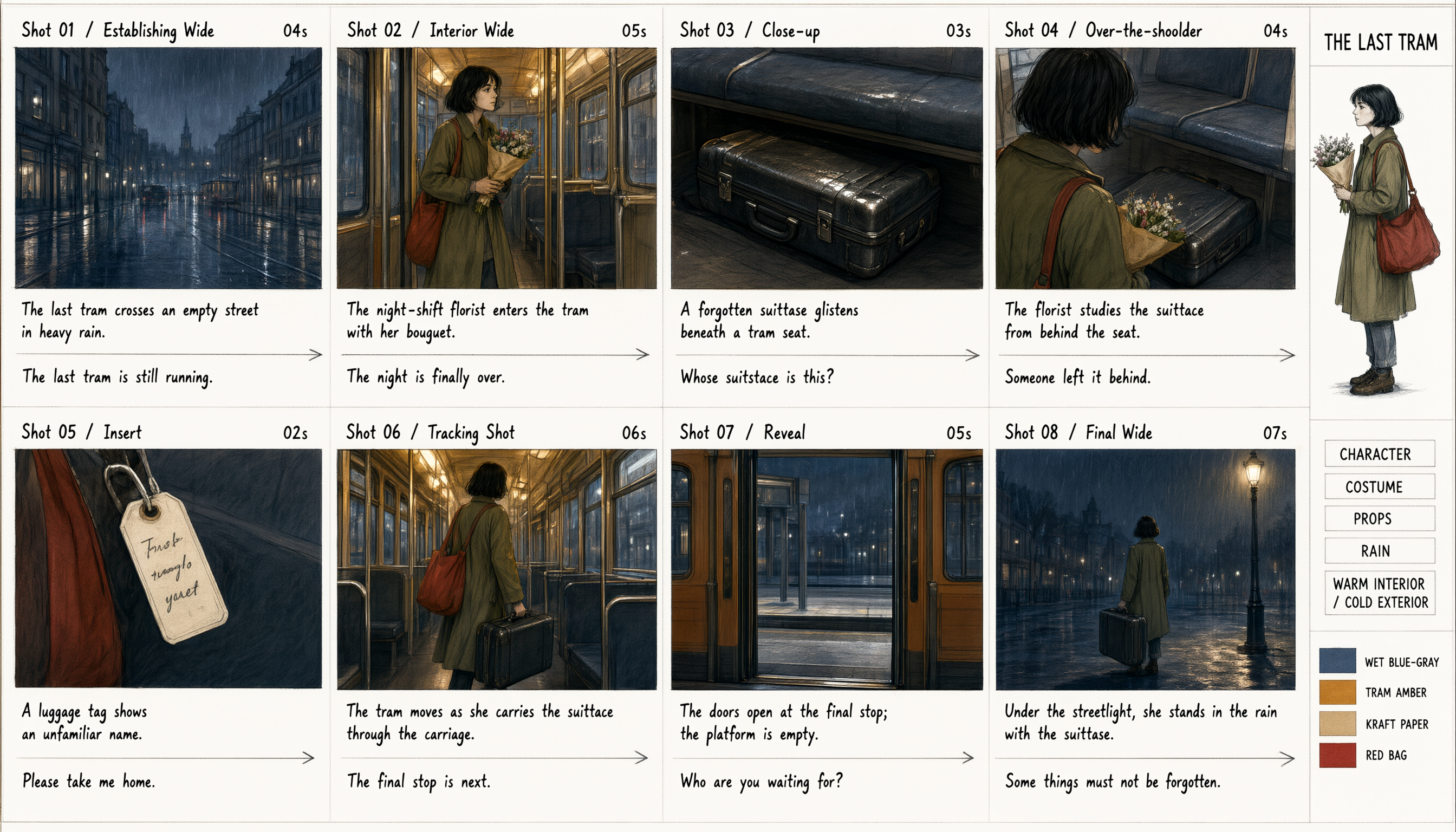
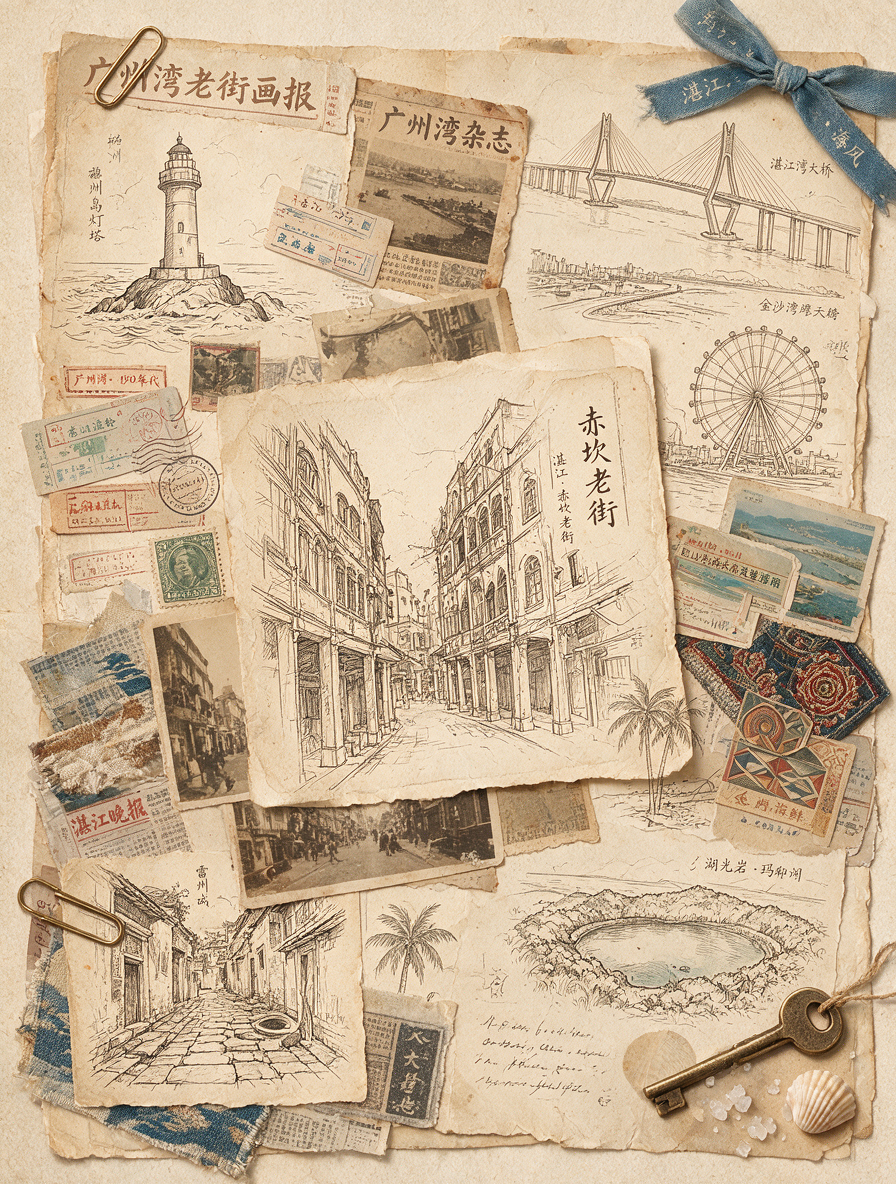
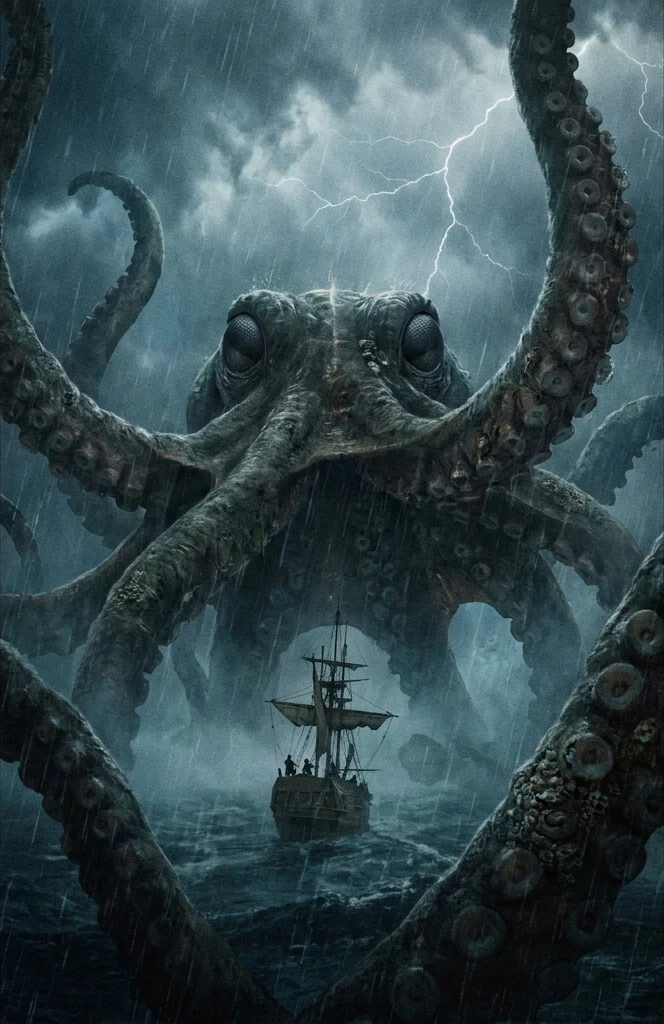
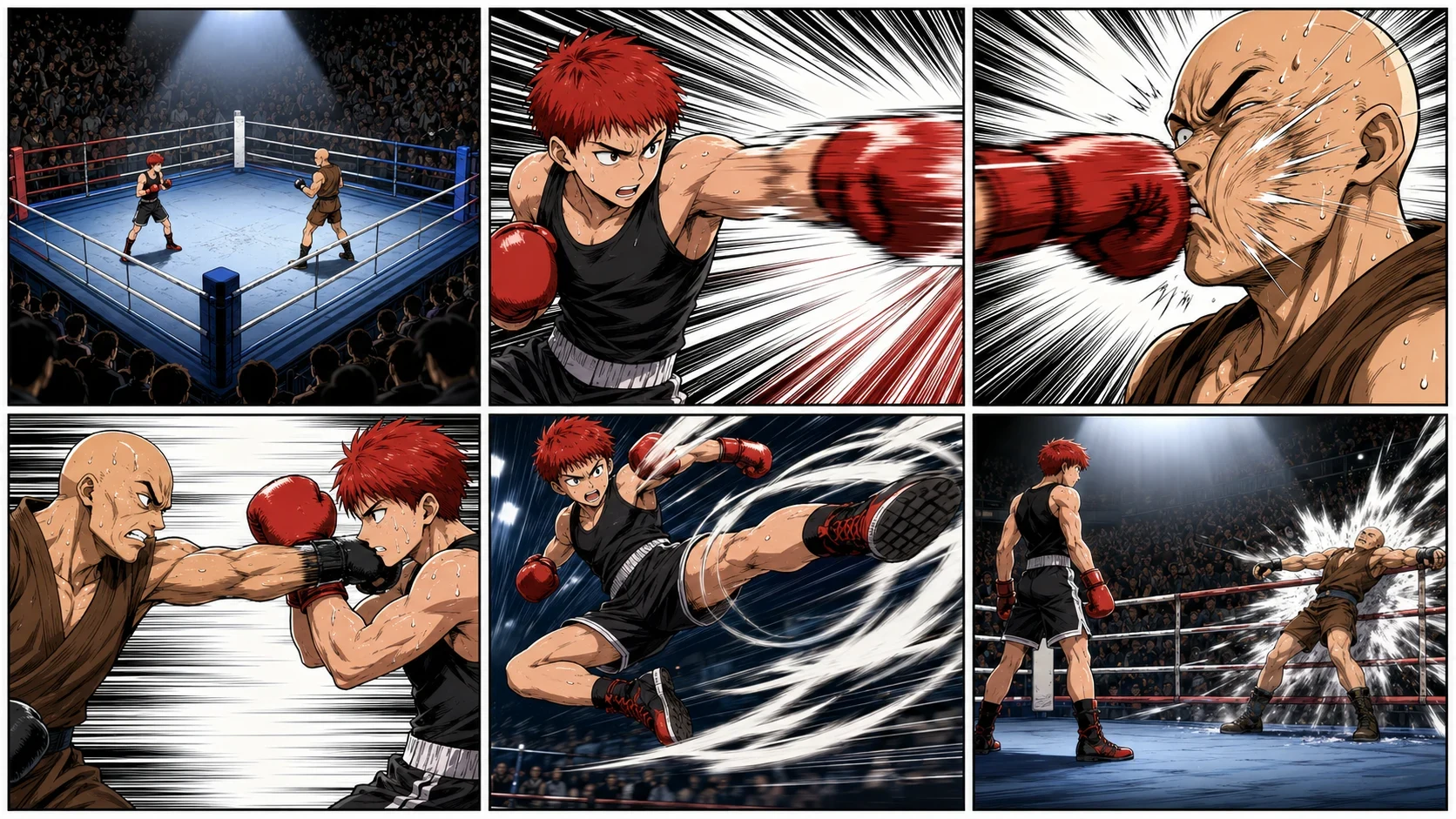
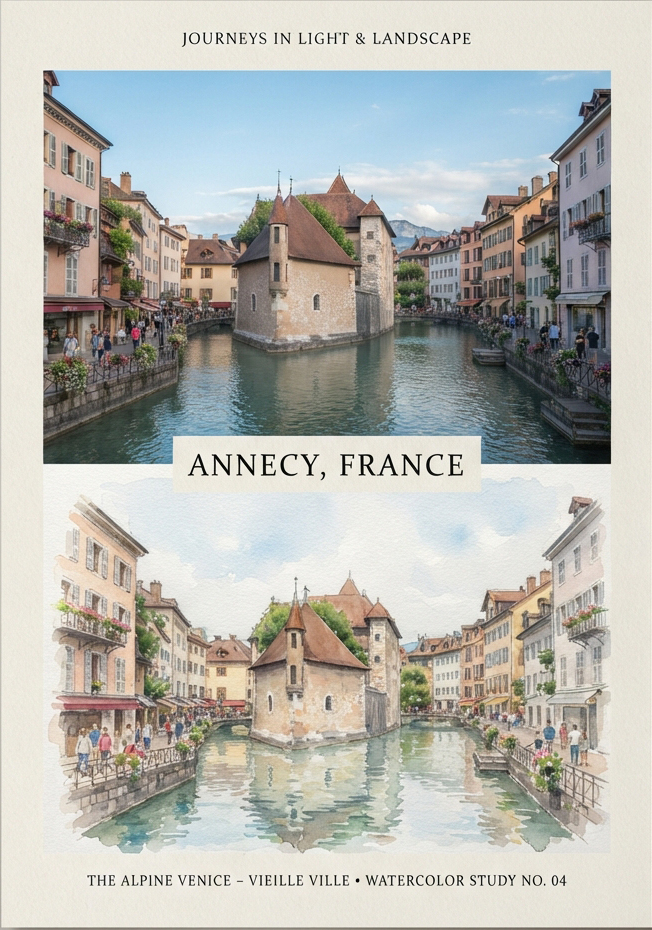
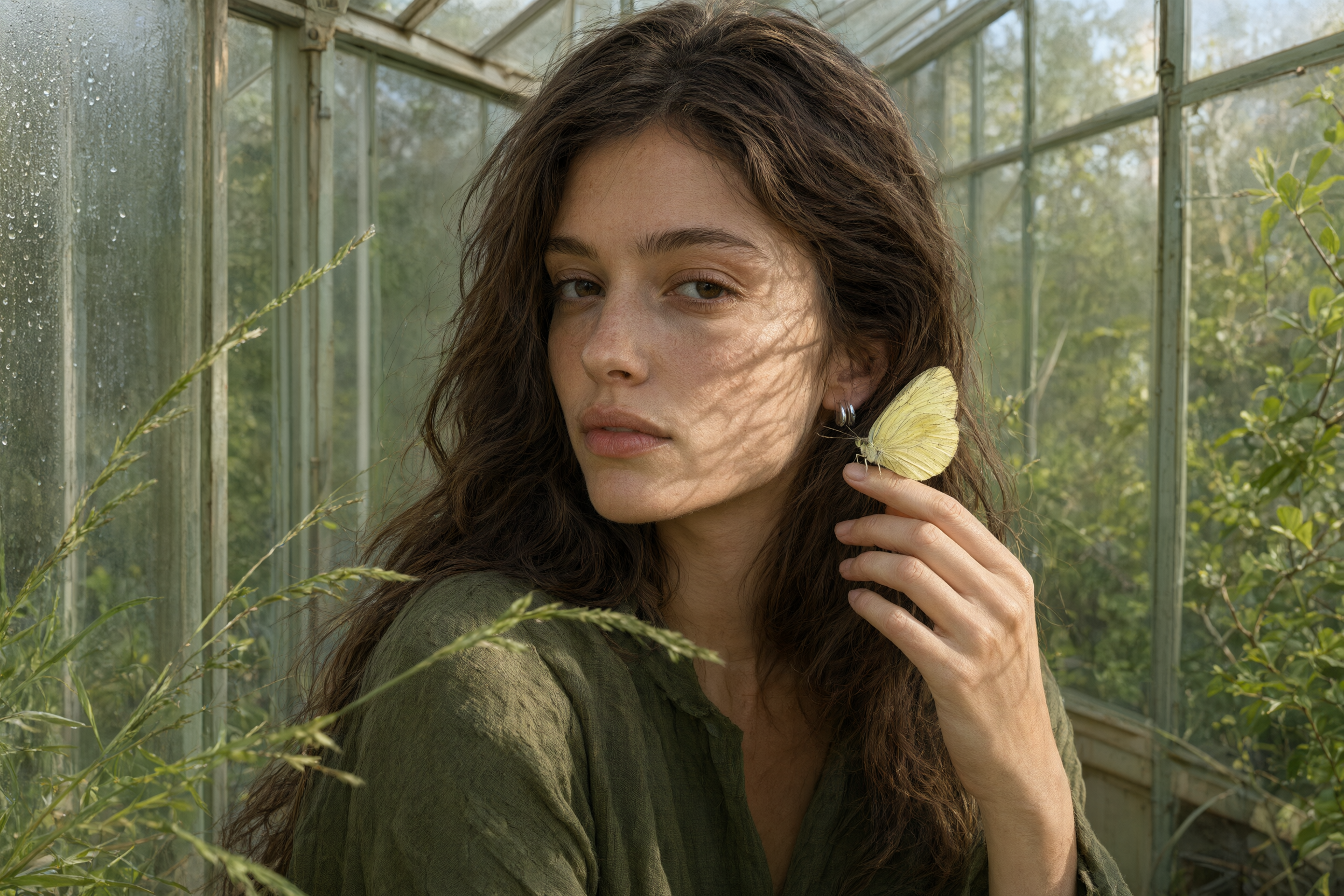
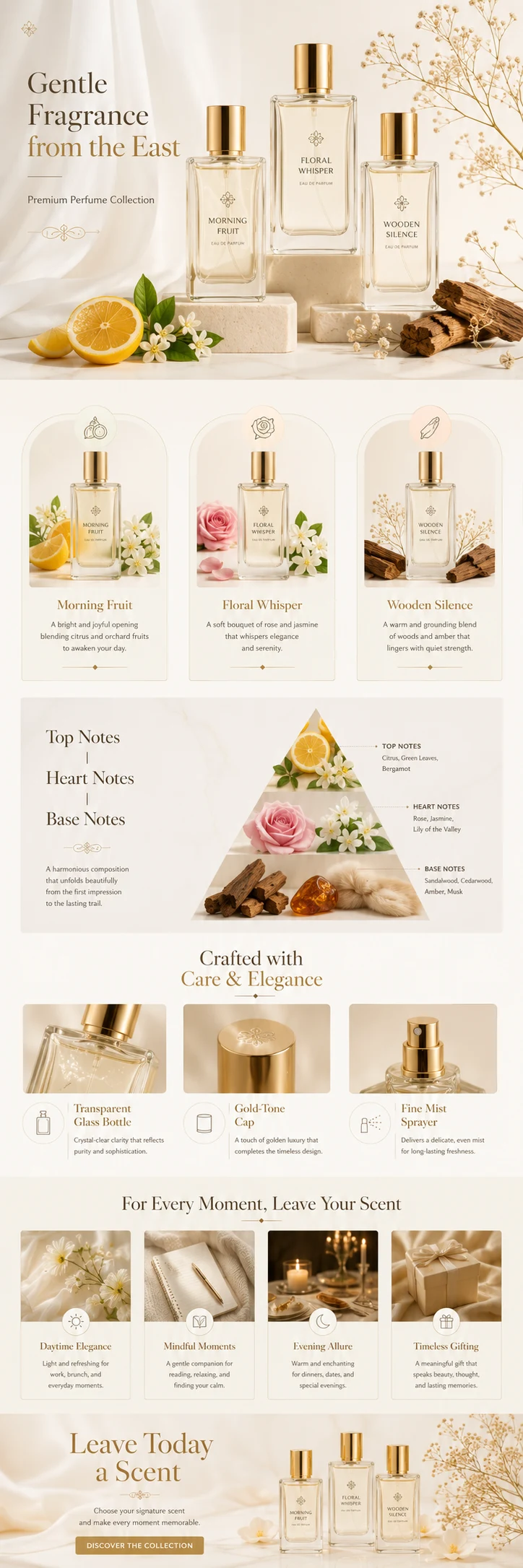
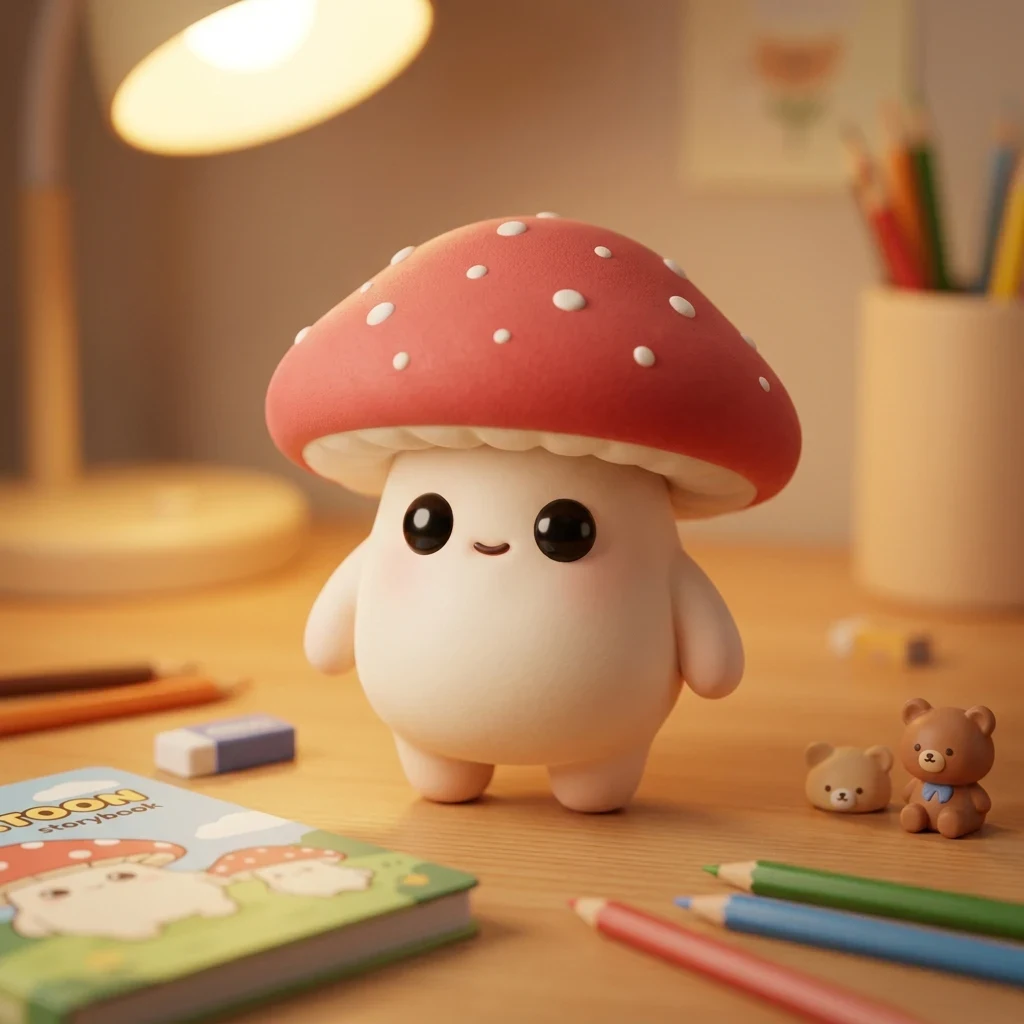
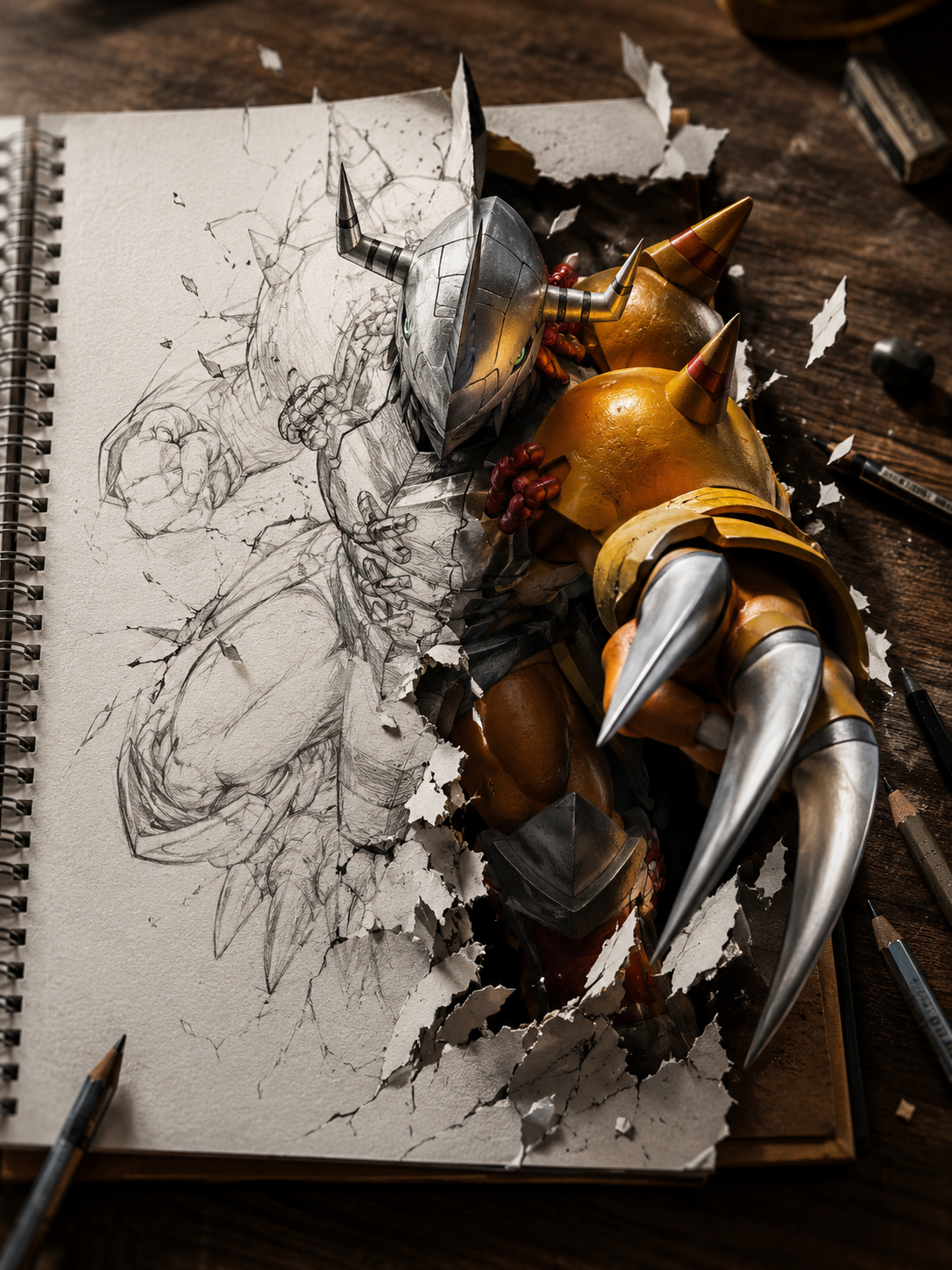
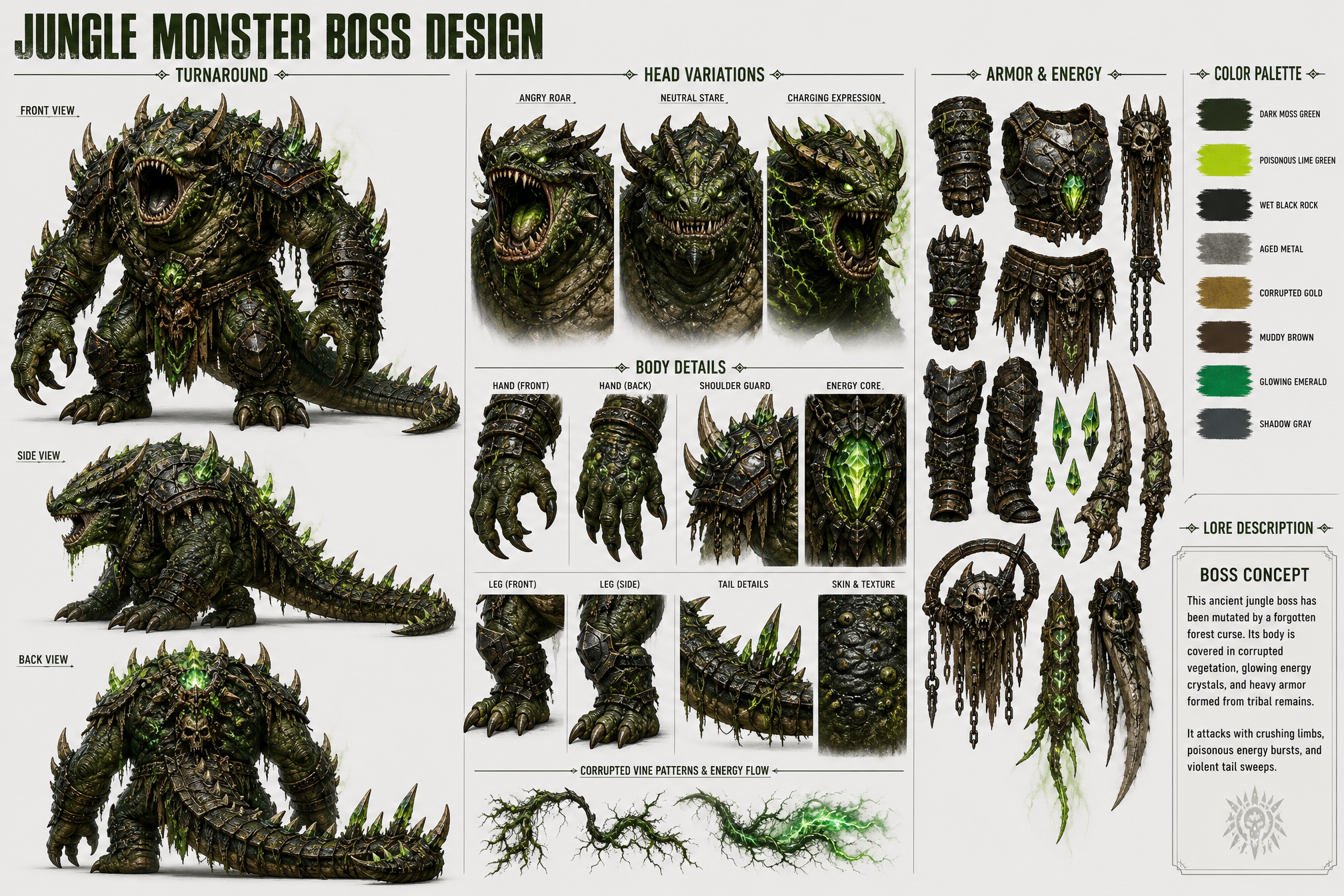
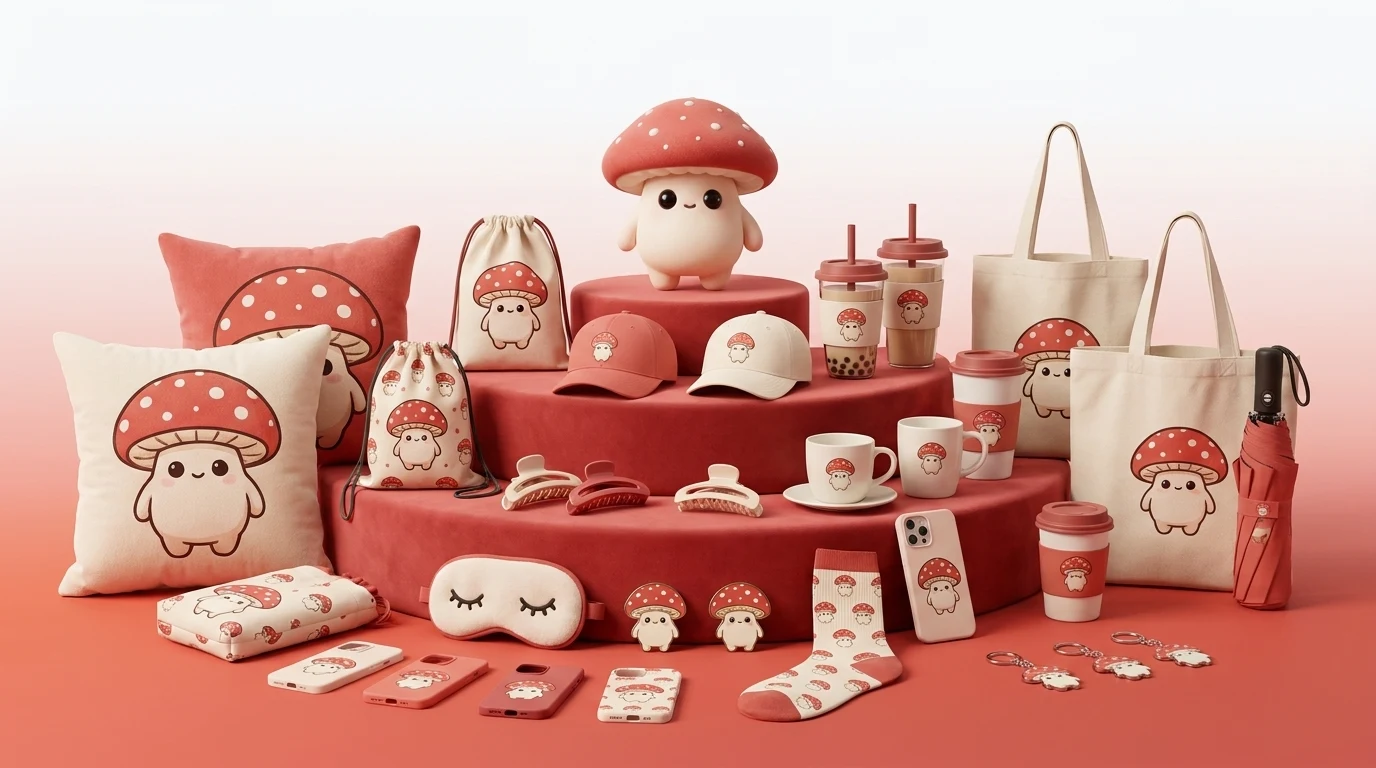
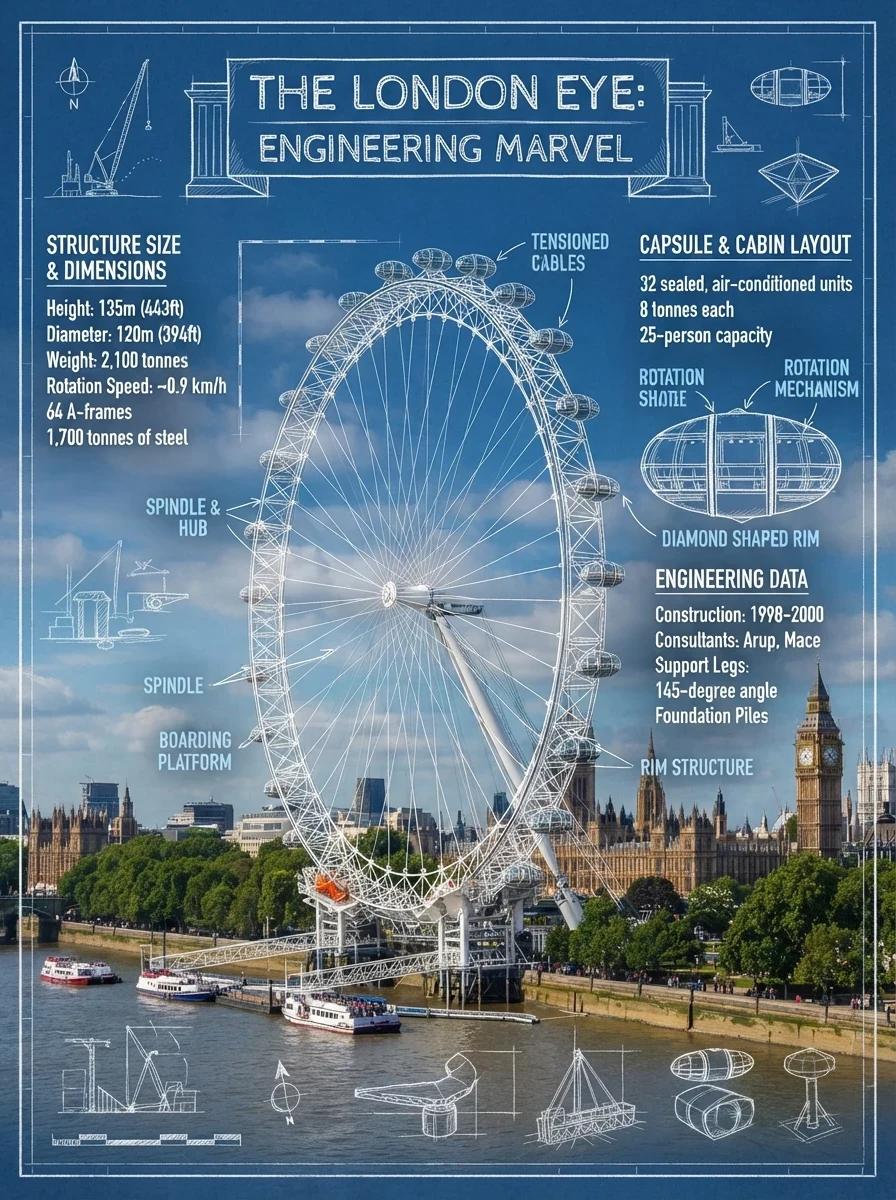
Explore creative directions with Seedream 5 Pro
Move from a rough brief to visual ideas, or use reference images to test a new composition, mood, format, or creative direction.
From creative brief to visual concept
Describe a product scene, campaign idea, poster concept, or social visual in a prompt of up to 5,000 characters. Text-to-image is useful when you want to begin with a blank canvas.
Guide a new direction with references
Use image-to-image to explore transformations from reference images. Upload up to 10 images, then use your prompt to steer the new composition, visual mood, or content direction.
Adapt ideas for each channel
Choose from eight supported aspect ratios for square posts, portrait visuals, wide banners, and cinematic layouts. Select Basic (1K) or High (2K) quality and PNG or JPEG output before generating.
Version notes
Seedream 5 Lite vs Seedream 5 Pro
A planning comparison for choosing a creation workflow. Confirm final availability and limits in the product you use.
Swipe horizontally to compare Lite and Pro.
| Capability | Seedream 5 Lite | Seedream 5 Pro |
|---|---|---|
Position | Personal, fast, lightweight creation | Enterprise-scale commercial production |
Reference image limit | 3 images | 10 images |
Layer editing | Not supported | Independent layer separation |
Complex text layout | May require additional correction | Designed for multi-line text layouts |
Maximum output | 1K output | 2K output |
Commercial batch workflow | Personal and lightweight workflows | High-volume API workflow |
Creative workflows
Explore visual ideas across your workflow
Use these starting points to create drafts, evaluate directions, and refine the work that best fits your project.

Cross-border e-commerce
Explore product scenes, promotional banners, listing graphics, and alternate SKU visual directions from a brief or reference images.
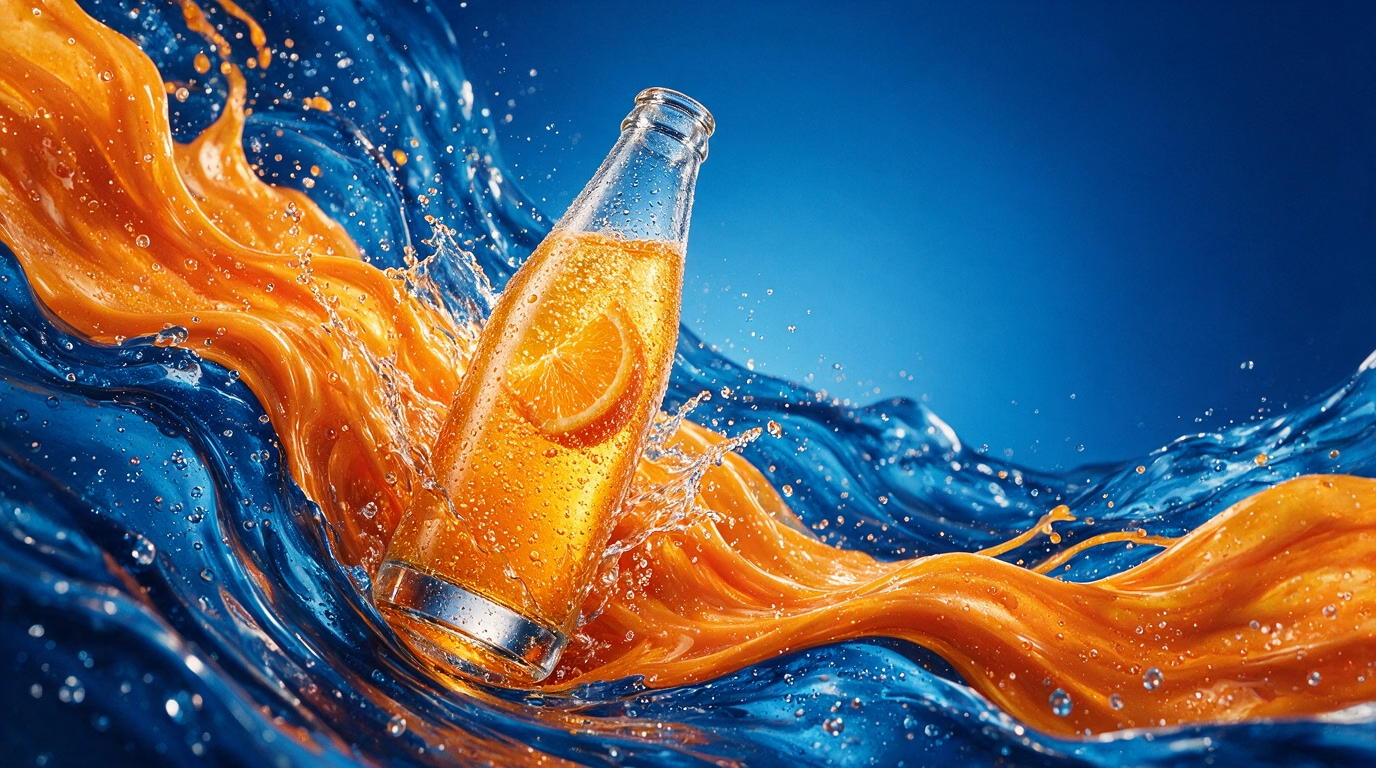
Brand marketing
Develop social ads, campaign concepts, poster drafts, and visual directions for a new marketing brief.
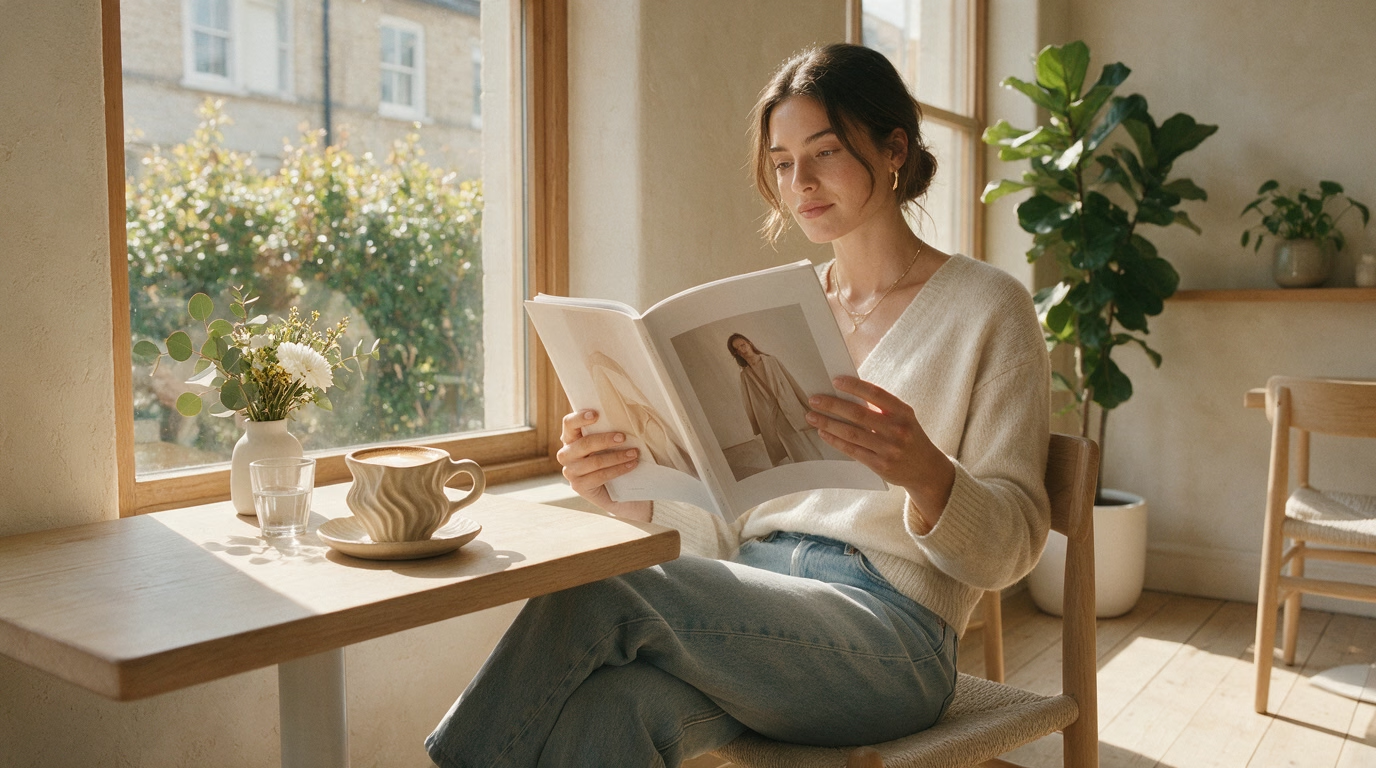
Social and editorial content
Try square, portrait, and wide compositions for social posts, editorial ideas, and presentation visuals before final production.
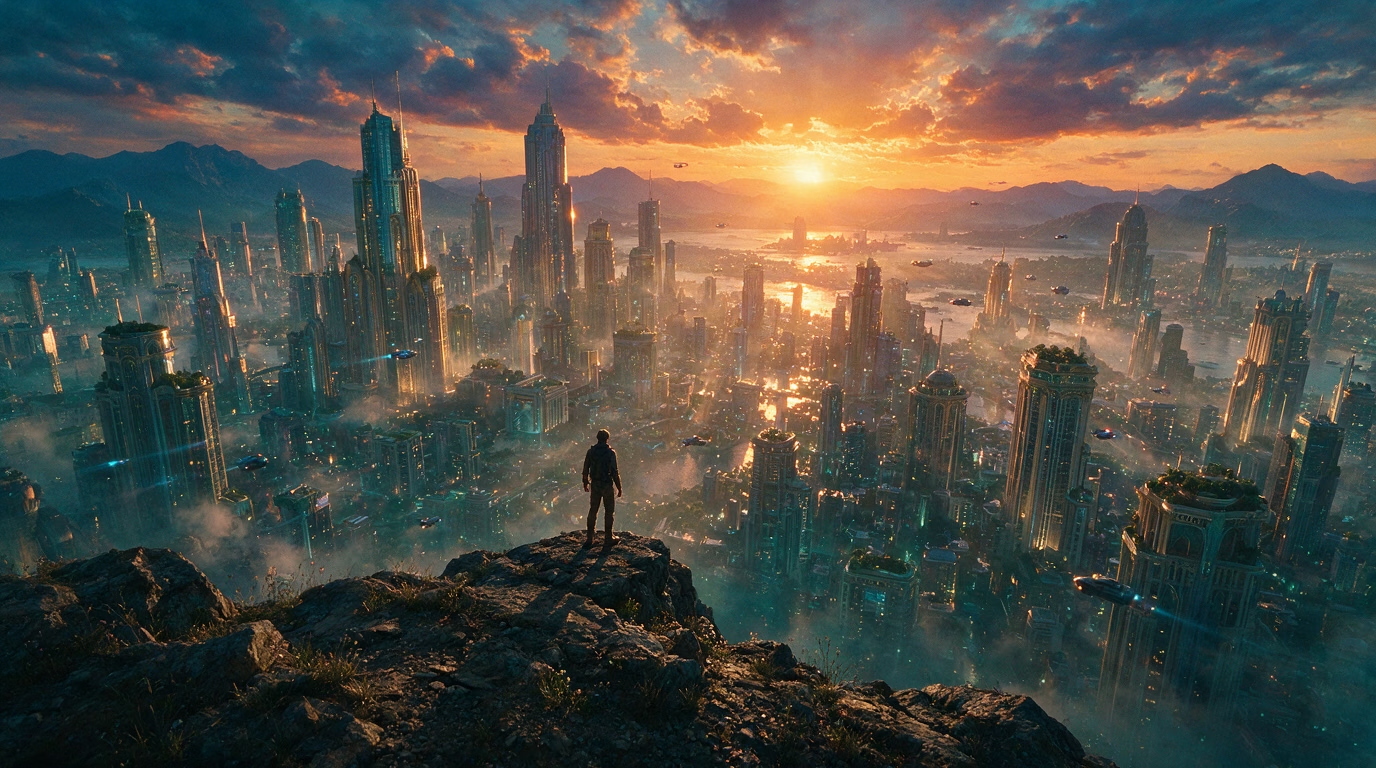
Film and game concepts
Use prompts and reference images to explore early scene directions, mood references, character concepts, and storyboard ideas.