Nano Banana2-lite
Create high-quality AI images in seconds with Nano Banana 2 Lite—fast, affordable, and built for everyday image generation.
Advanced
Powering the best teams
What is Nano Banana 2 Lite?
Nano Banana 2 Lite is the high-throughput image generation model for teams that need to create, test, and scale visual content at volume. Its cost is one-third that of Nano Banana 2, helping your creative pipeline move efficiently at scale.
Built for High-Volume Creation
Run large batches for product catalogs, ad variants, social content, and creative experiments—without slowing down your workflow.
Generate in Seconds
Create a 1K image in about 4 seconds, enabling faster iteration from idea to usable visual asset.
Lower Cost per Experiment
At just one-third the cost of Nano Banana 2, test more creative directions, produce more variants, and keep large-scale generation budgets predictable.
Traceable AI Content
Every generated image includes SynthID provenance data, helping teams manage AI-content disclosure, compliance, and content traceability.
Explore AI-Generated Images and Creative Ideas
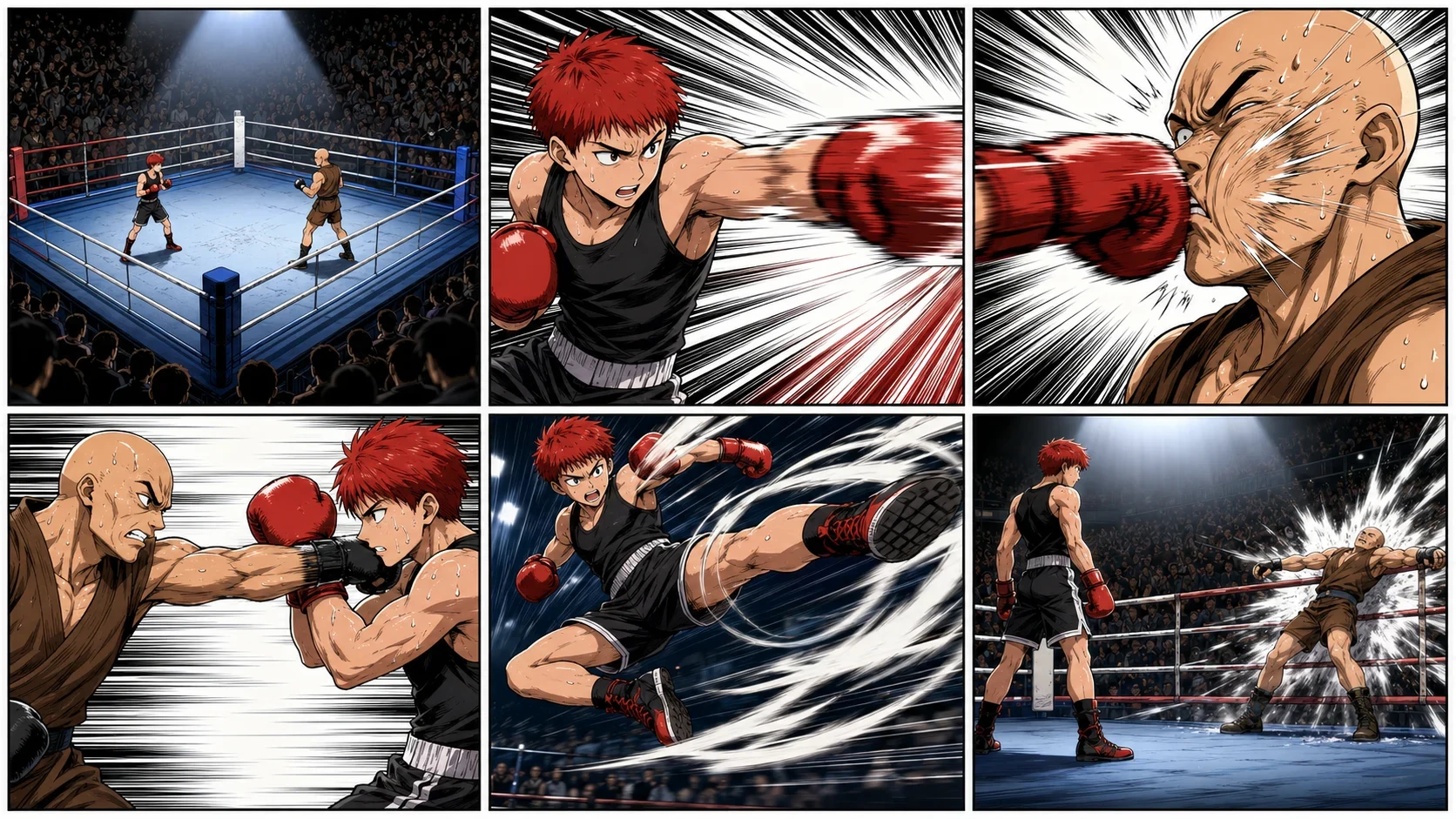
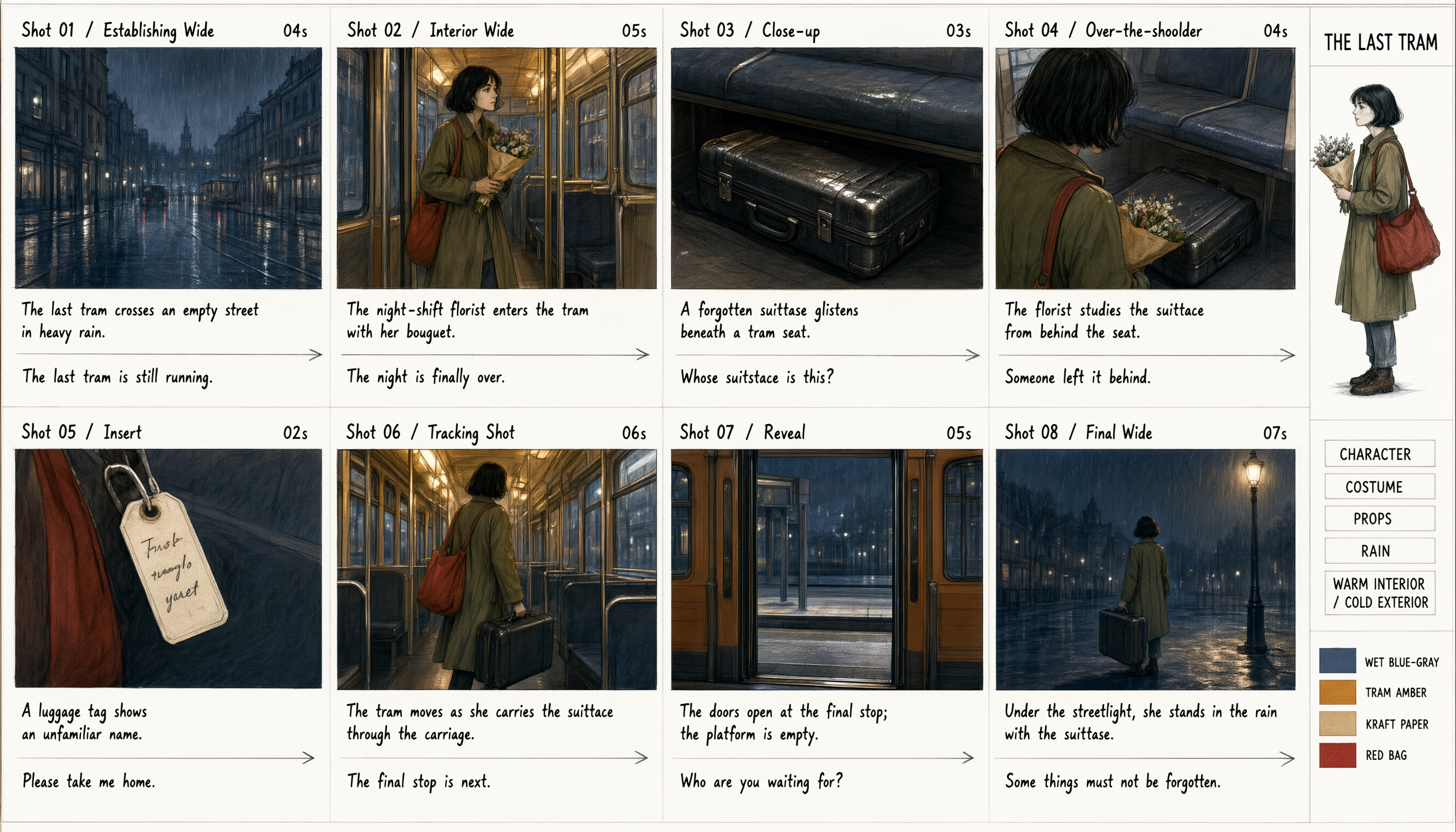
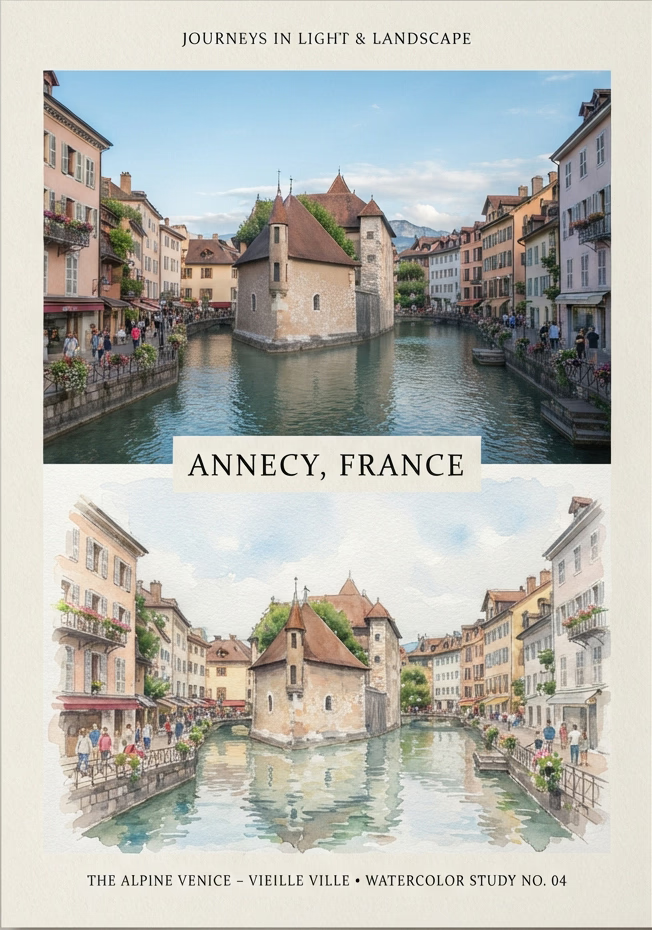
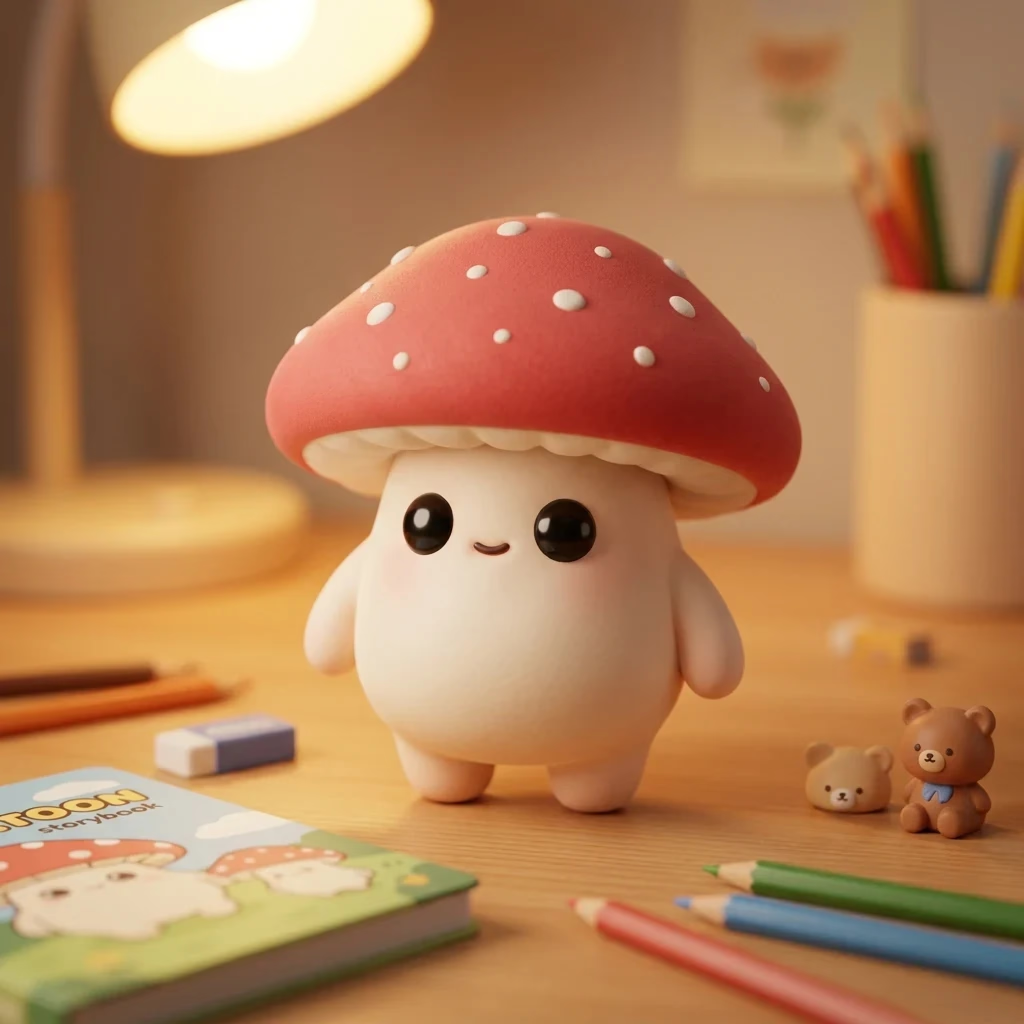
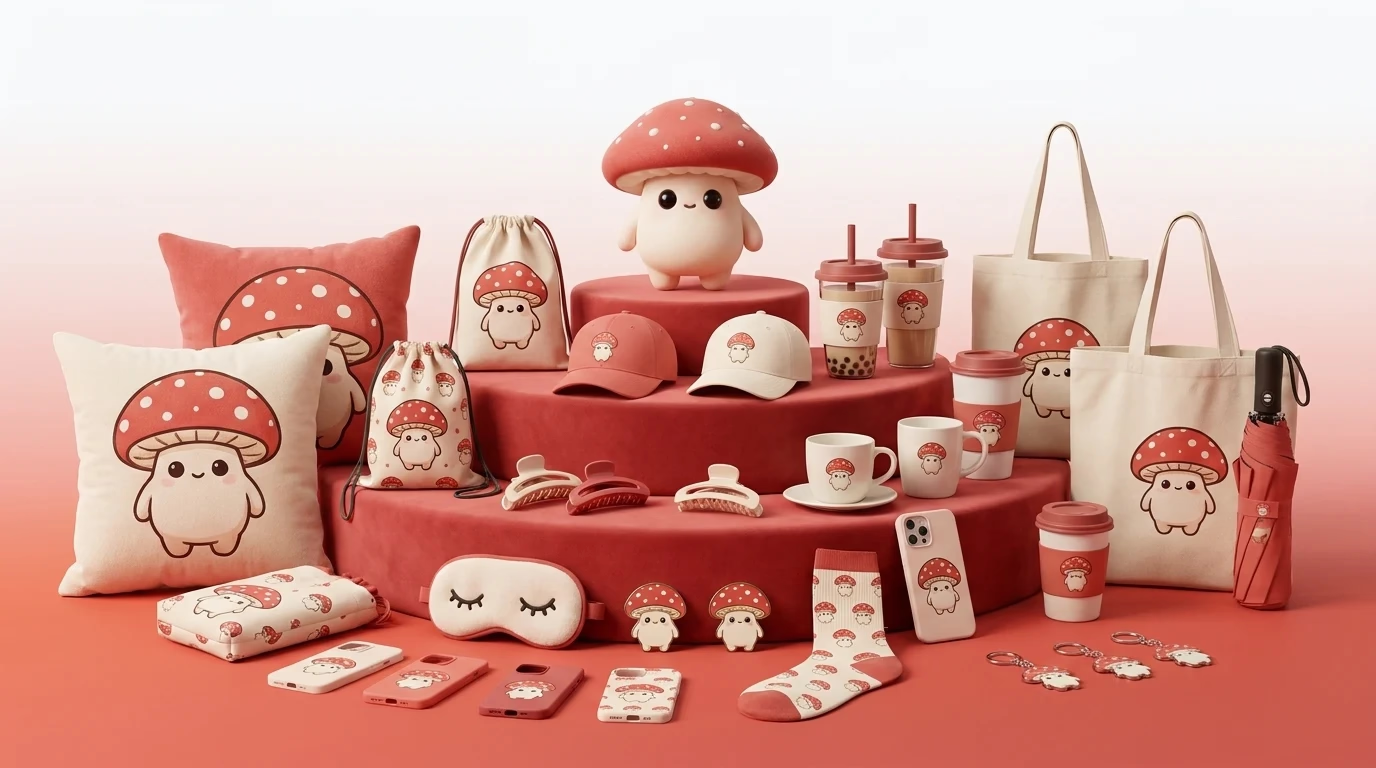
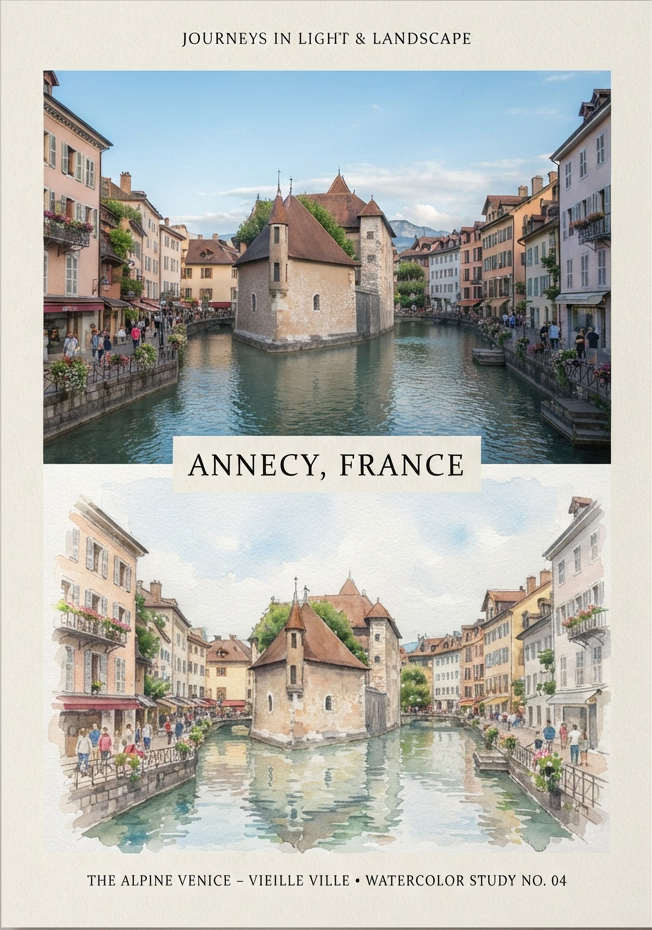
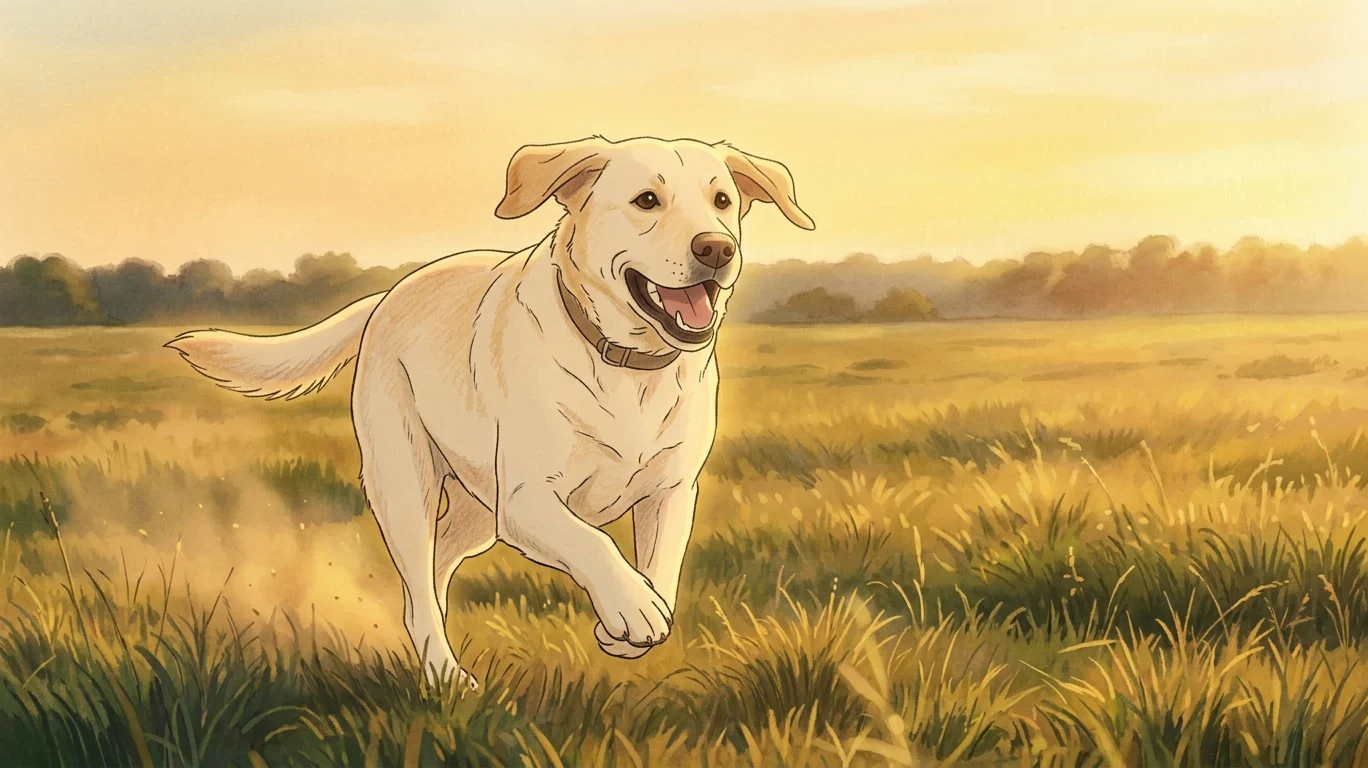
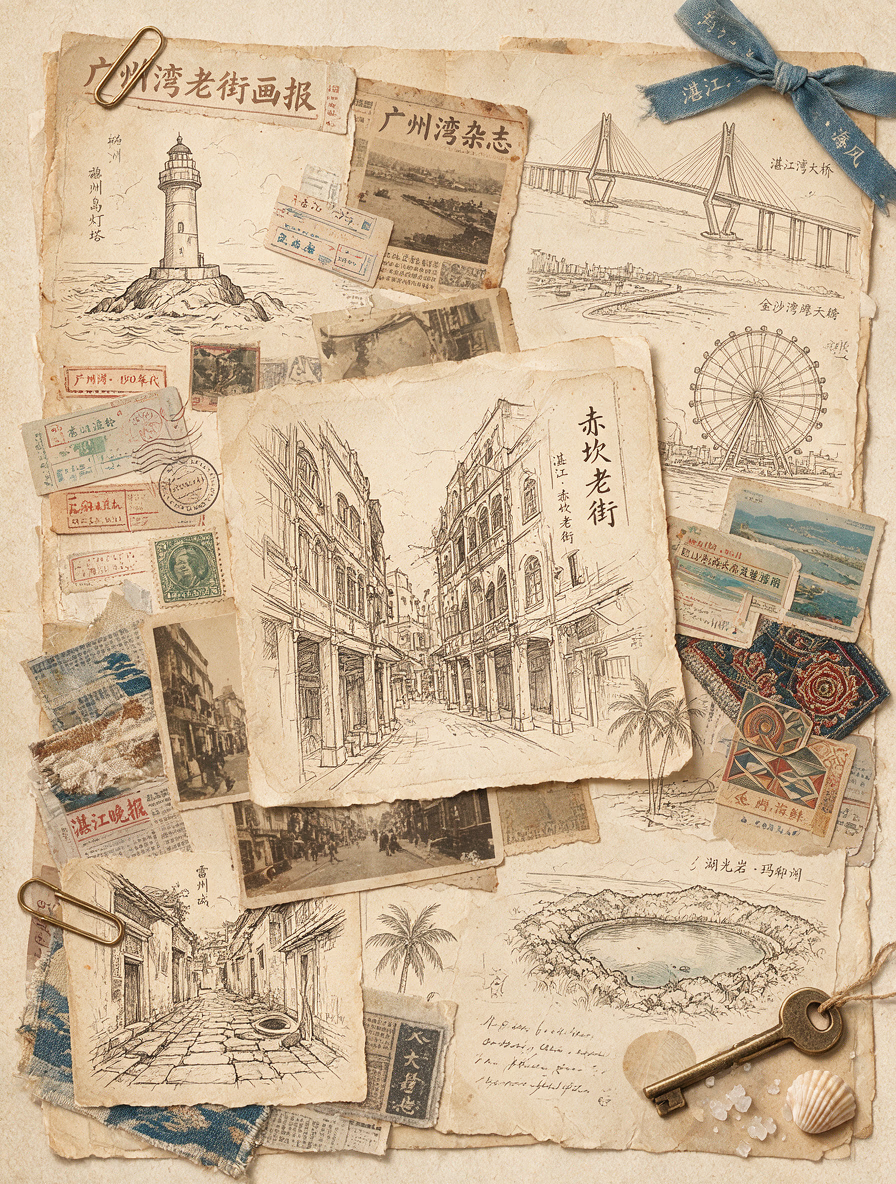
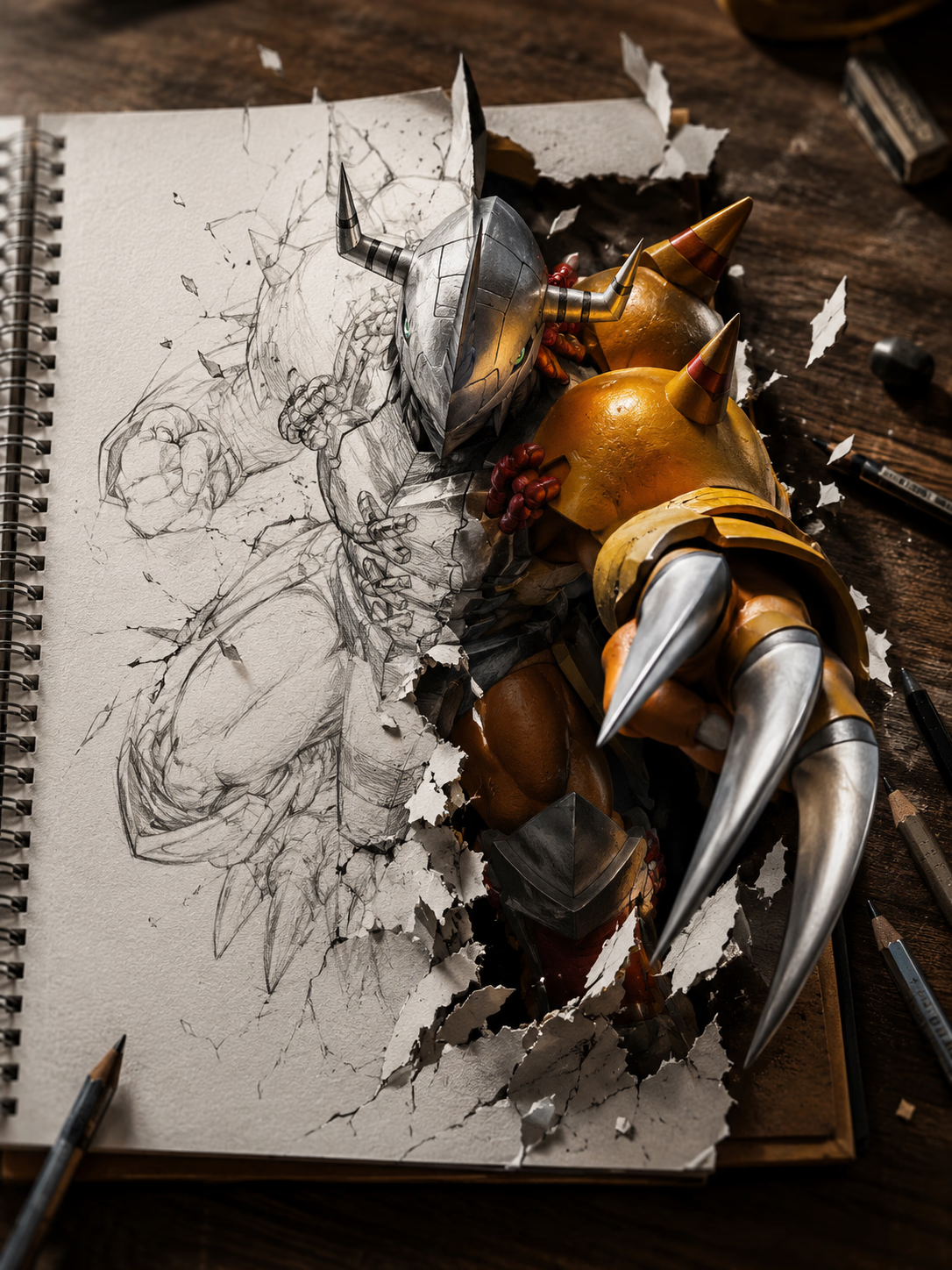
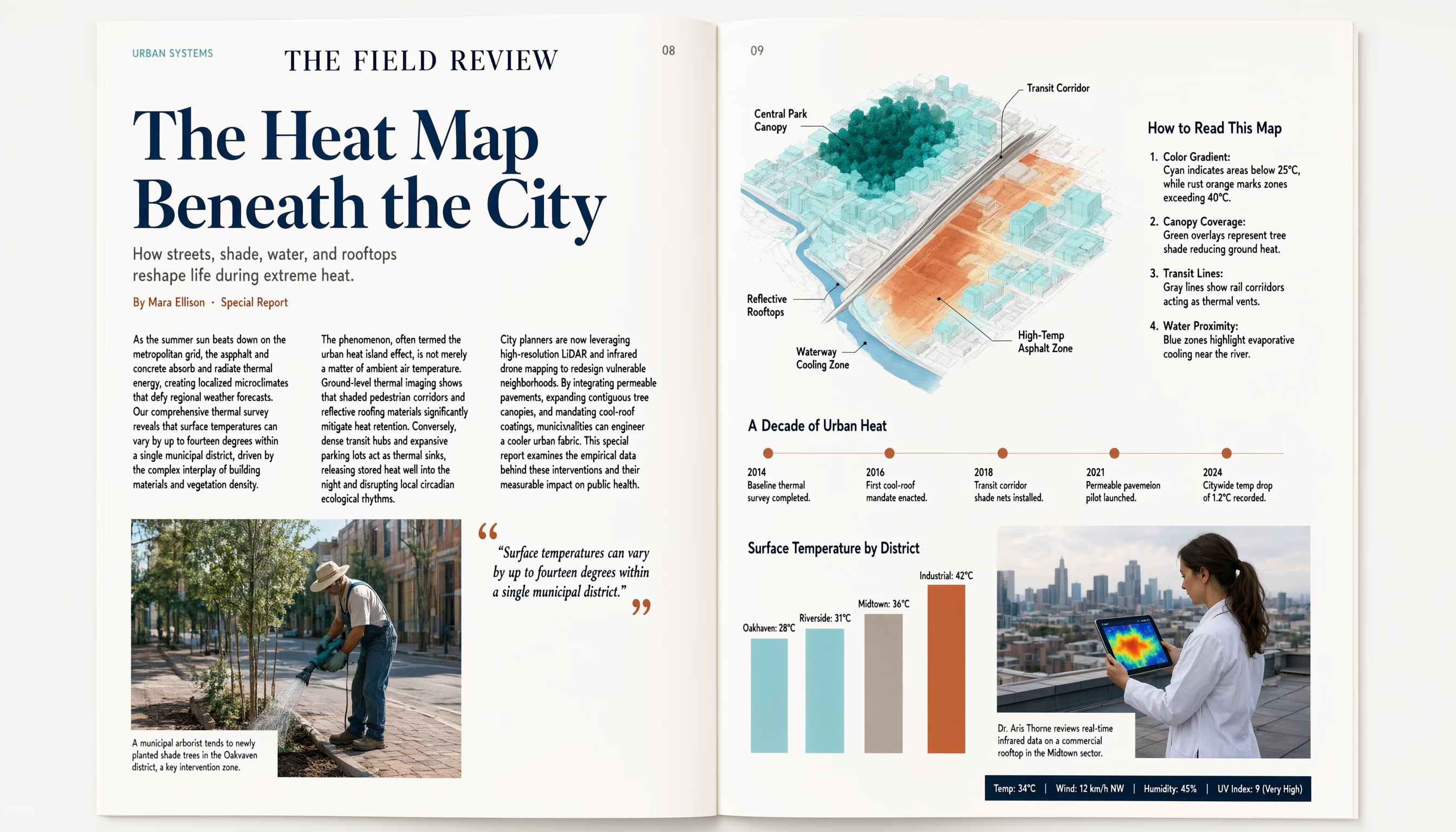
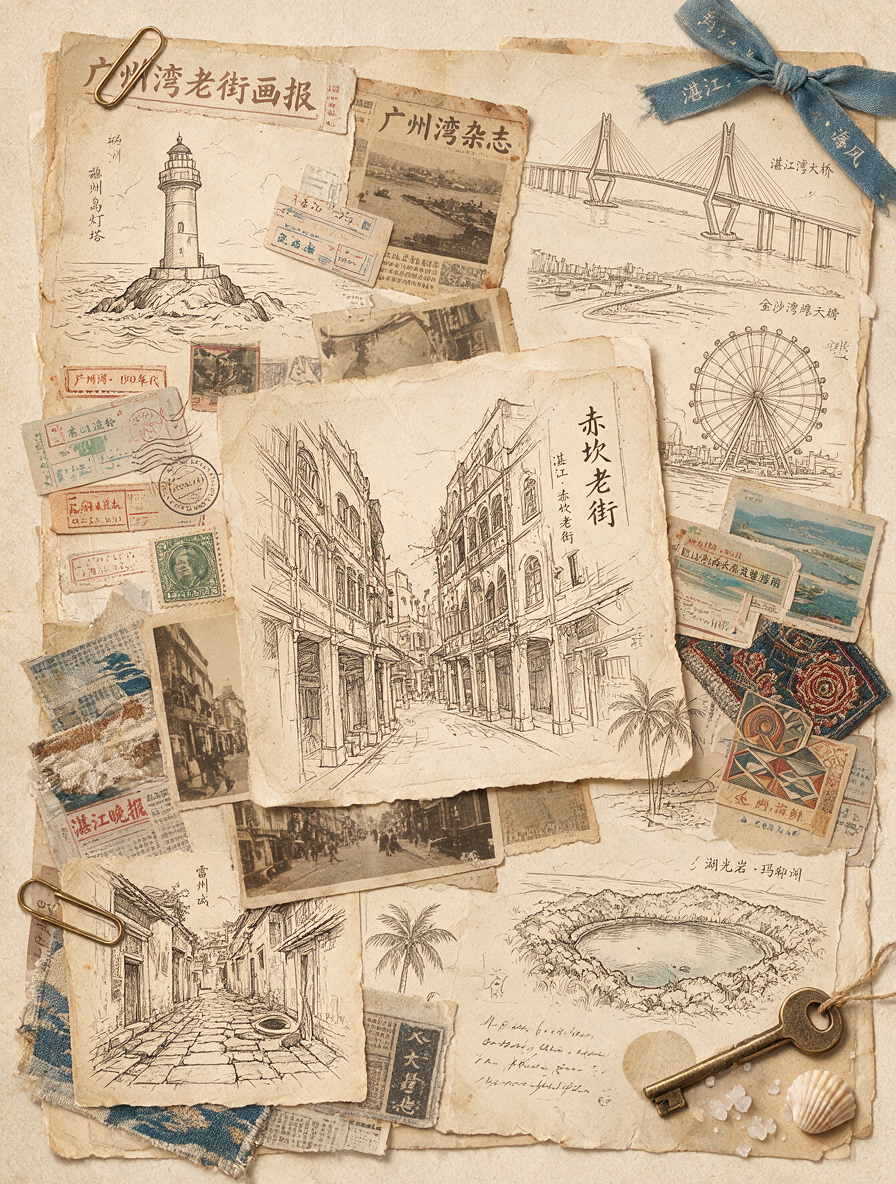
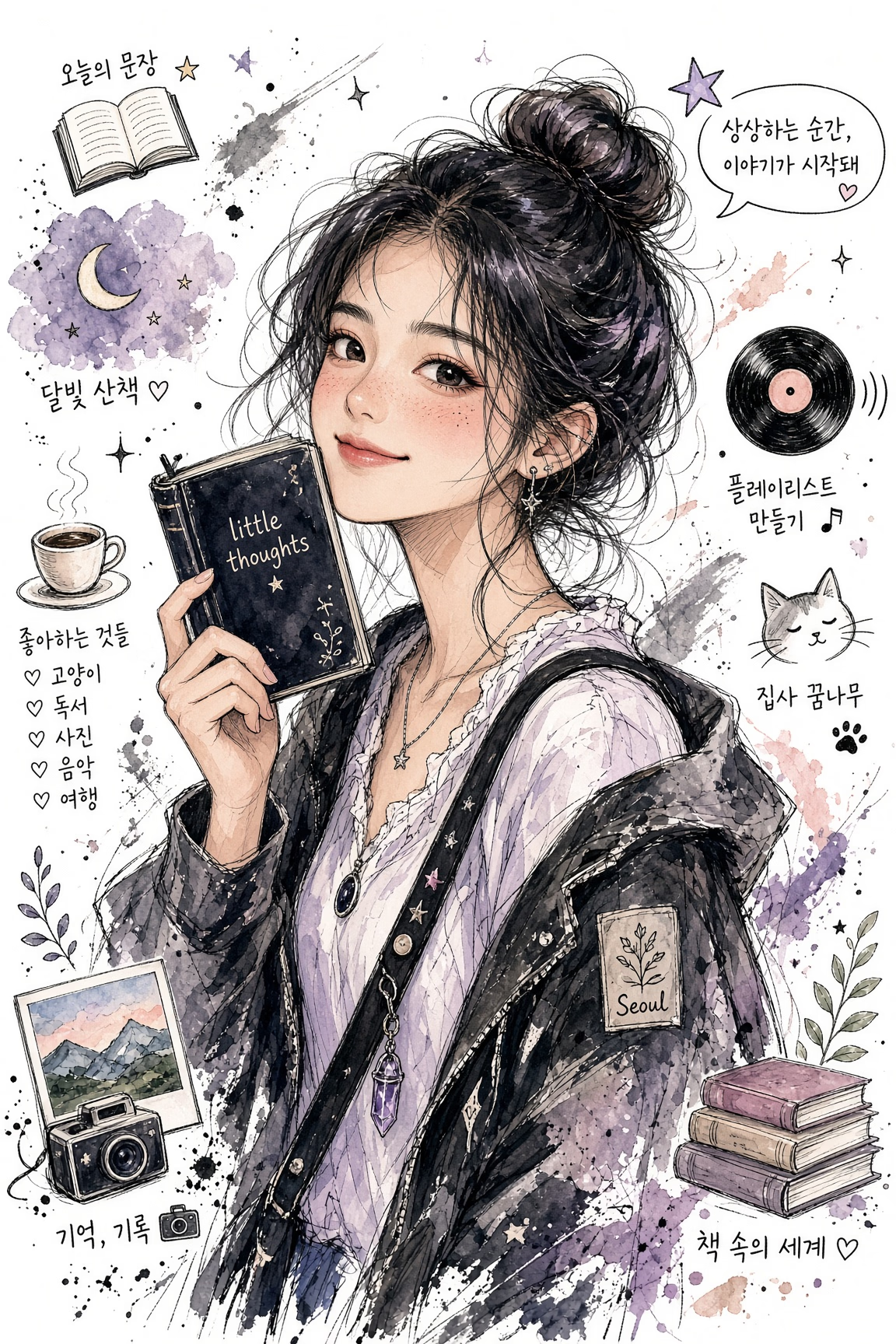
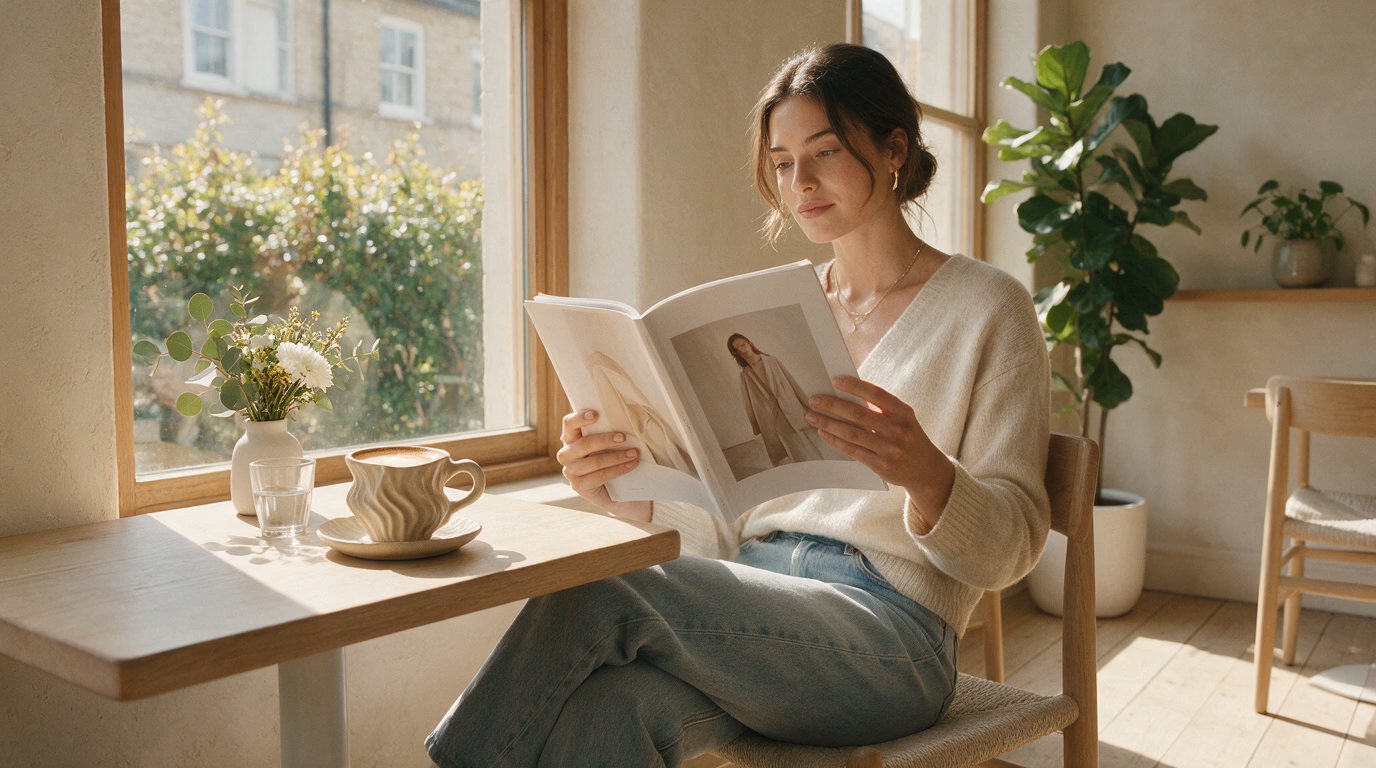
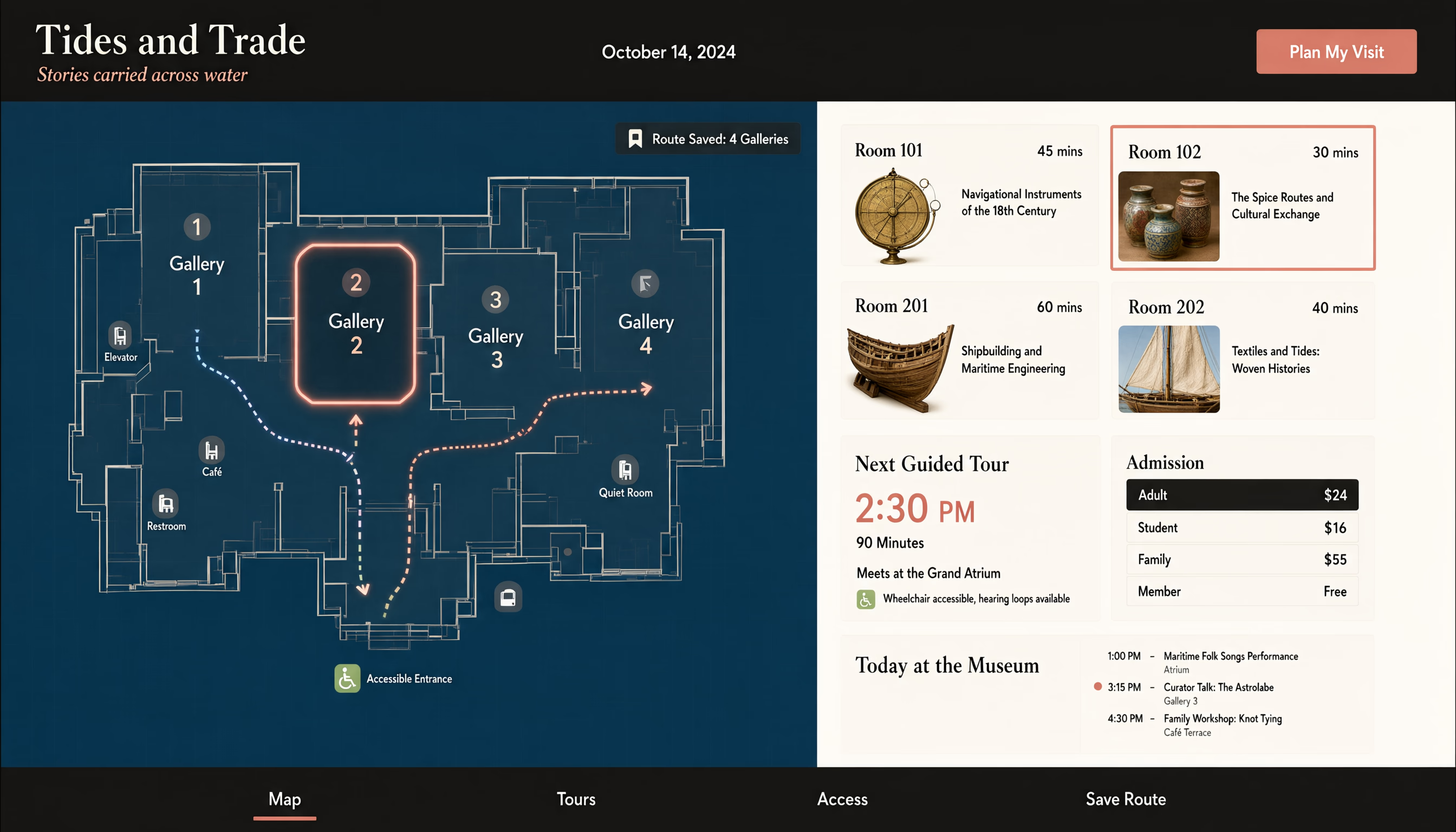
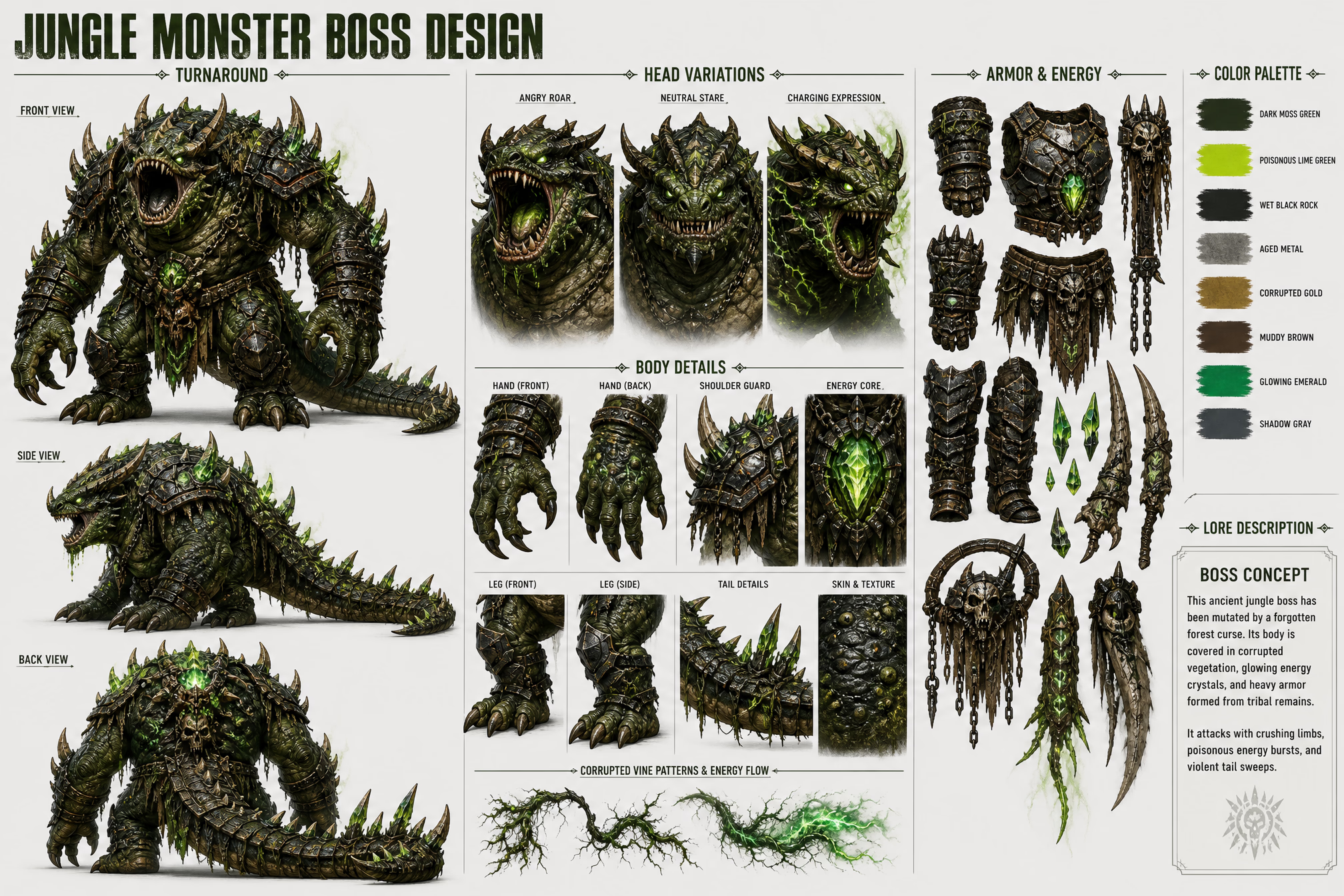
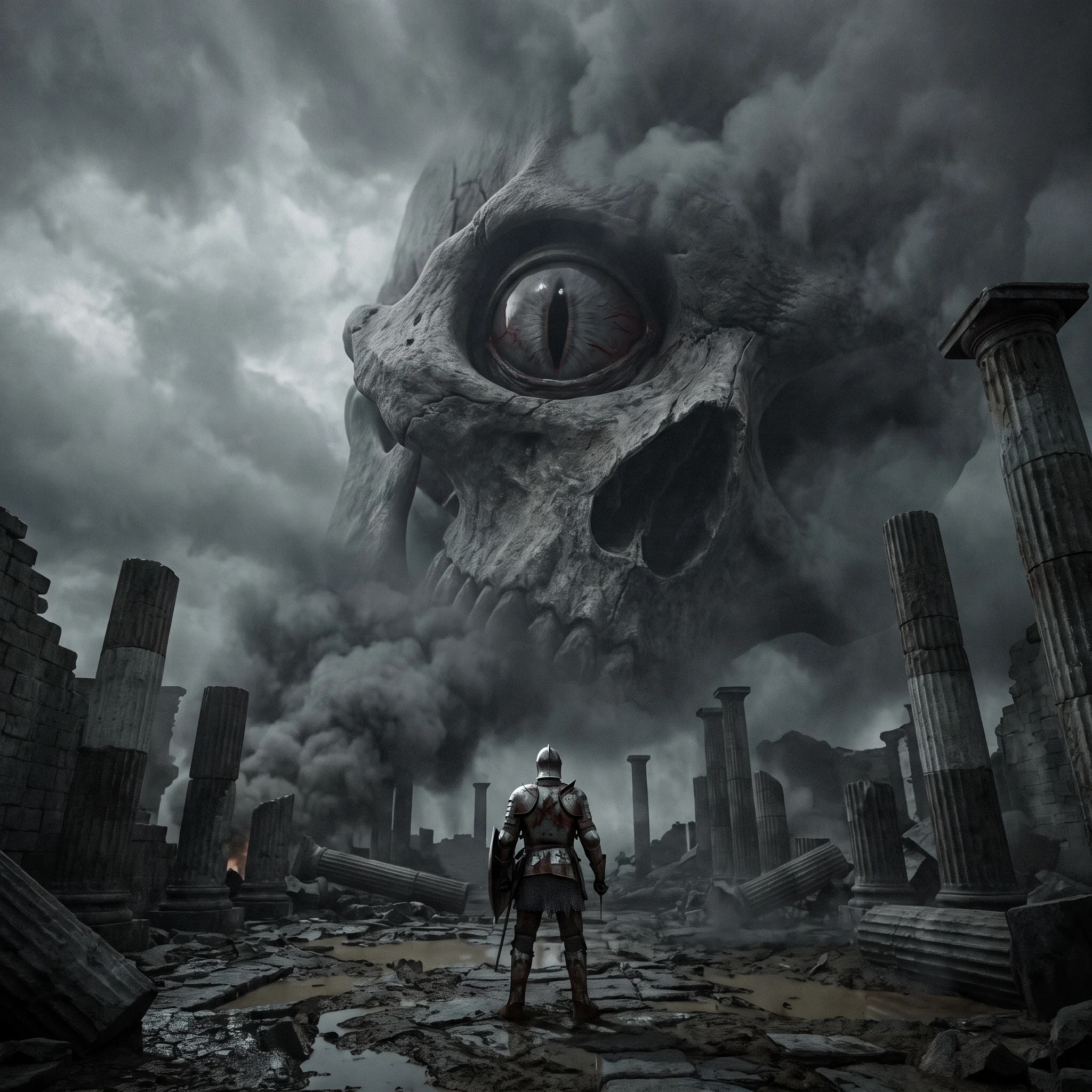
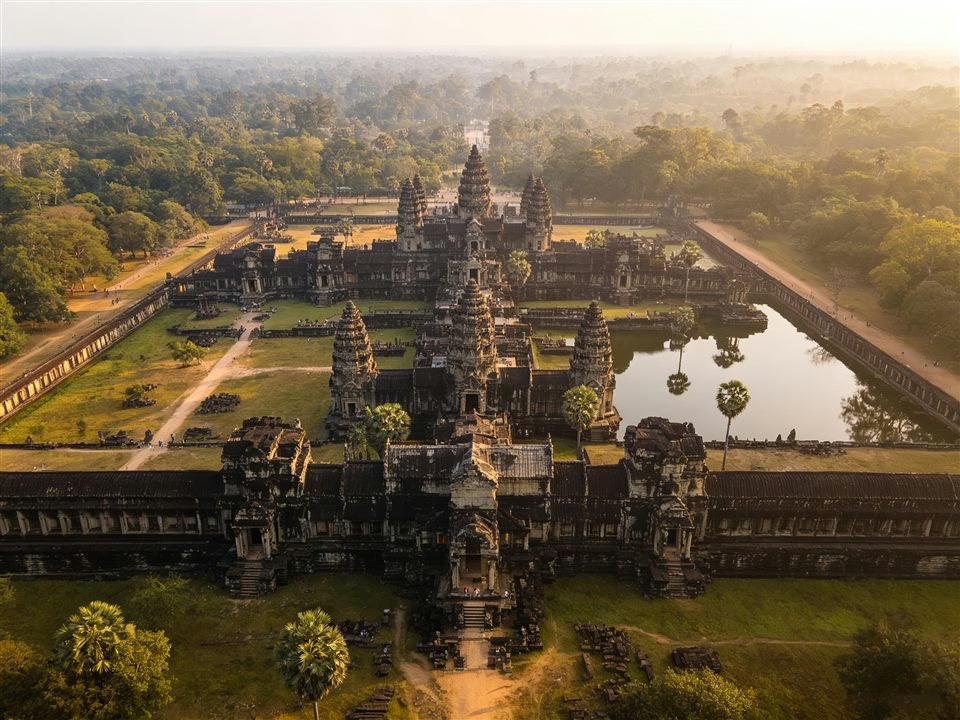
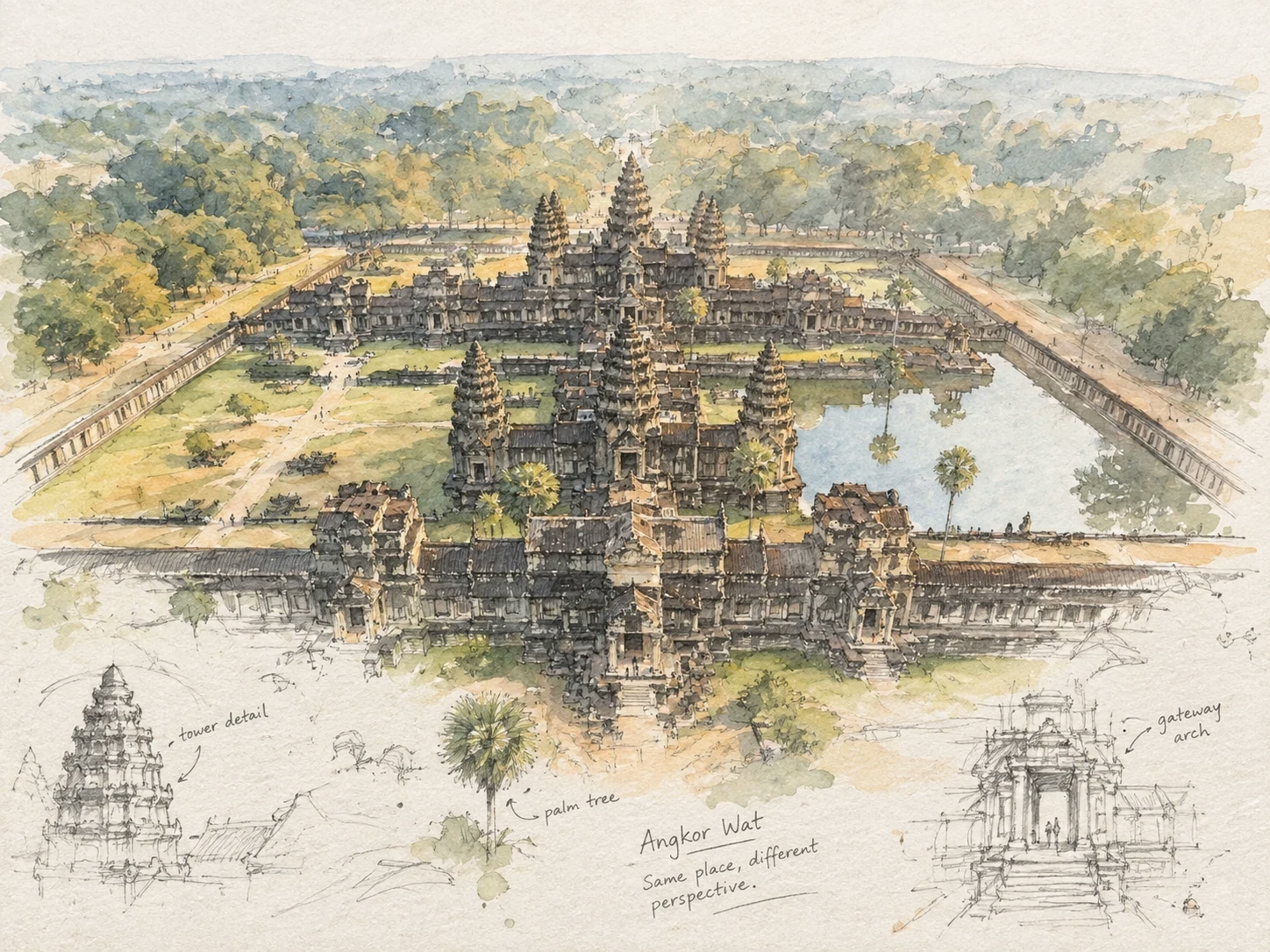
Photo illustration8 styles to choose from
Turn a photo into a styled image.
See the finished look first, then choose the style that fits your photo.
Style 1 of 8
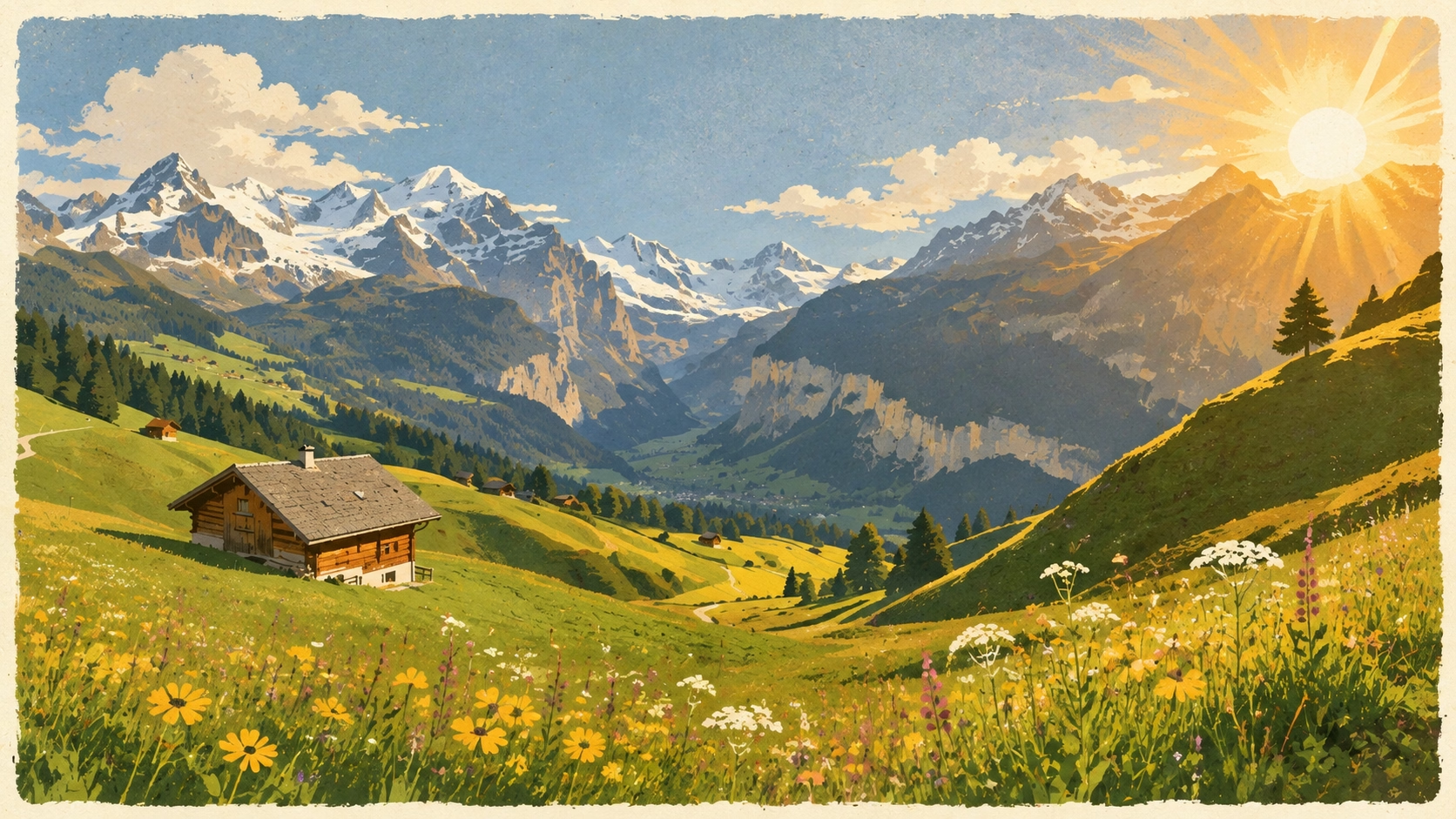
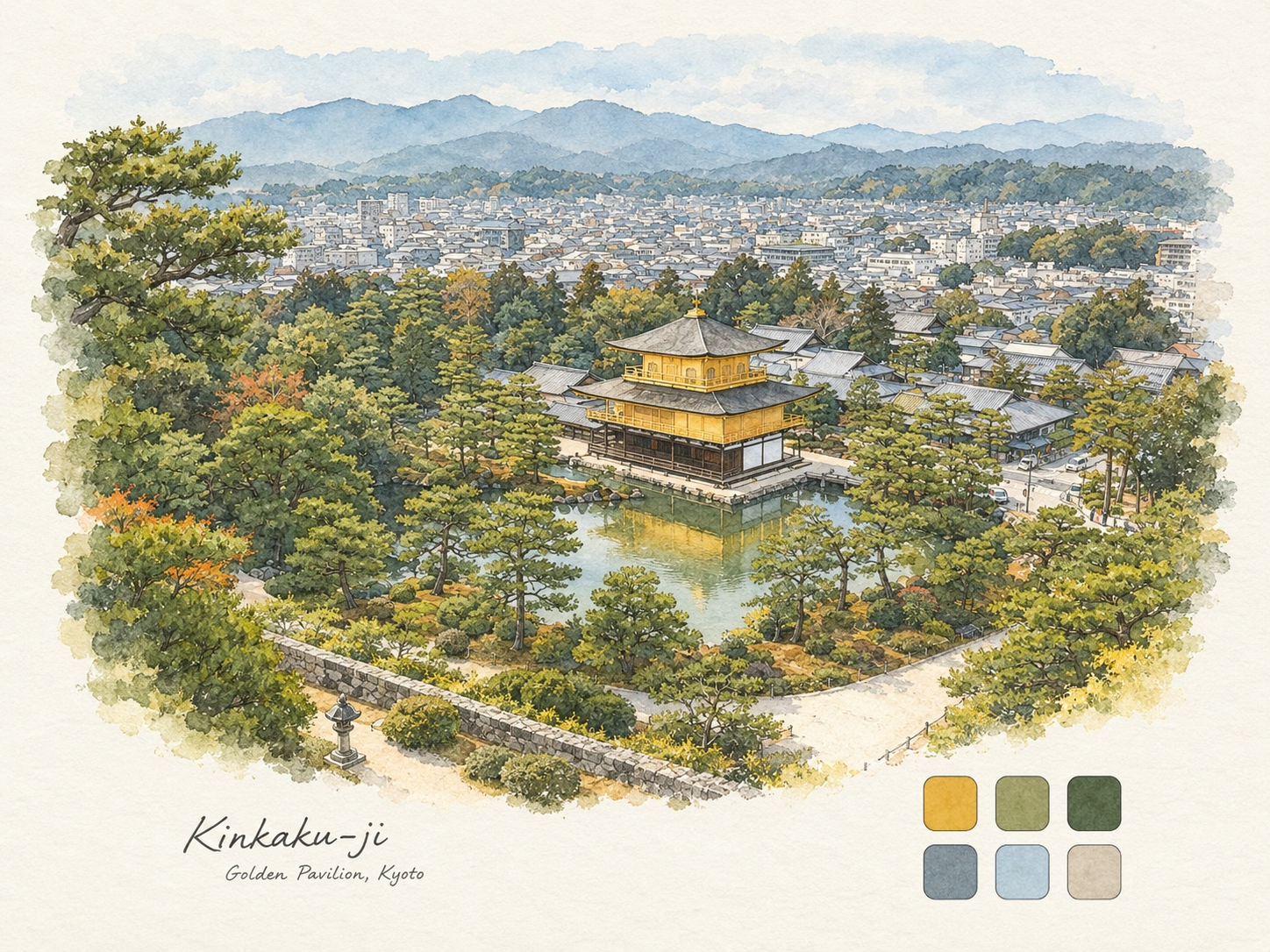
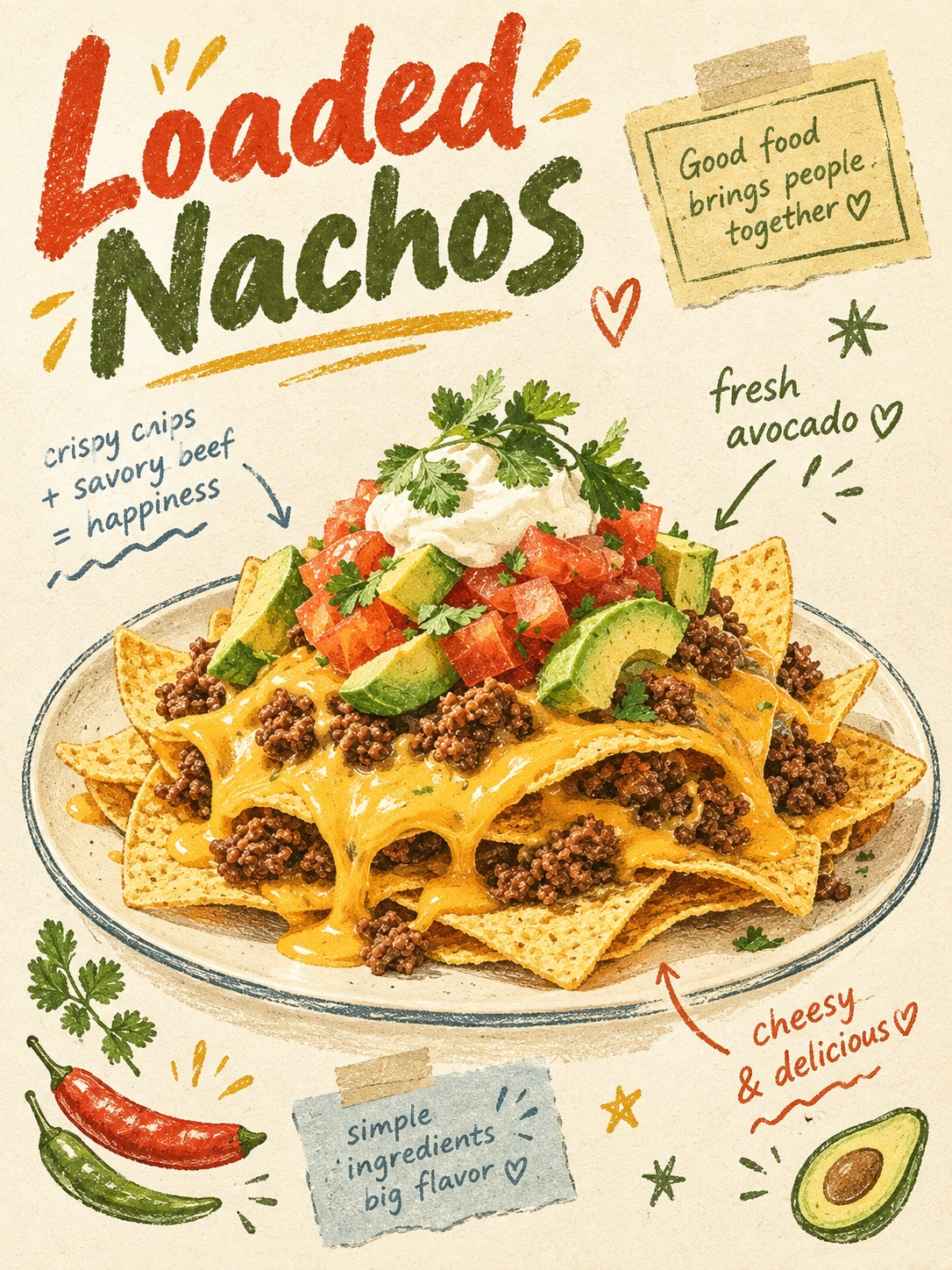
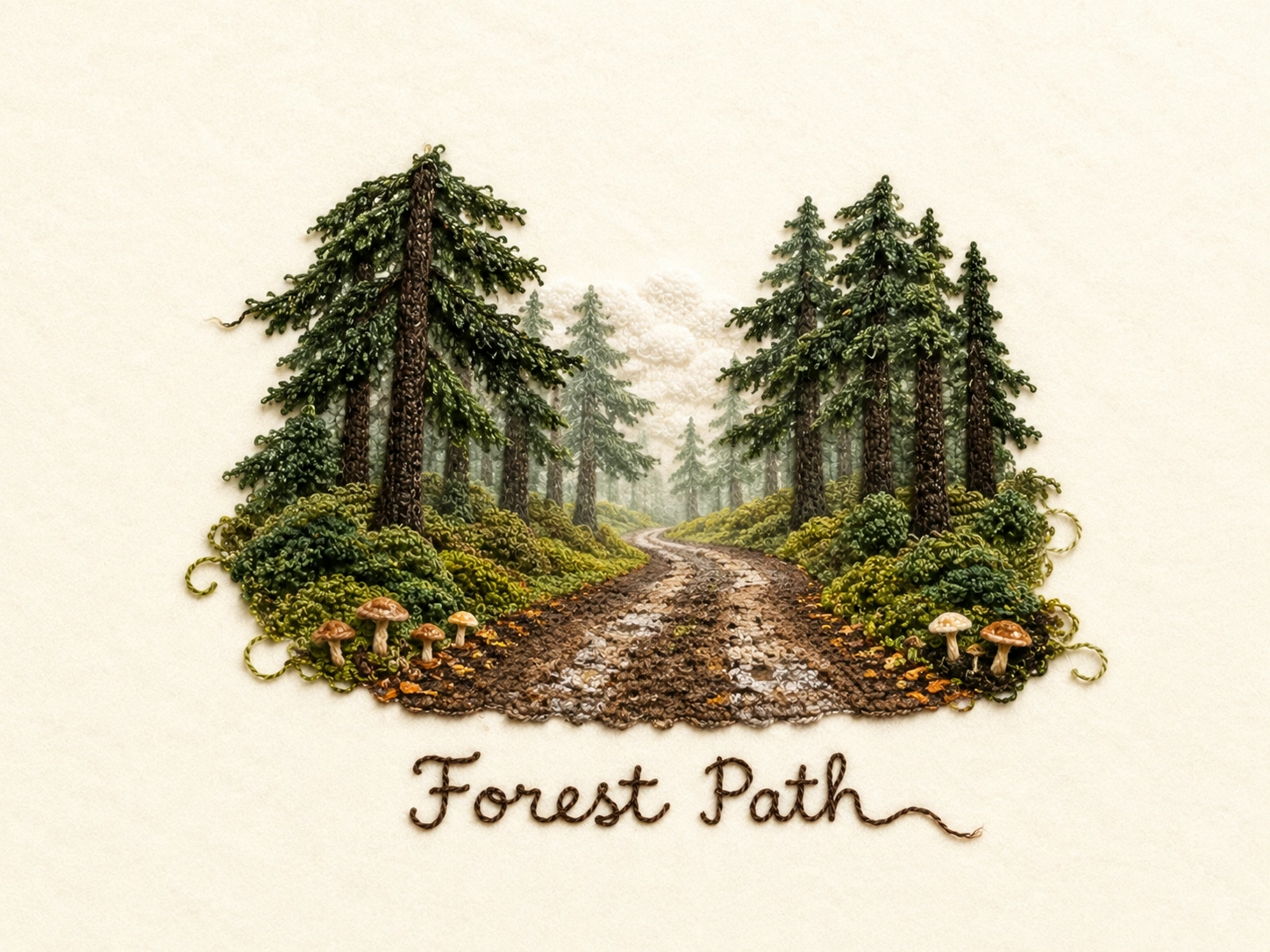
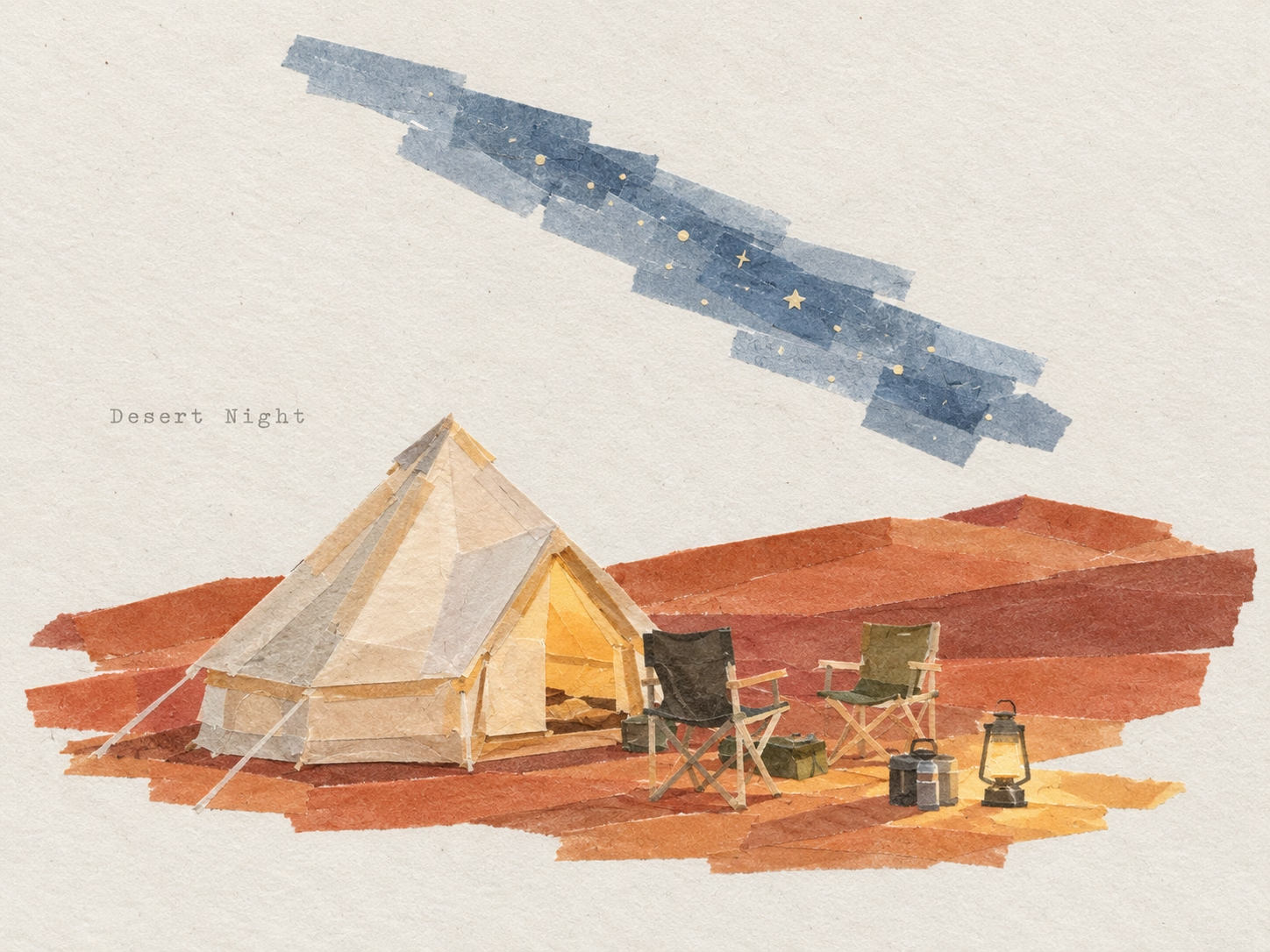
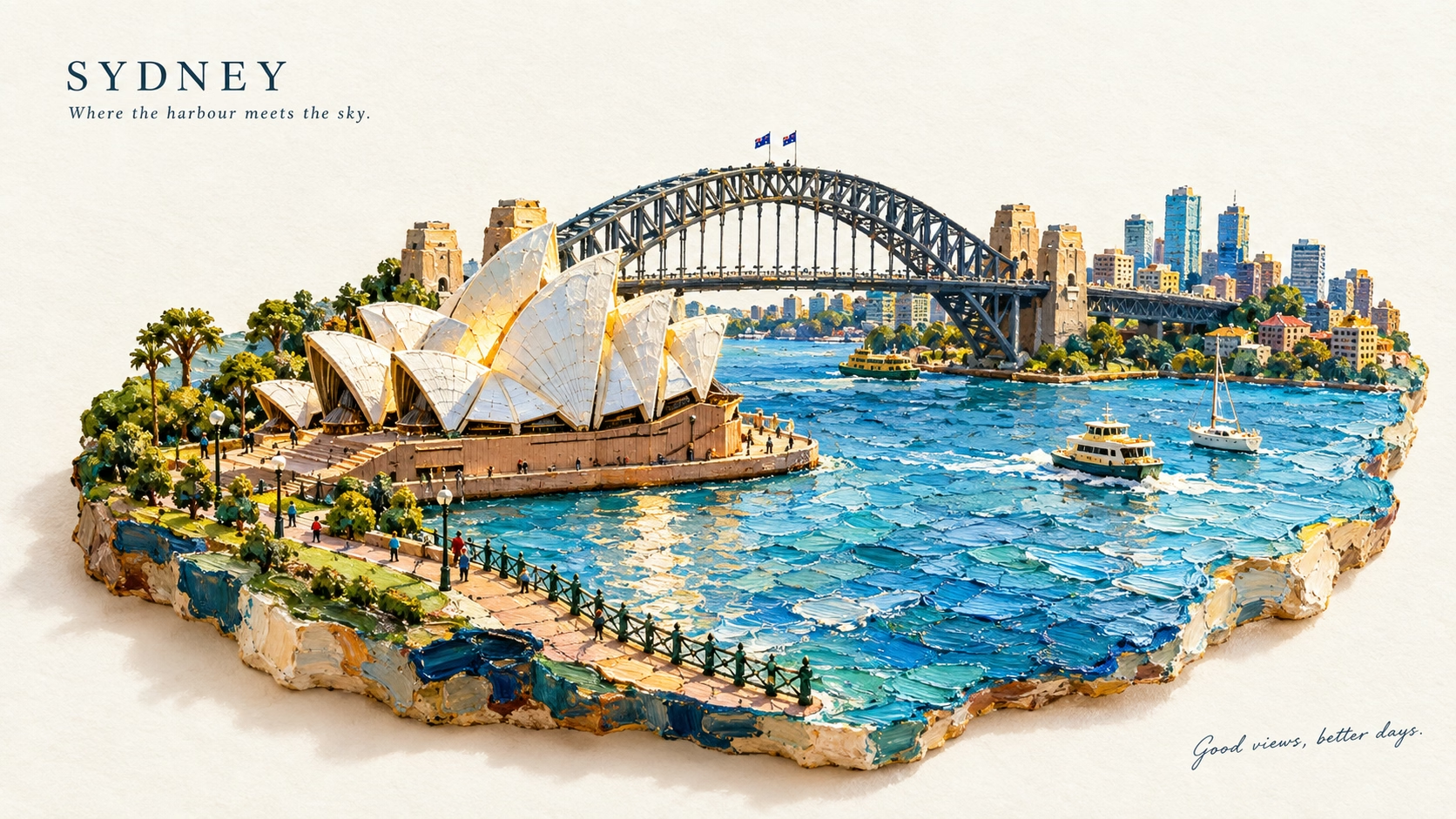
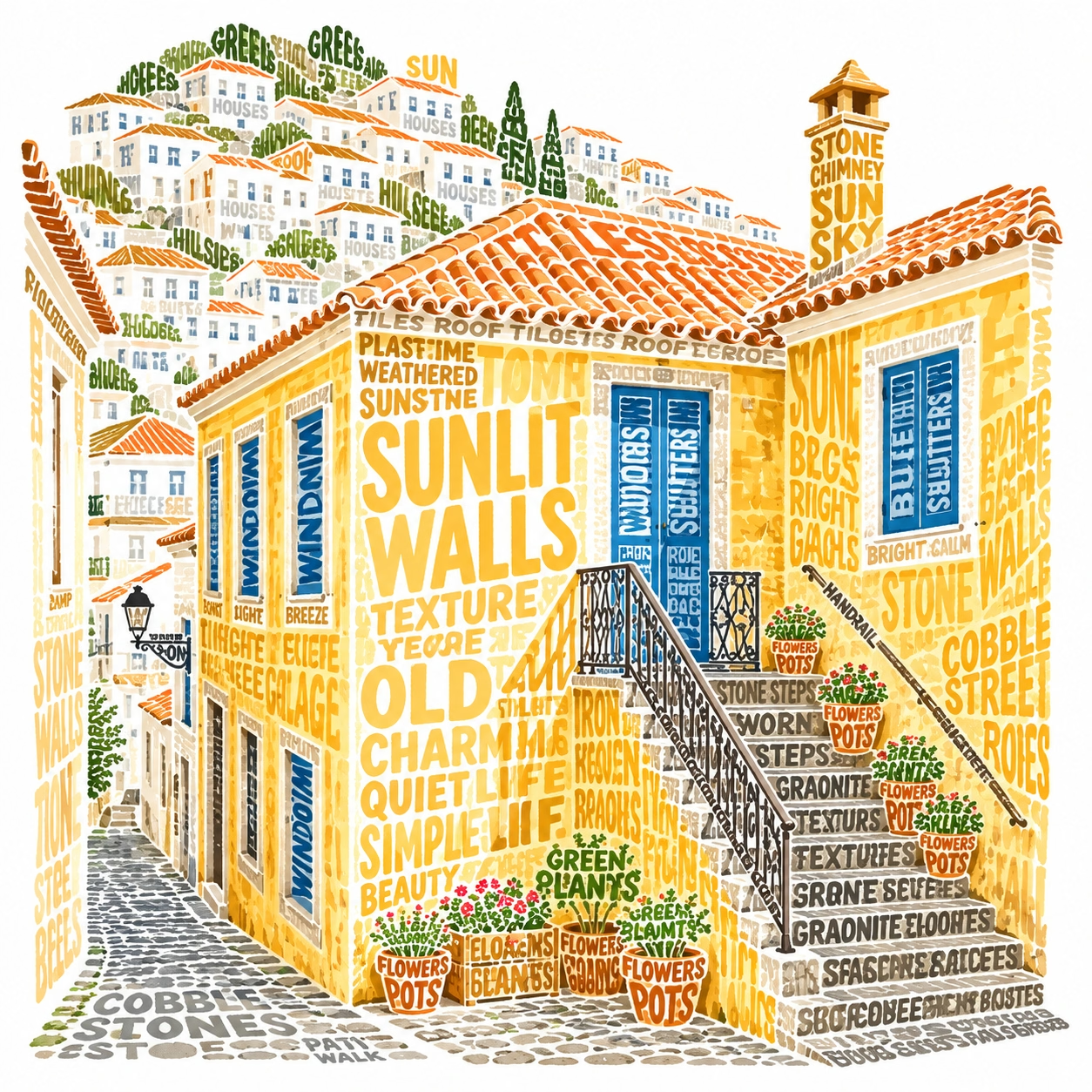
Photo to Paper Illustration
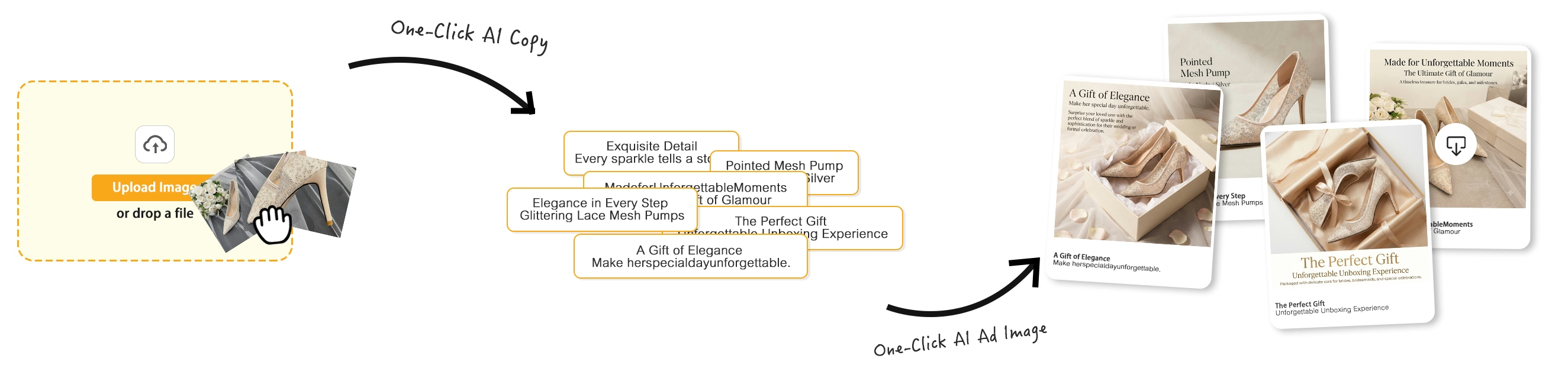
From Product Image to E-commerce Creative
See how a single product image becomes a polished e-commerce creative—from upload to AI-generated copy, layout, and final design.
Create Better Images in Three Simple Steps
Turn your idea into a polished visual with a fast, intuitive AI editing workflow.
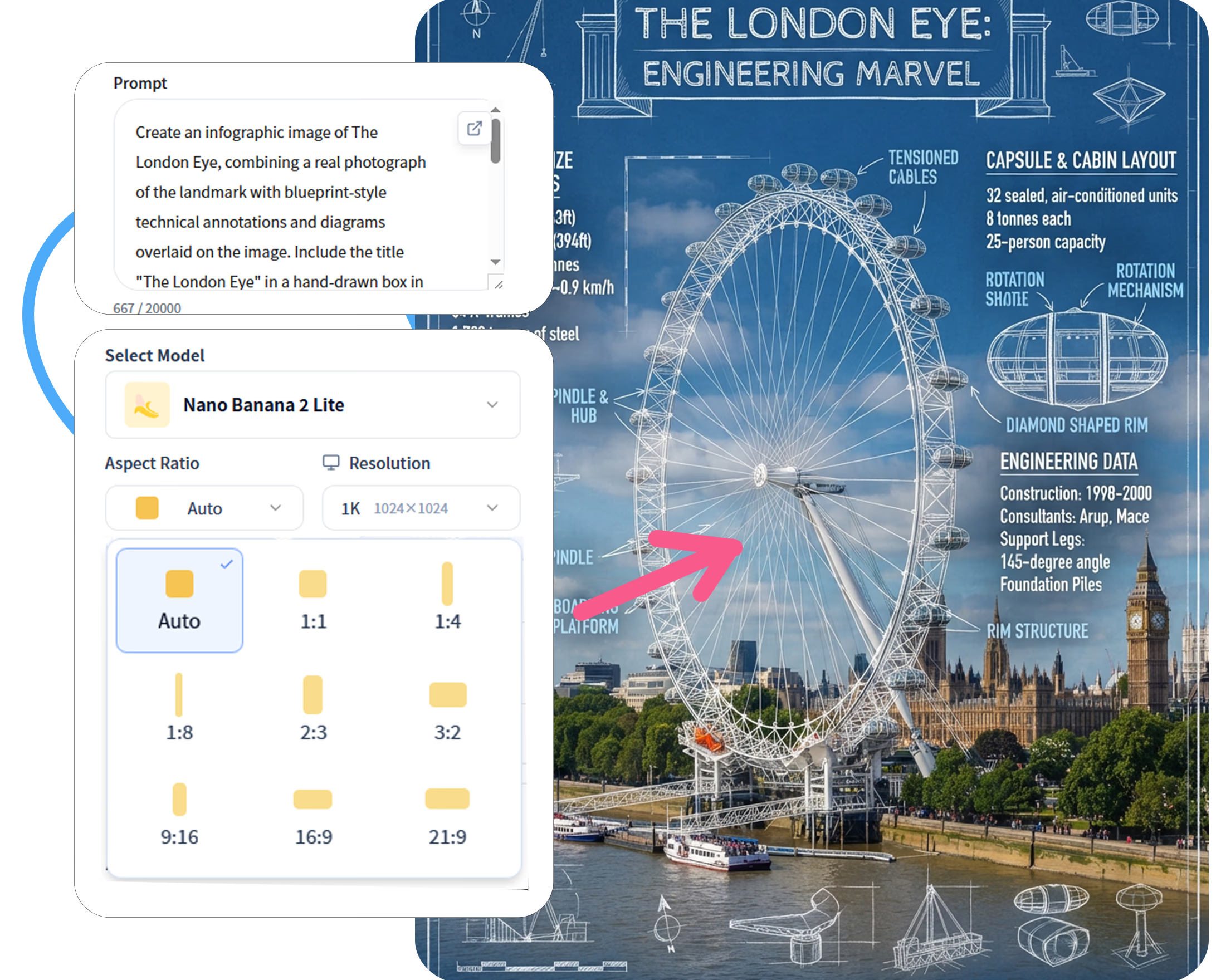
Step 1: Enter Creative Prompts
Use natural language in the text box to describe your desired visuals, main subjects, settings and atmosphere.
Step 2: Select Style & Parameters
Pick an art style model that fits your needs, then adjust the image aspect ratio and generation quantity.
Step 3: One-Click Generate & Save
Click "Generate". After a few seconds, your artwork will be ready. You can also download high-quality copies to your local device with one tap.
Key AI Image Generation Features
Nano Banana2-lite integrates all core AI creative tools in one SaaS platform, covering text/image generation, real-time image editing, consistent character creation, and customized model matching. It realizes one-stop creative production, allowing you to turn creative ideas into high-quality finished images efficiently without switching between multiple tools.
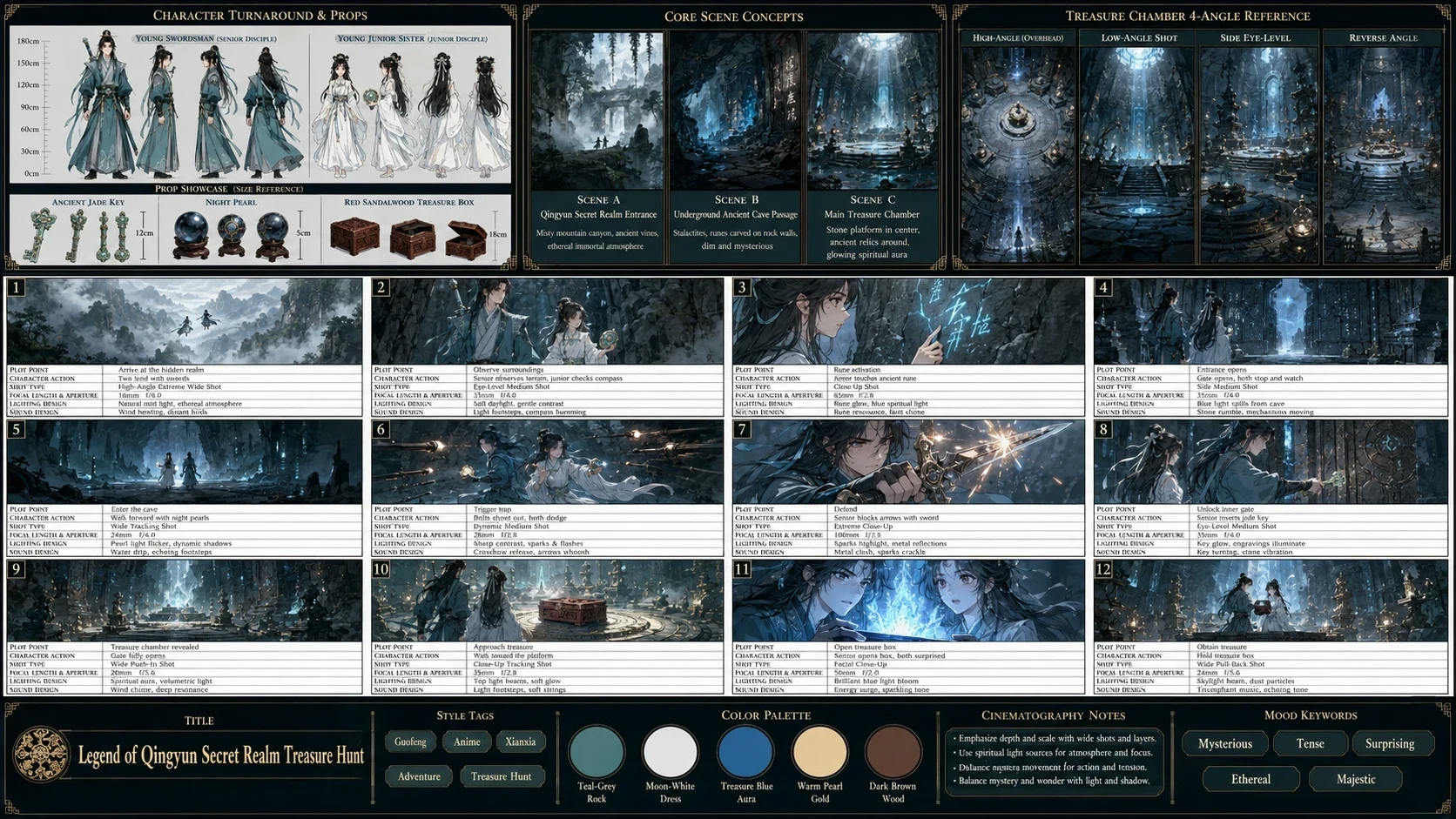
Text to Image
Generate unique AI images from scratch with simple text prompts. Freely customize image subjects, moods, art styles, lighting and composition. Use short prompts for fast concept creation or detailed prompts for precise, customized visual results. Iterate and regenerate image variations freely to polish your works, helping you easily visualize any creative idea with zero professional skills.
Try It Now →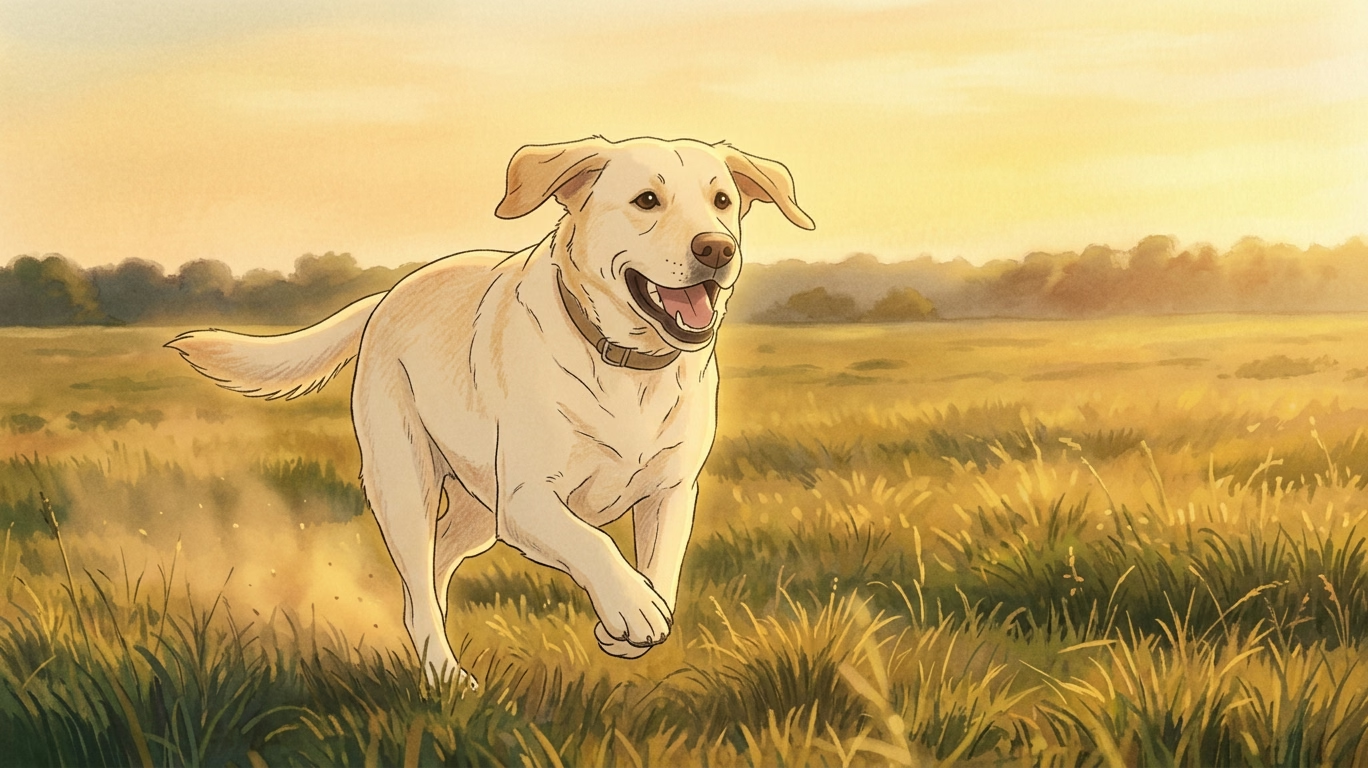
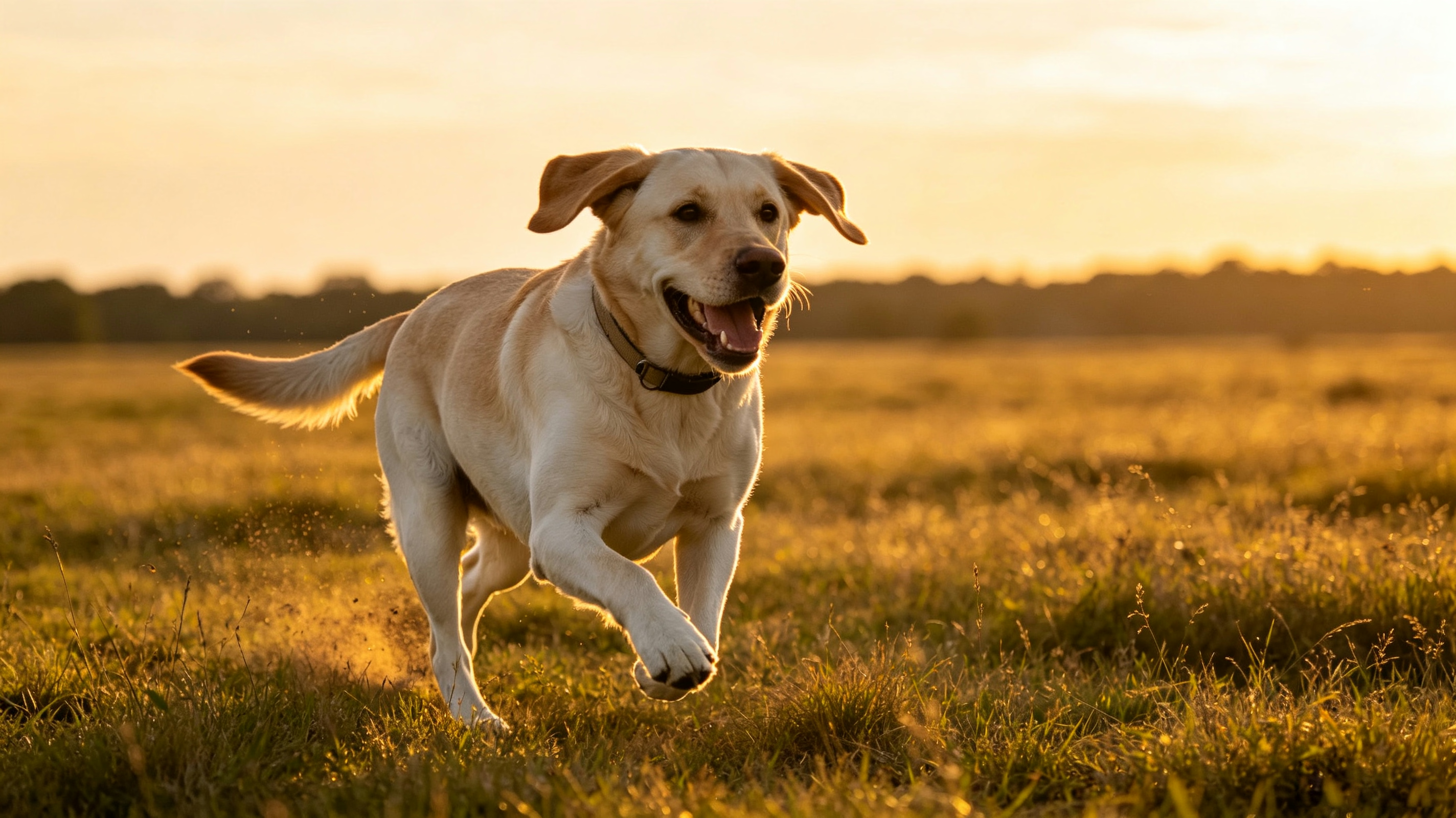
Frame / Image to Image
Upload photos, sketches or frame templates as creative references. The AI intelligently identifies the original image's structure, composition and layout, and creates brand-new stylized works on the basis of the original framework. Freely adjust the reference fitting degree to achieve subtle style optimization or full-scene creative re-creation. Perfect for converting photos to illustrations, sketches to professional renders, and single product images to complete campaign visual series.
Try It Now →
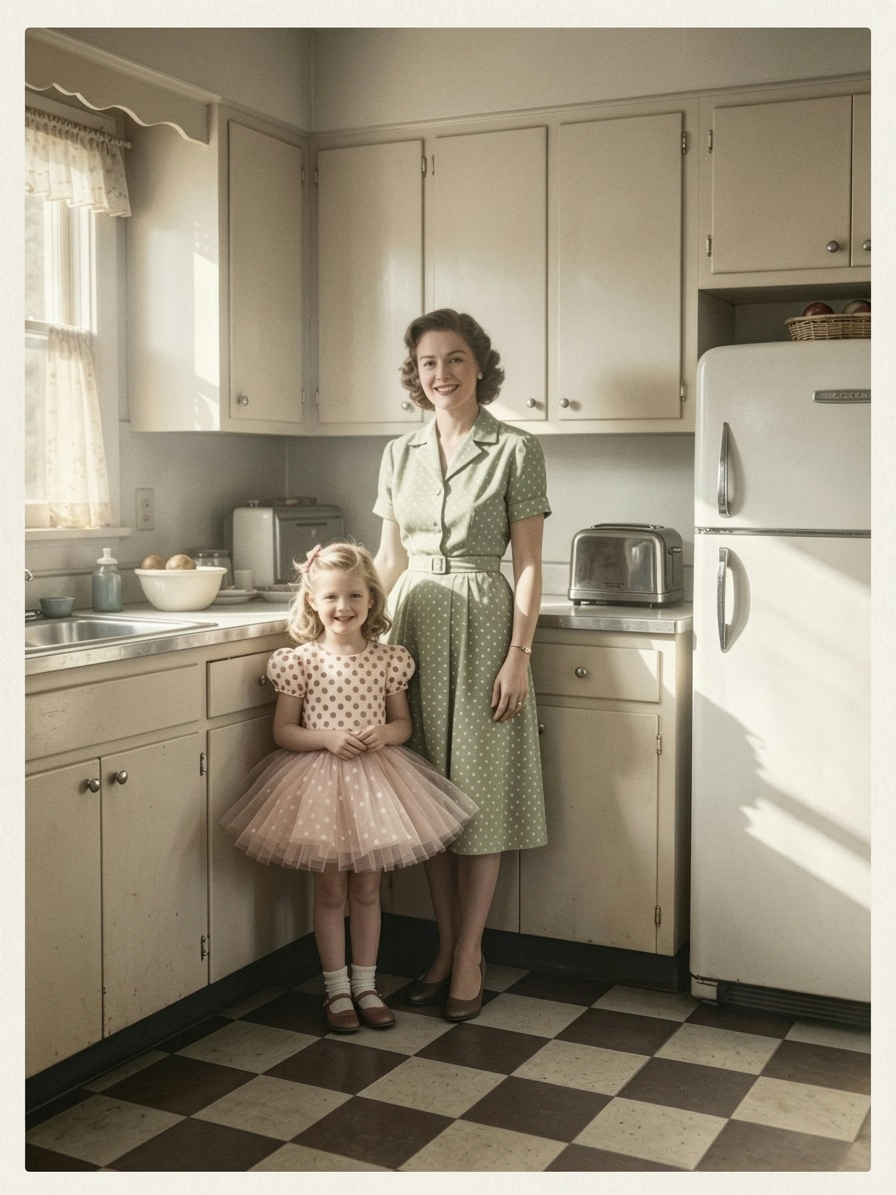
Image Editing
Professional one-stop AI image editing tools help you refine works without restarting creation. Use inpaint to modify, repair and detail local areas, and outpaint to expand the image canvas arbitrarily. Support background removal/replacement, resolution sharpening and targeted partial editing. All editing and generation functions are integrated in one window, eliminating repeated export and re-upload operations to ensure smooth and efficient creative workflows.
Try It Now →Frequently Asked Questions About Nano Banana2-lite
Have another question? Contact us on Discord or by email.