Qwen Image 3.0: Images That Carry Real Information
Create images that combine long-form text, fine visual detail, and clear multilingual information hierarchy. Give Qwen a clear creative brief, then review the result.
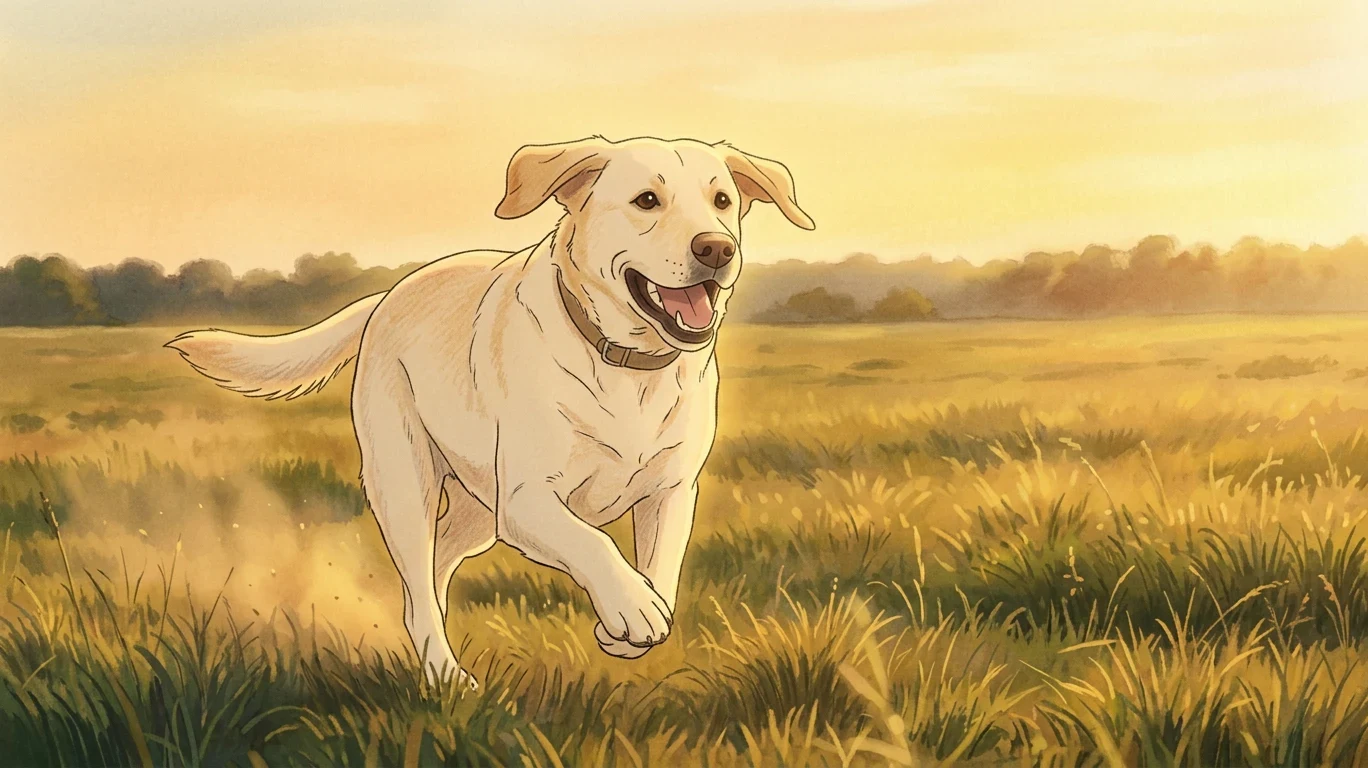
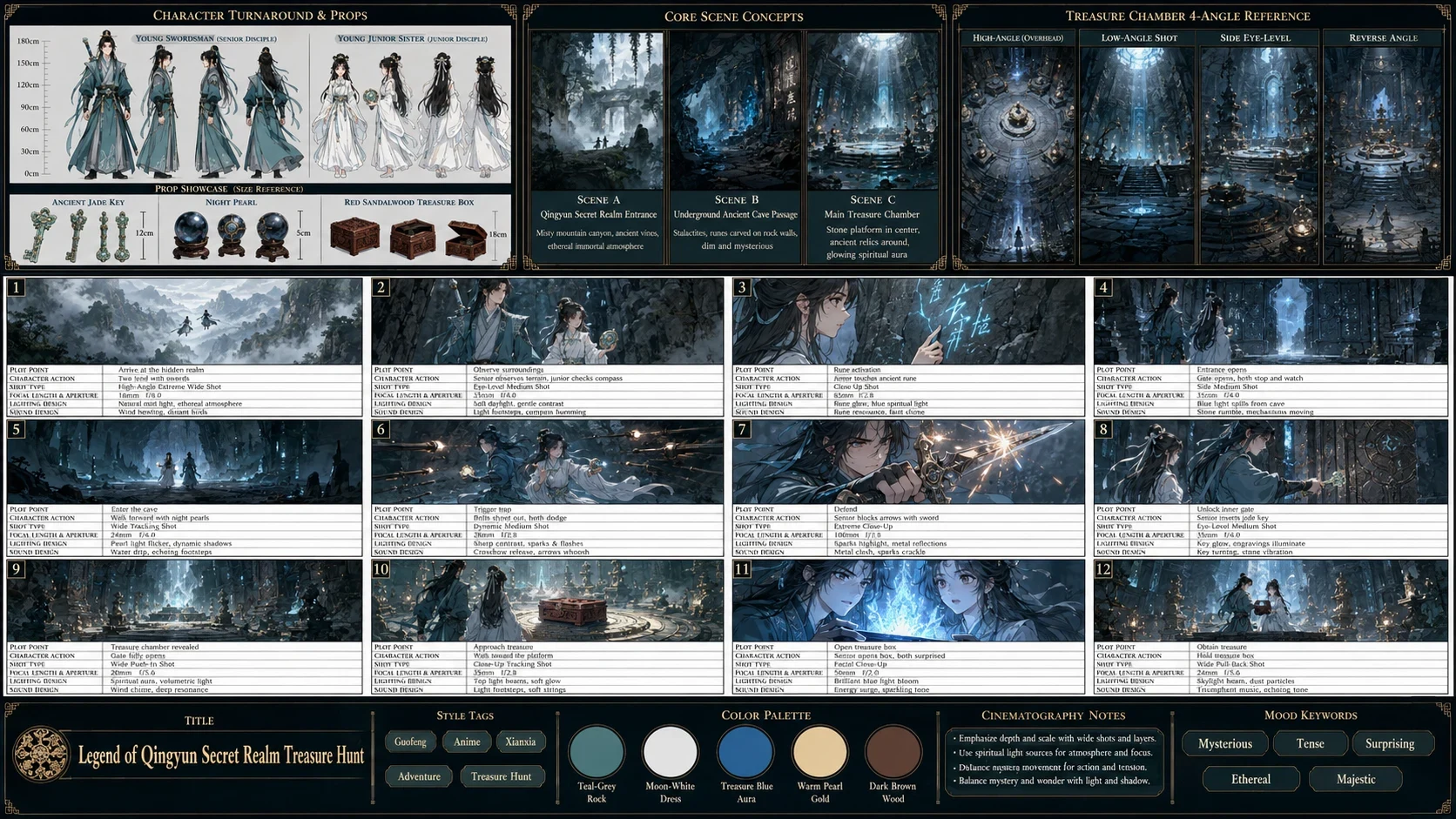
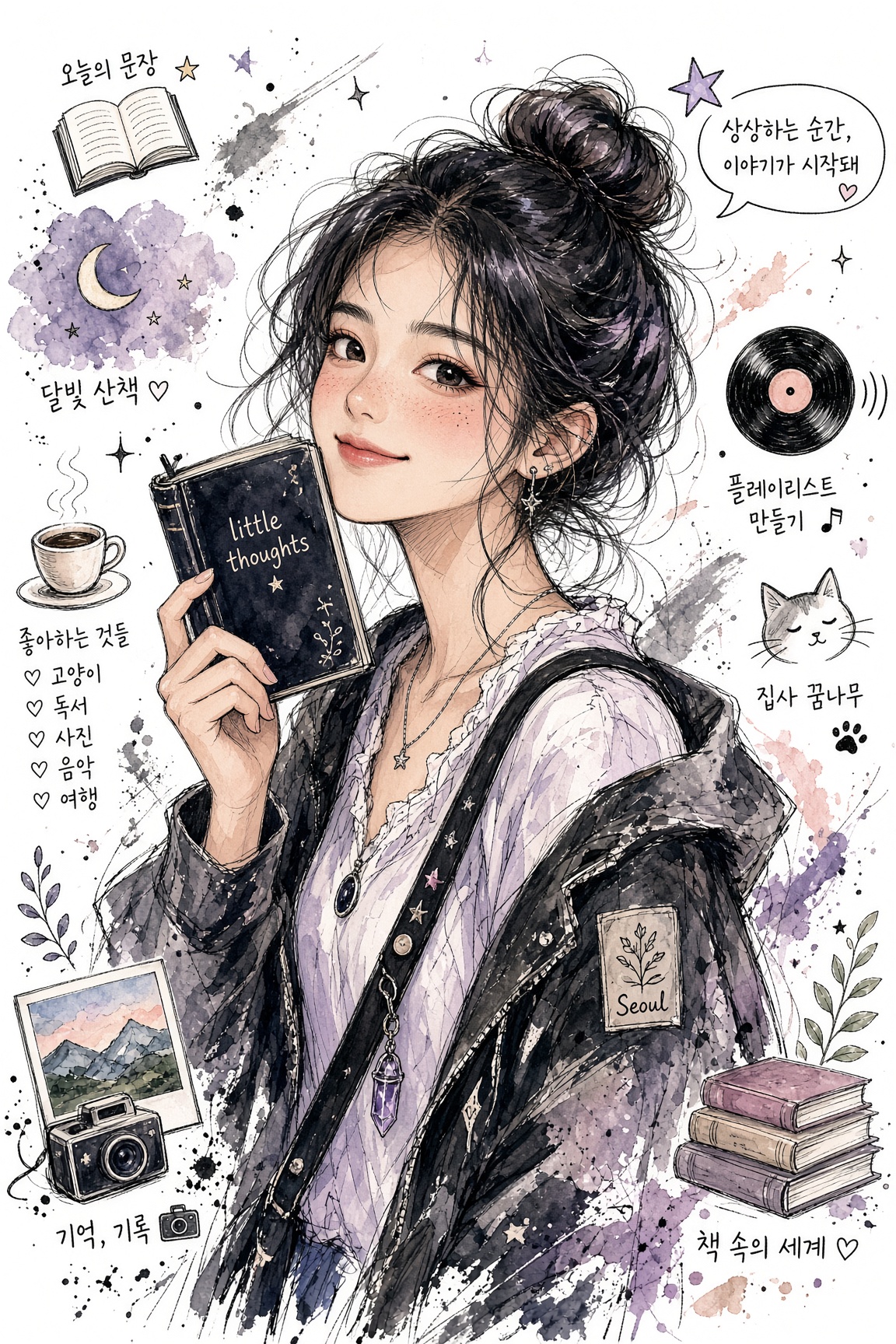
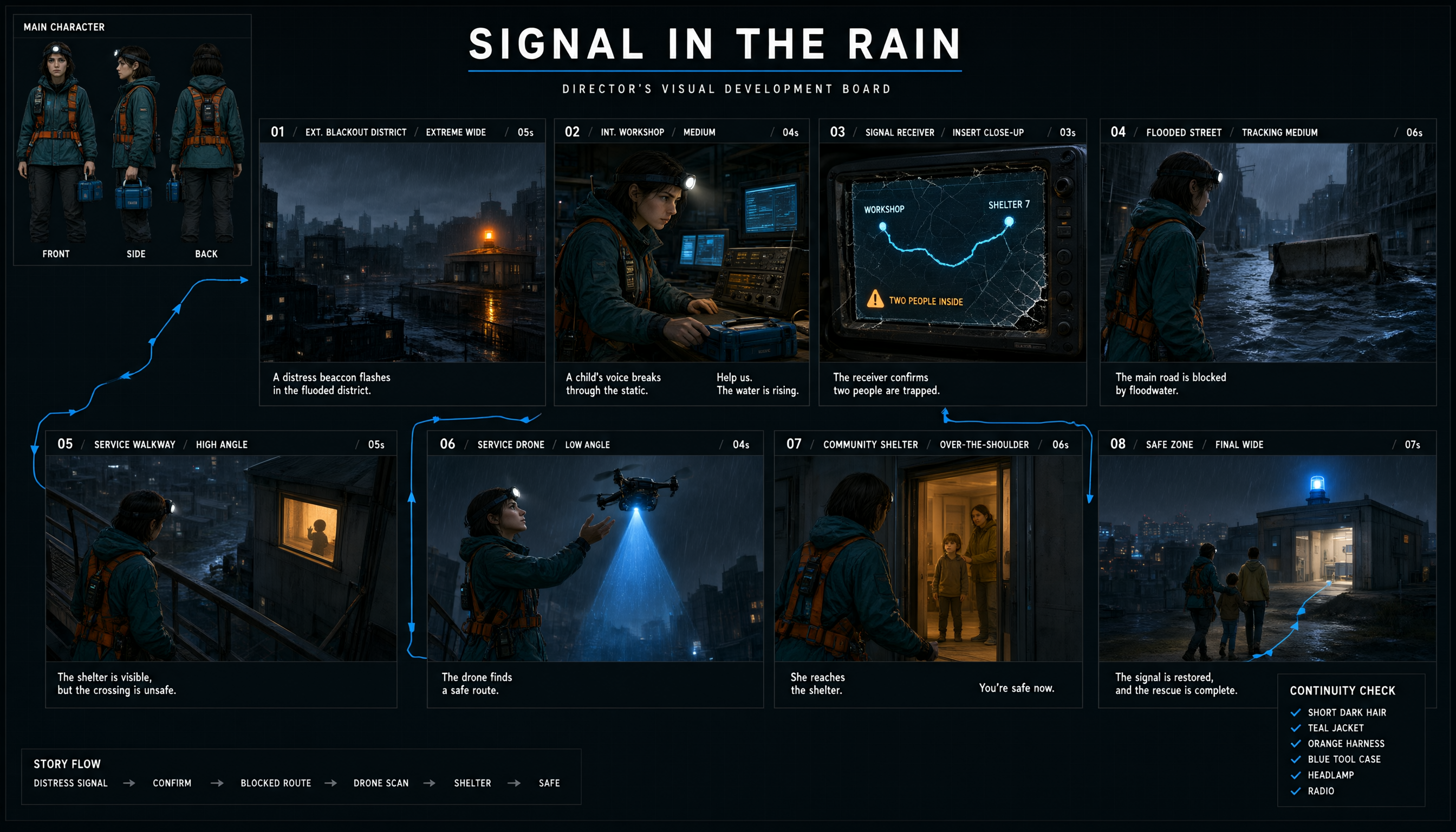
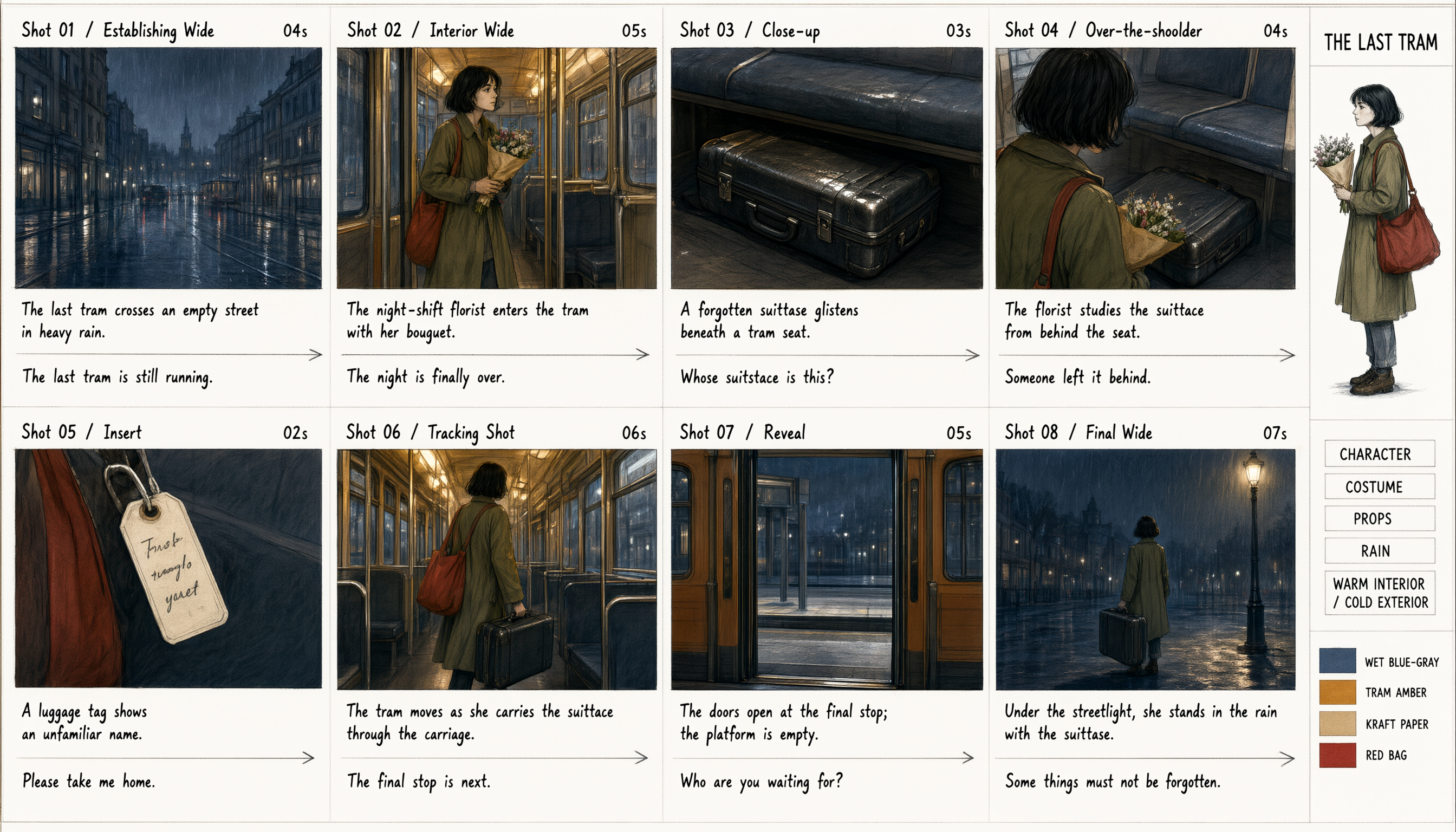
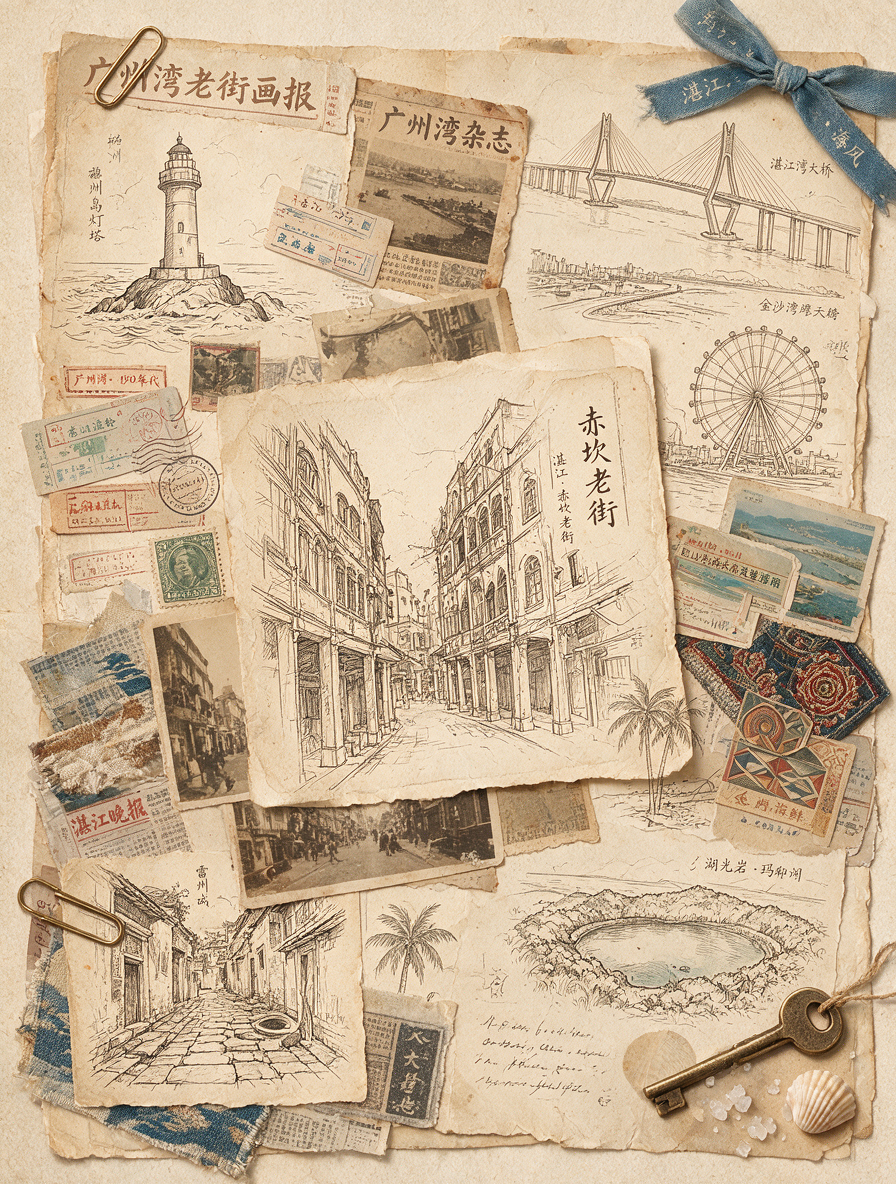
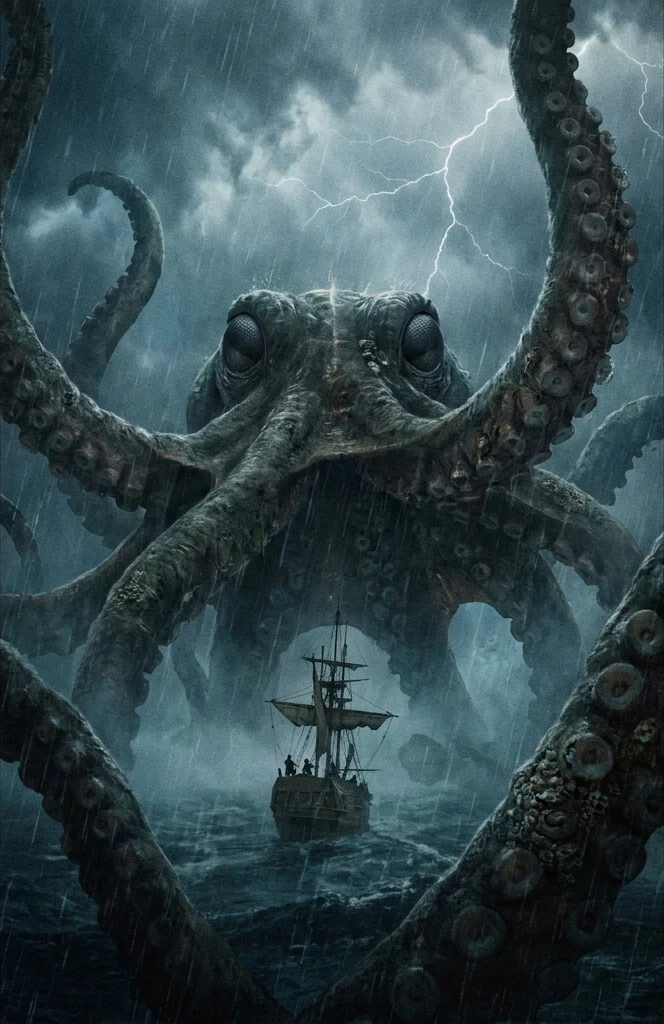
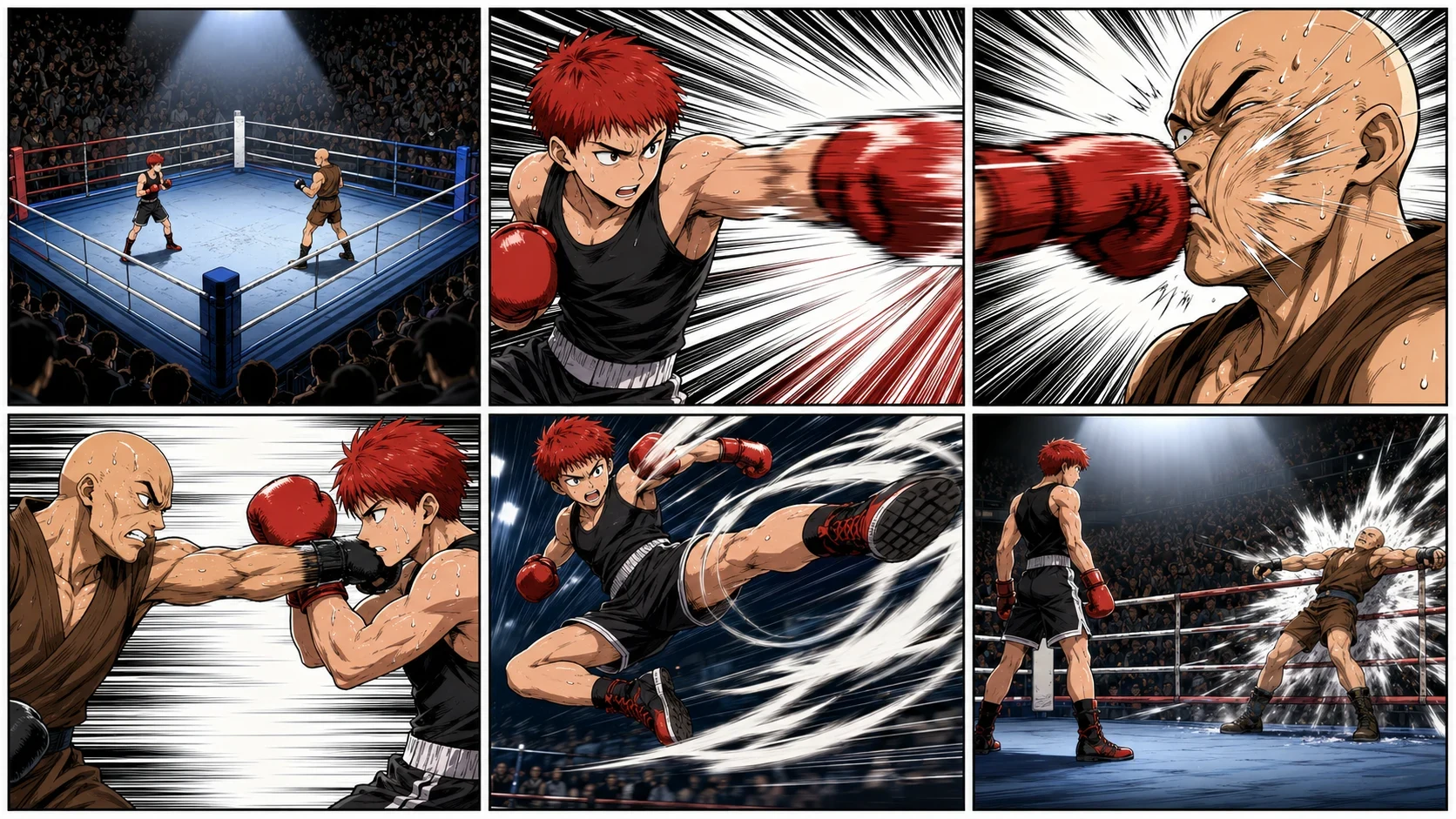
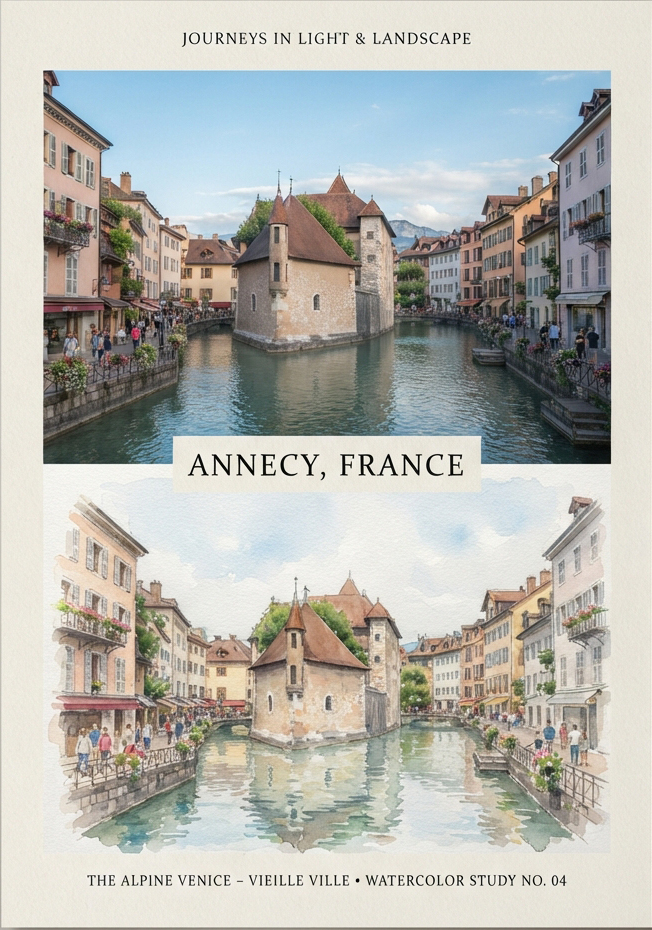
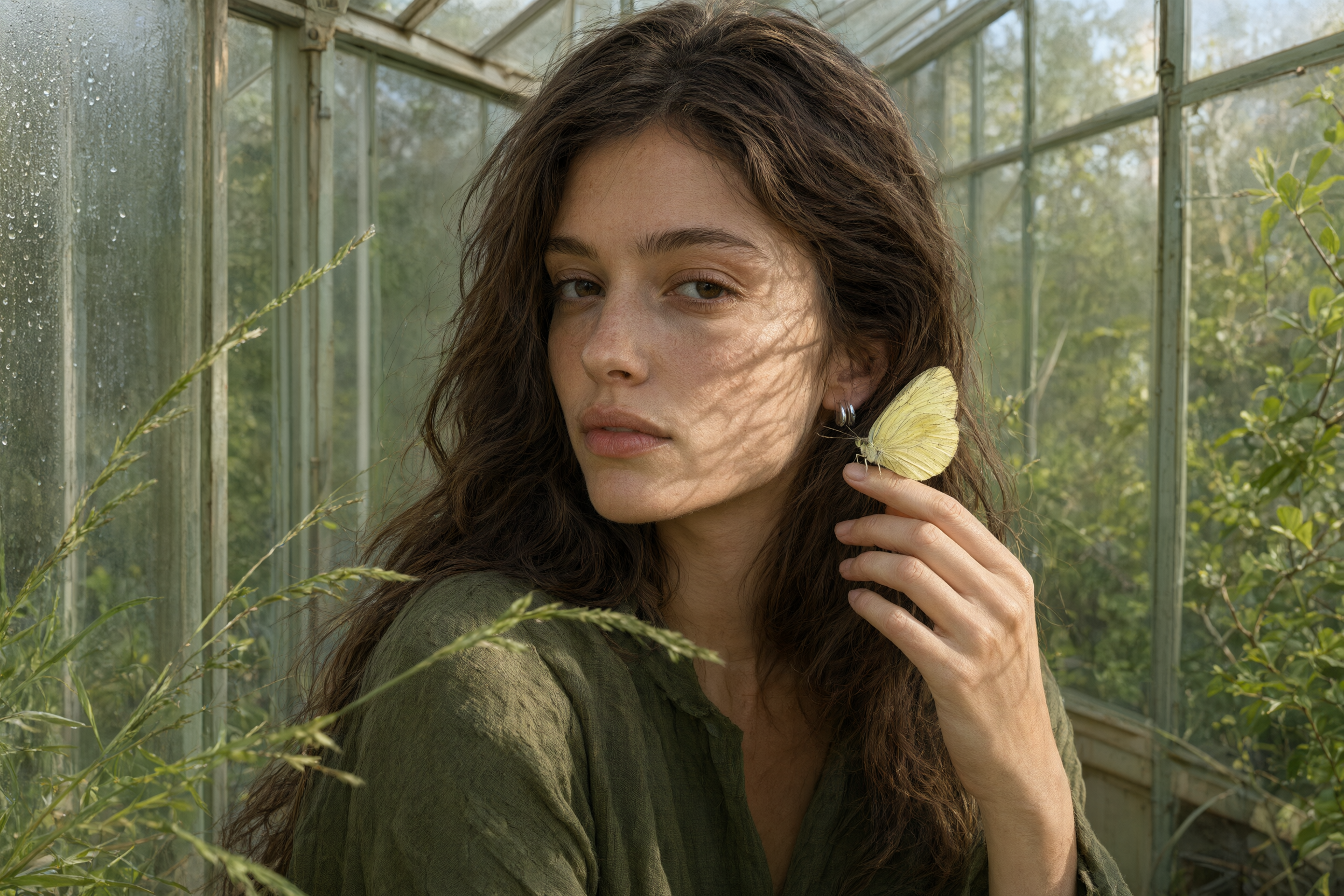
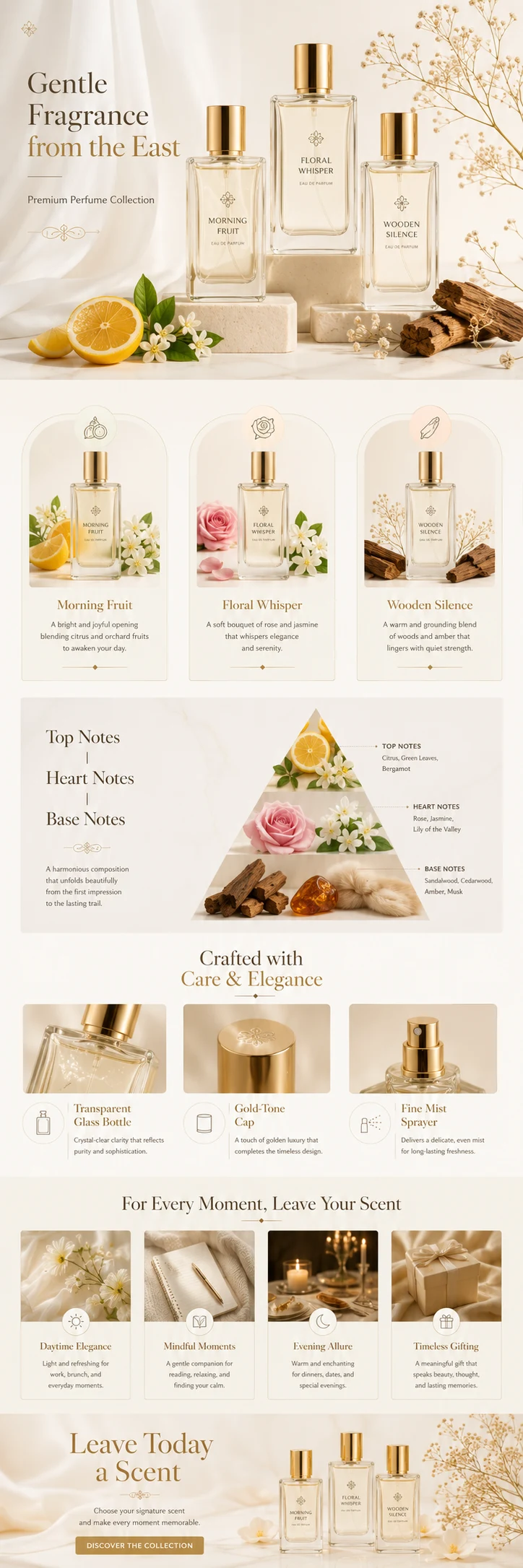
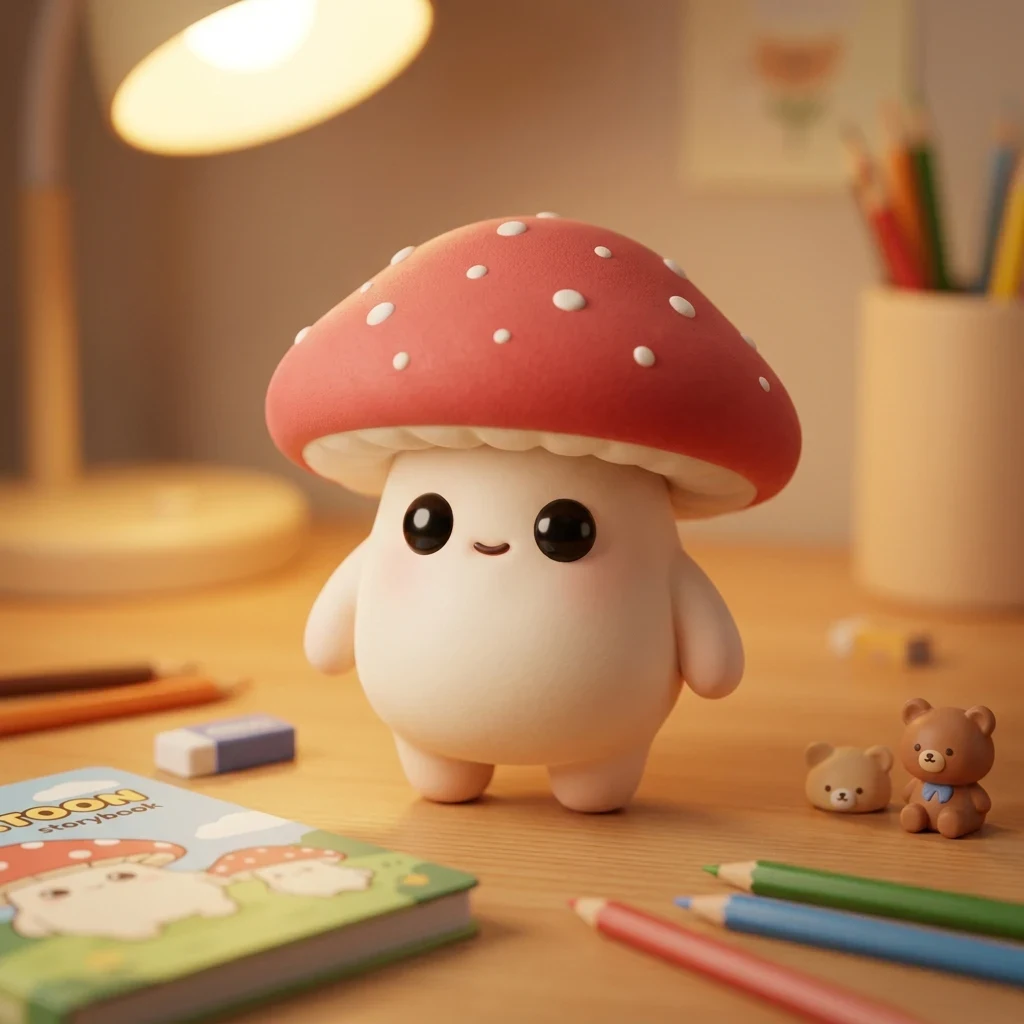
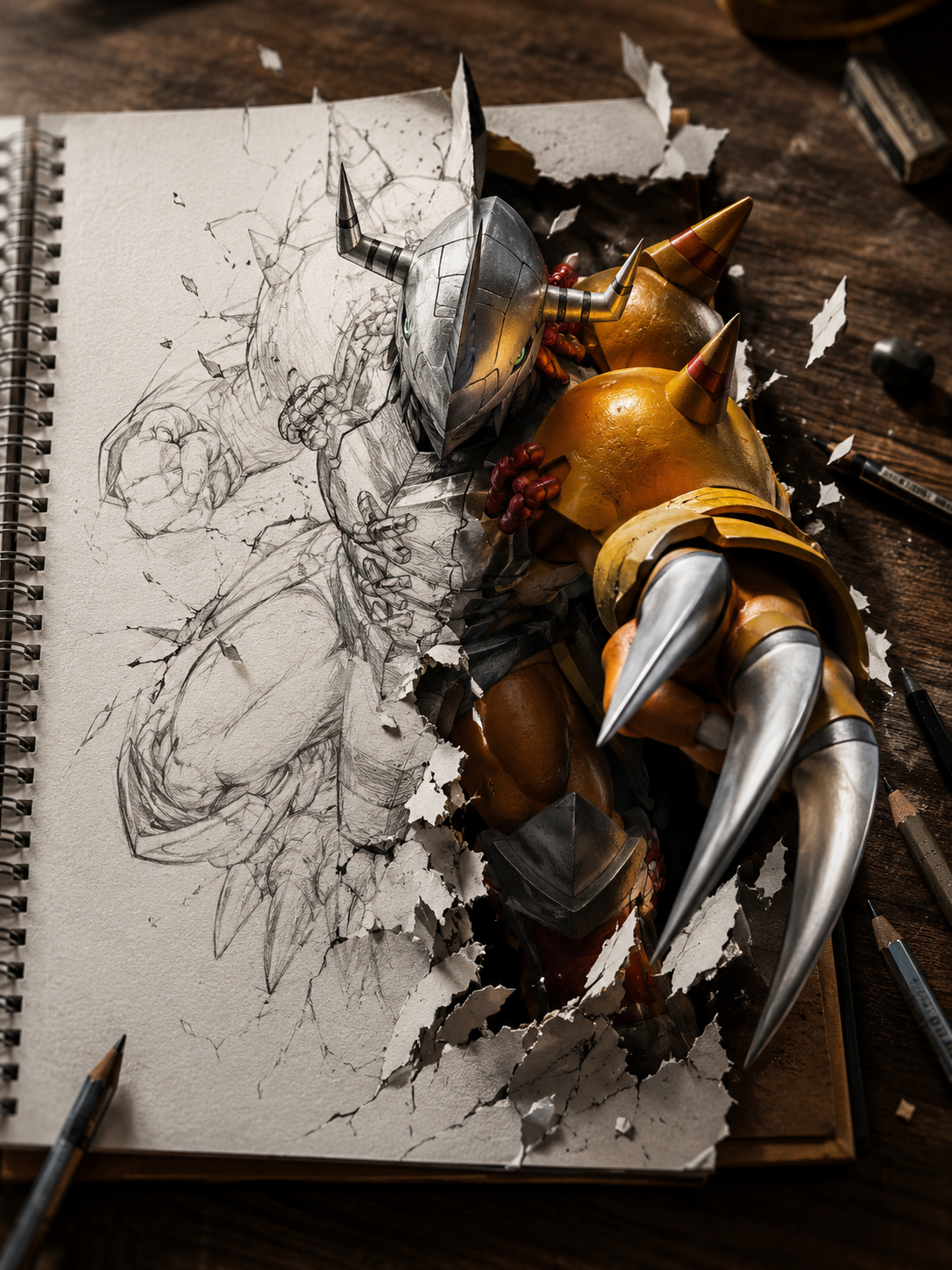
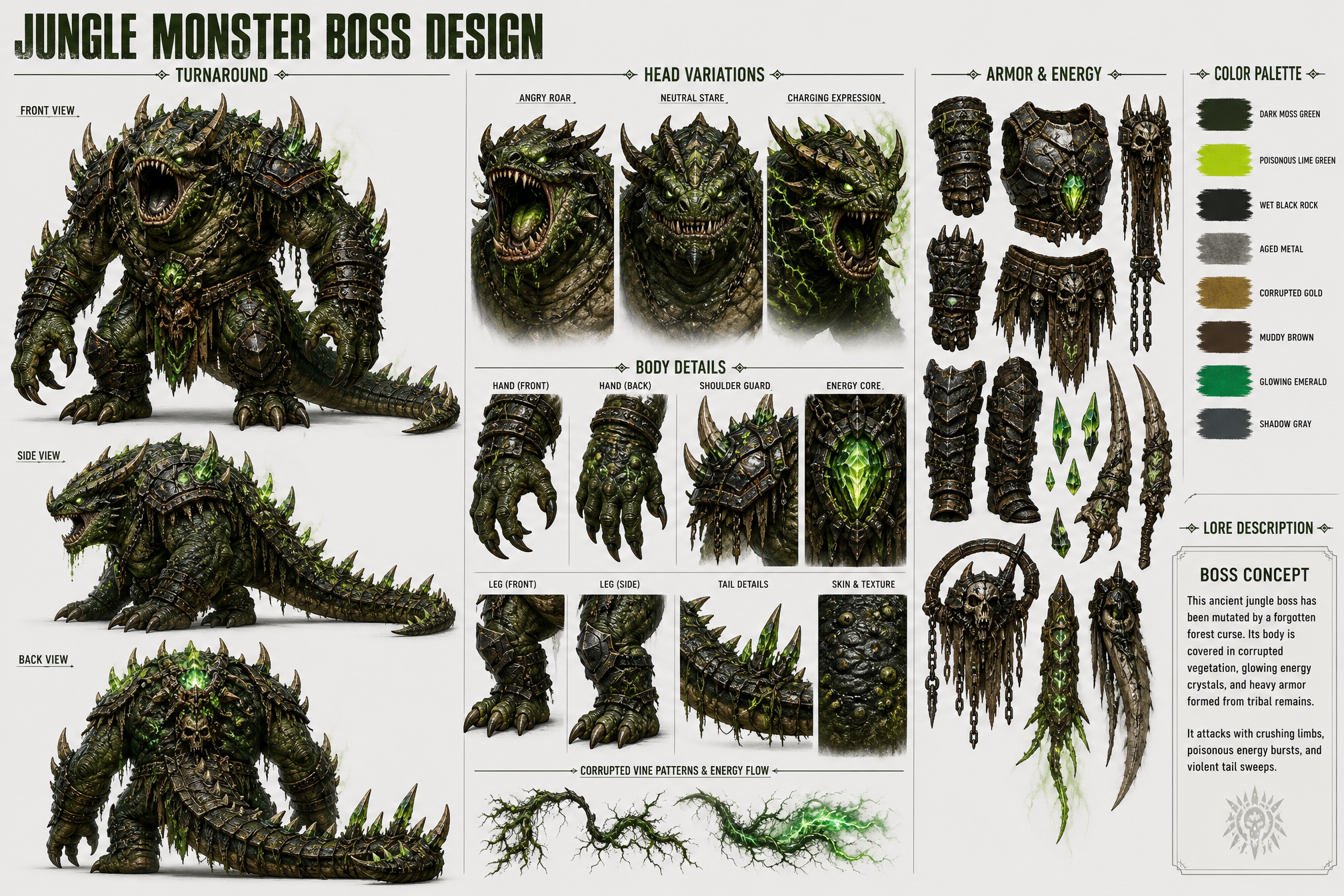
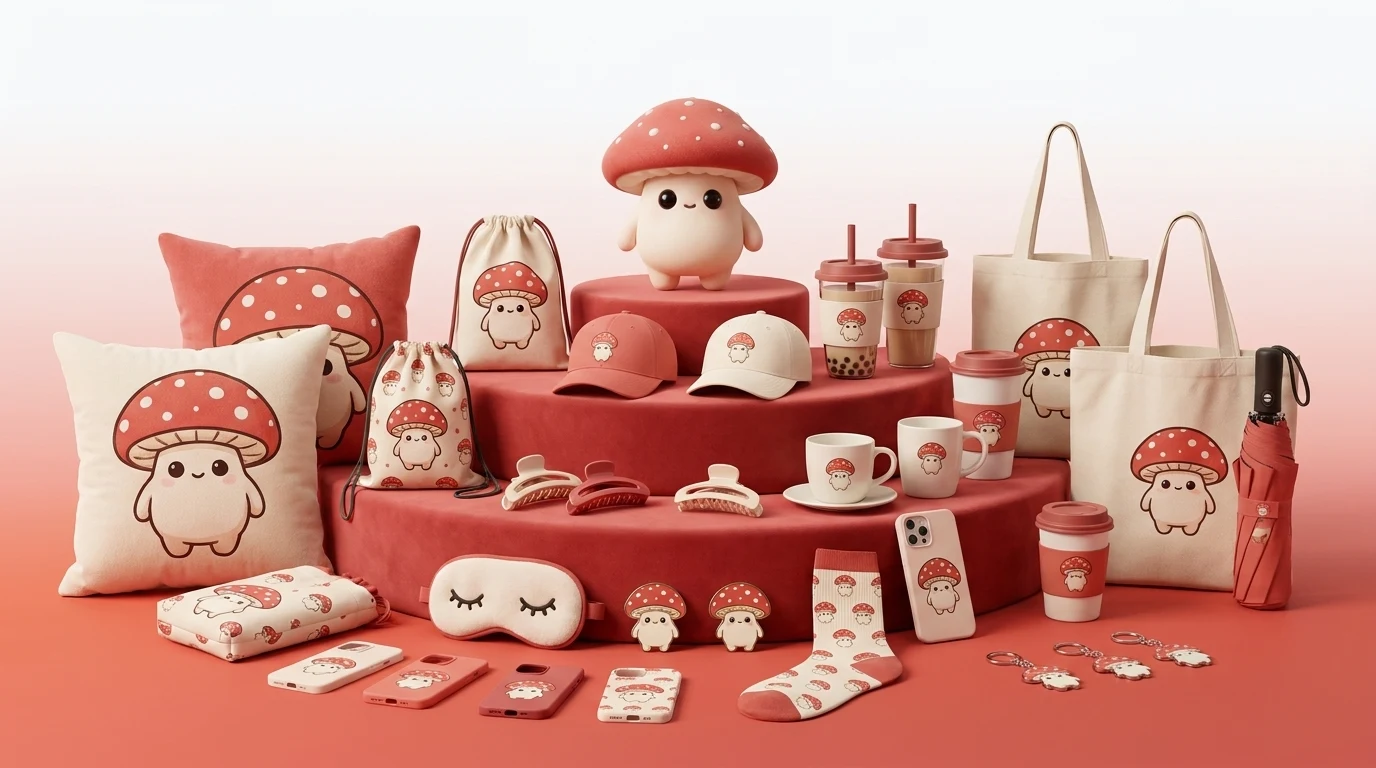
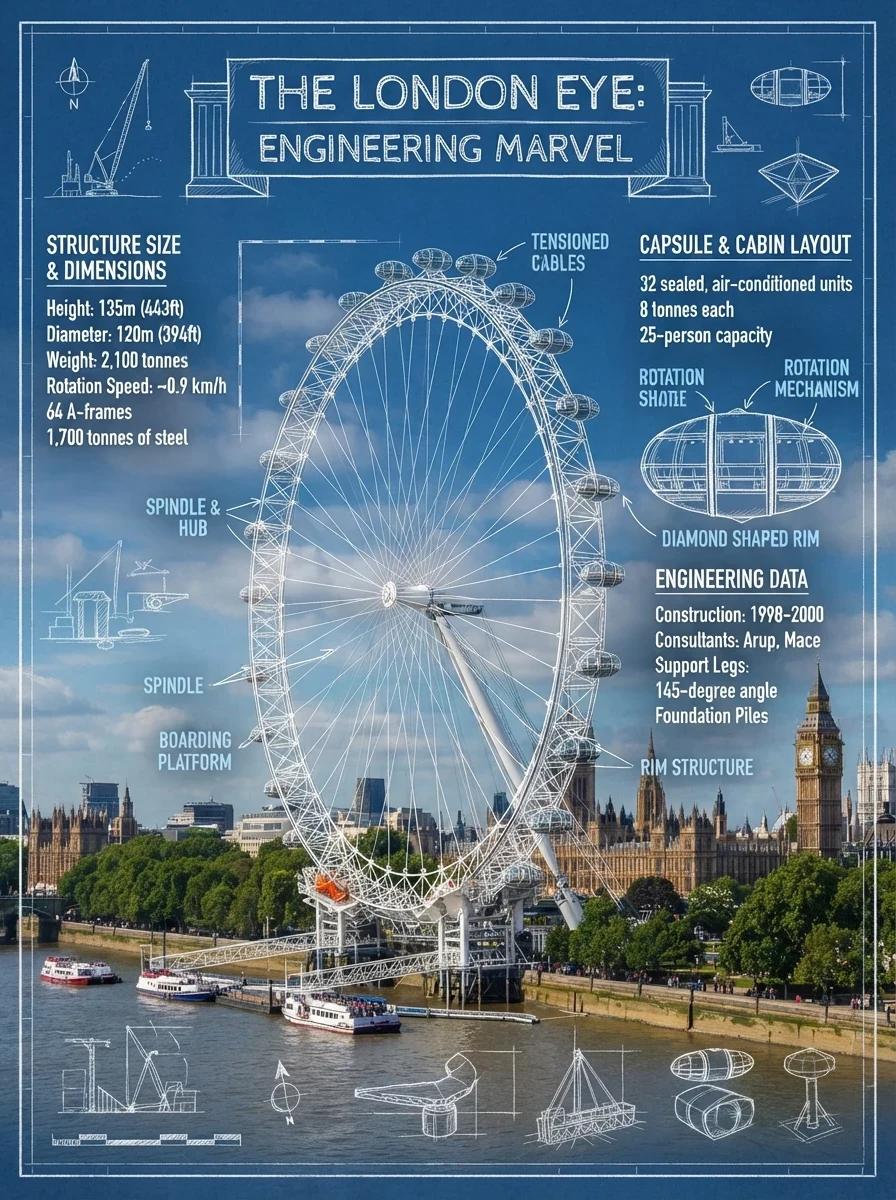
In one line: real, clear, and information-rich
Qwen Image 3.0 does more than create convincing scenes. It organizes written content, visual detail, and knowledge into one image that you can inspect, refine, and use.
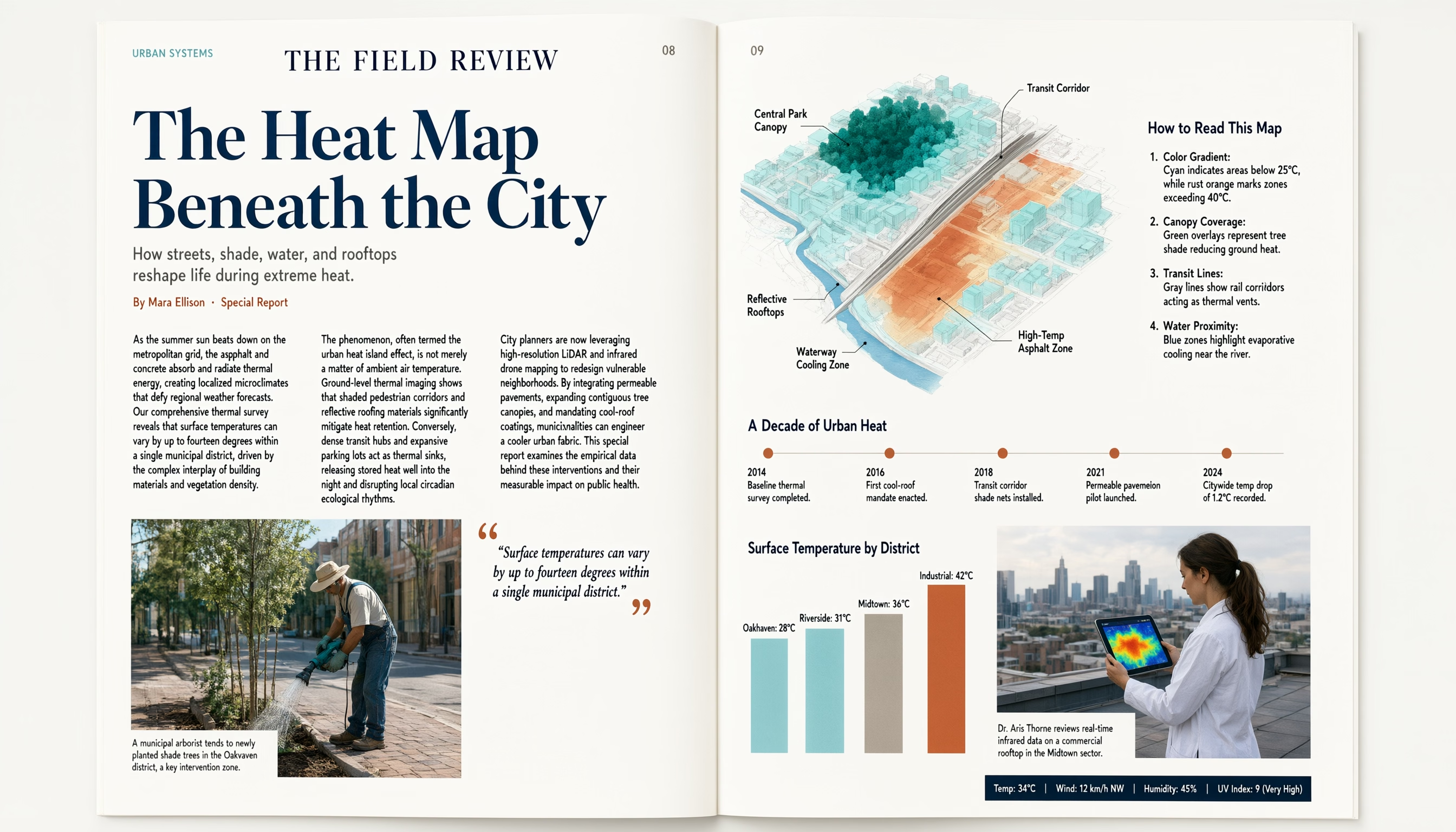
Structured content
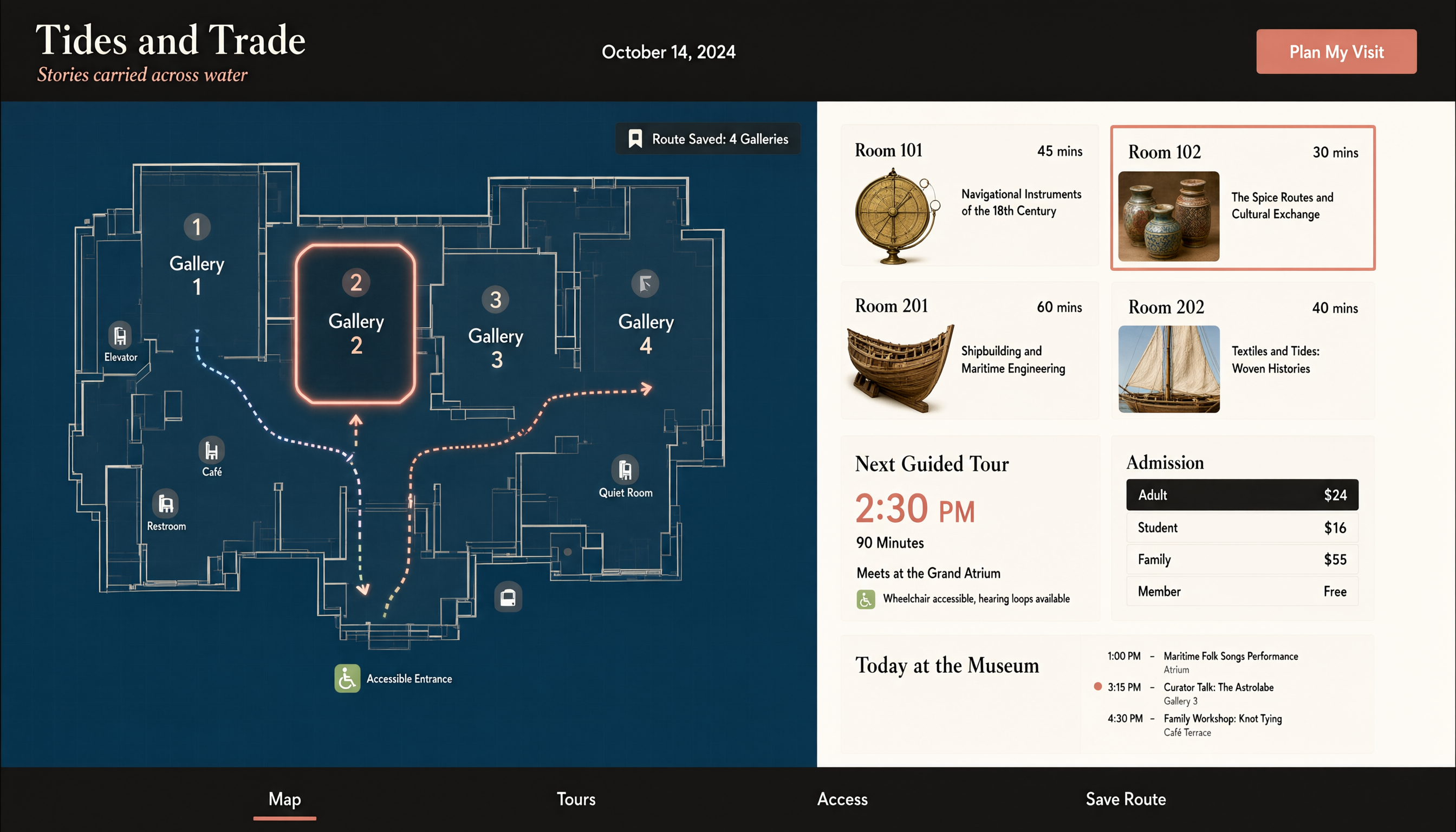
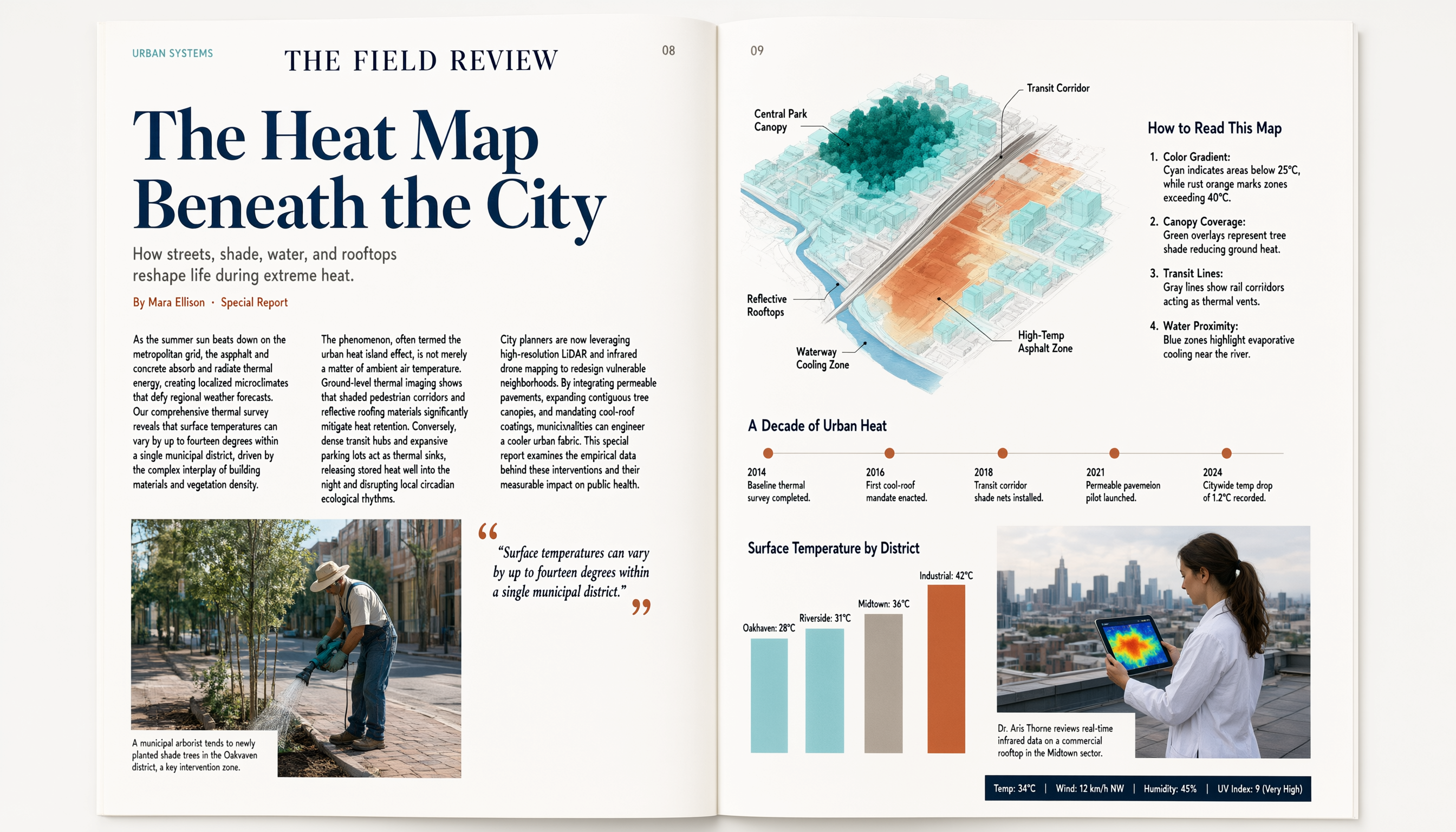
Make long-form copy, headlines, captions, timelines, data, and reading order part of the image—not vague background texture. Use a detailed brief to explore editorial spreads, storyboards, study materials, and information graphics with a clear information hierarchy.
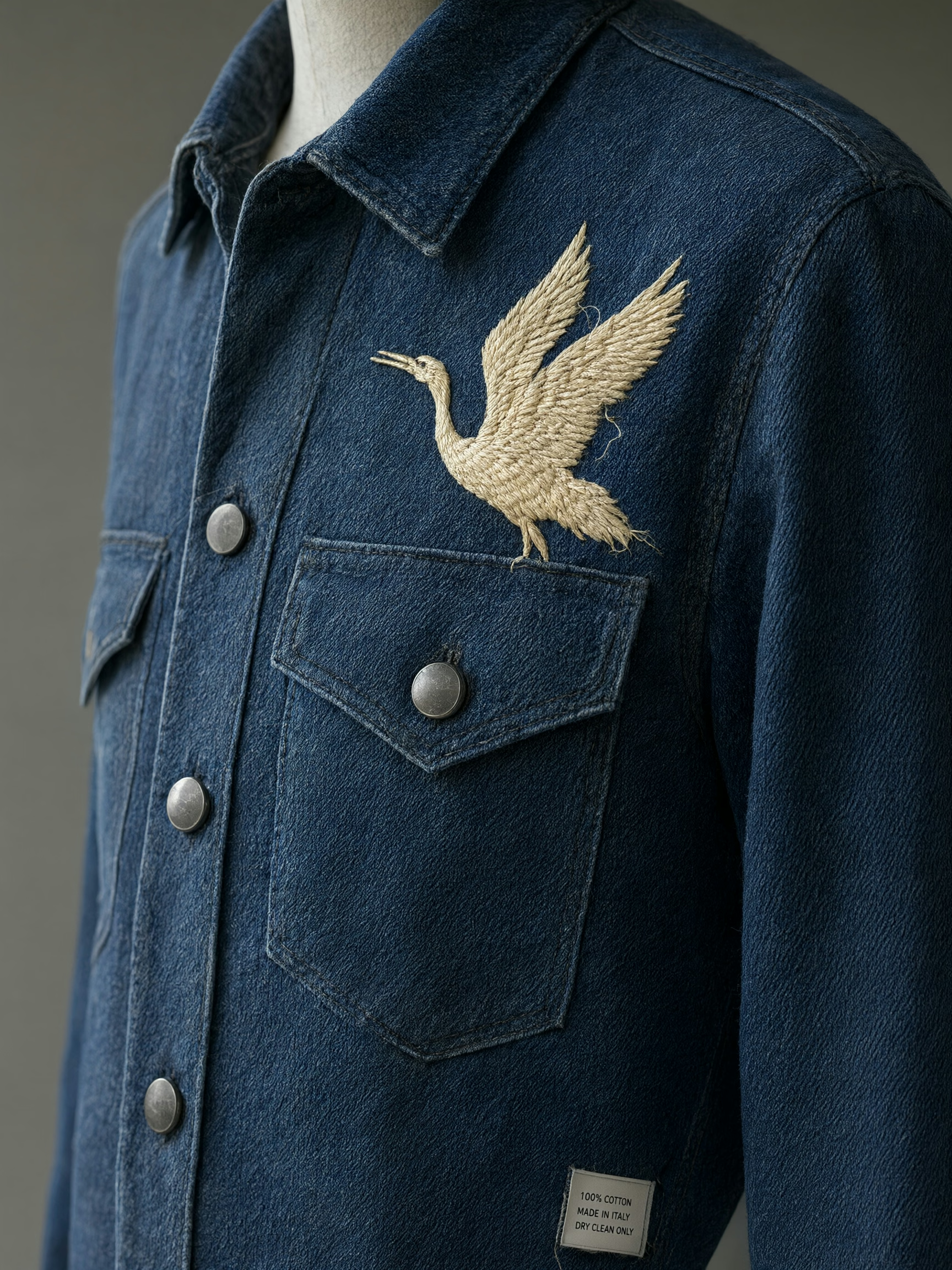
Fine detail that stays clear when enlarged
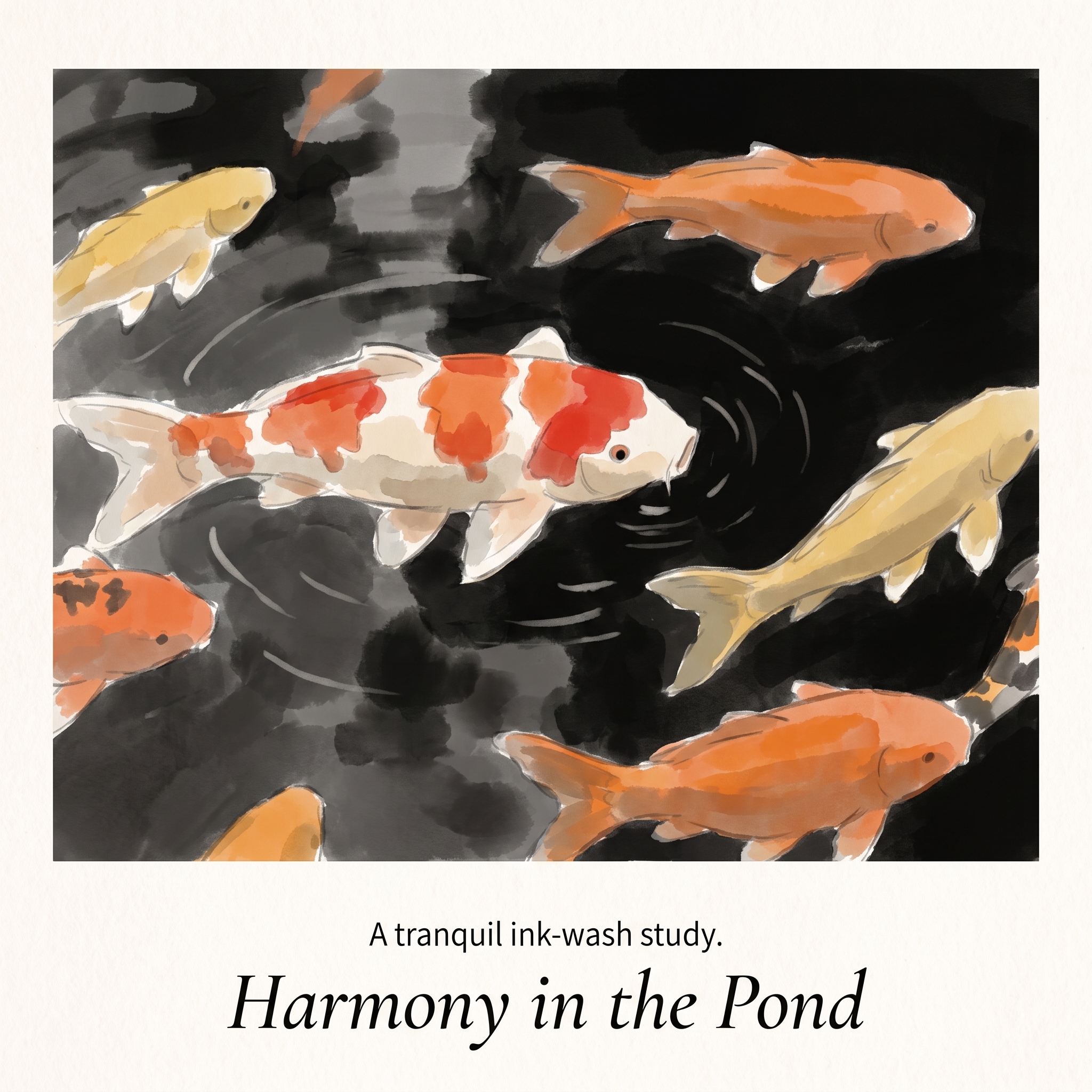
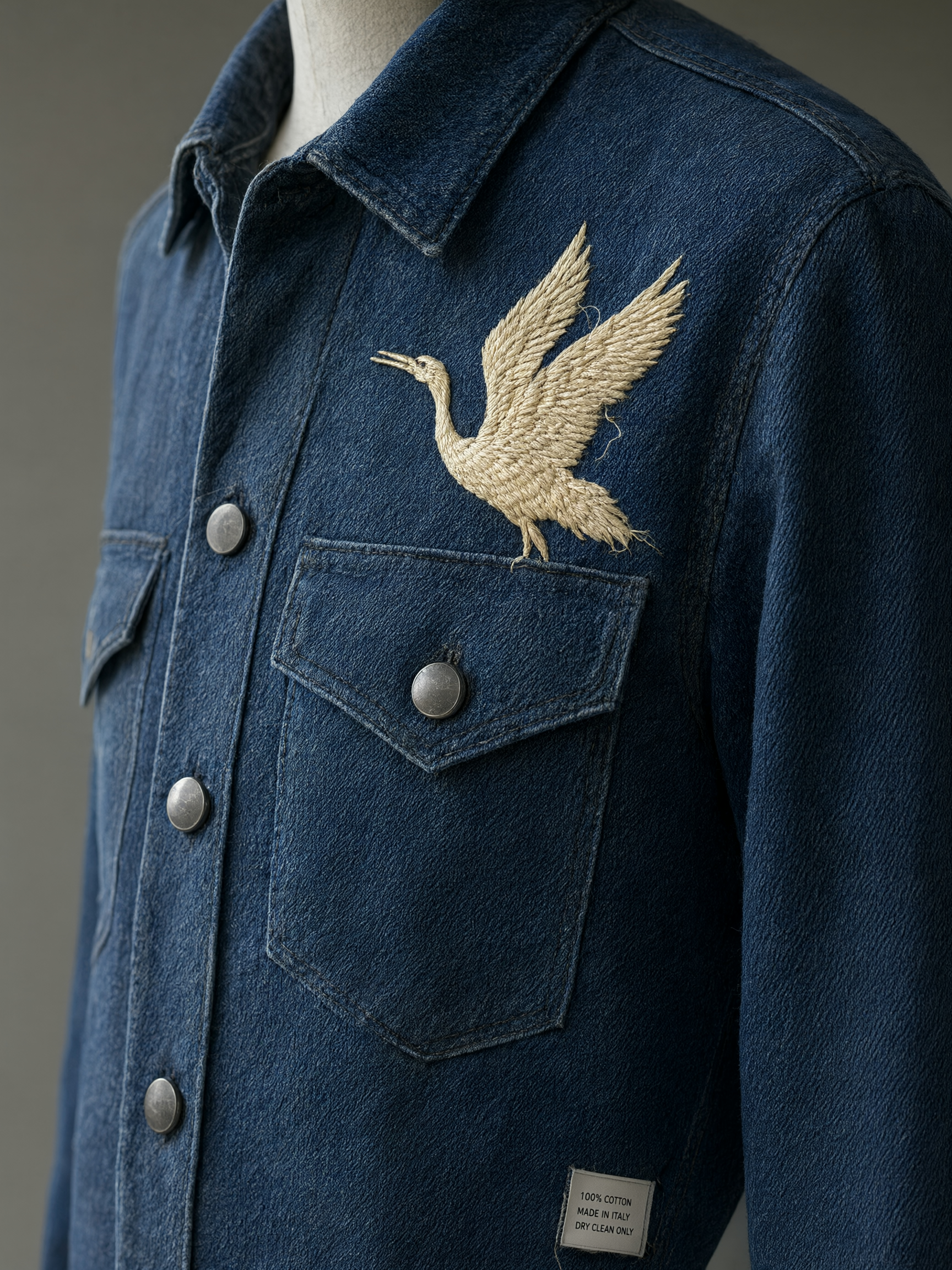
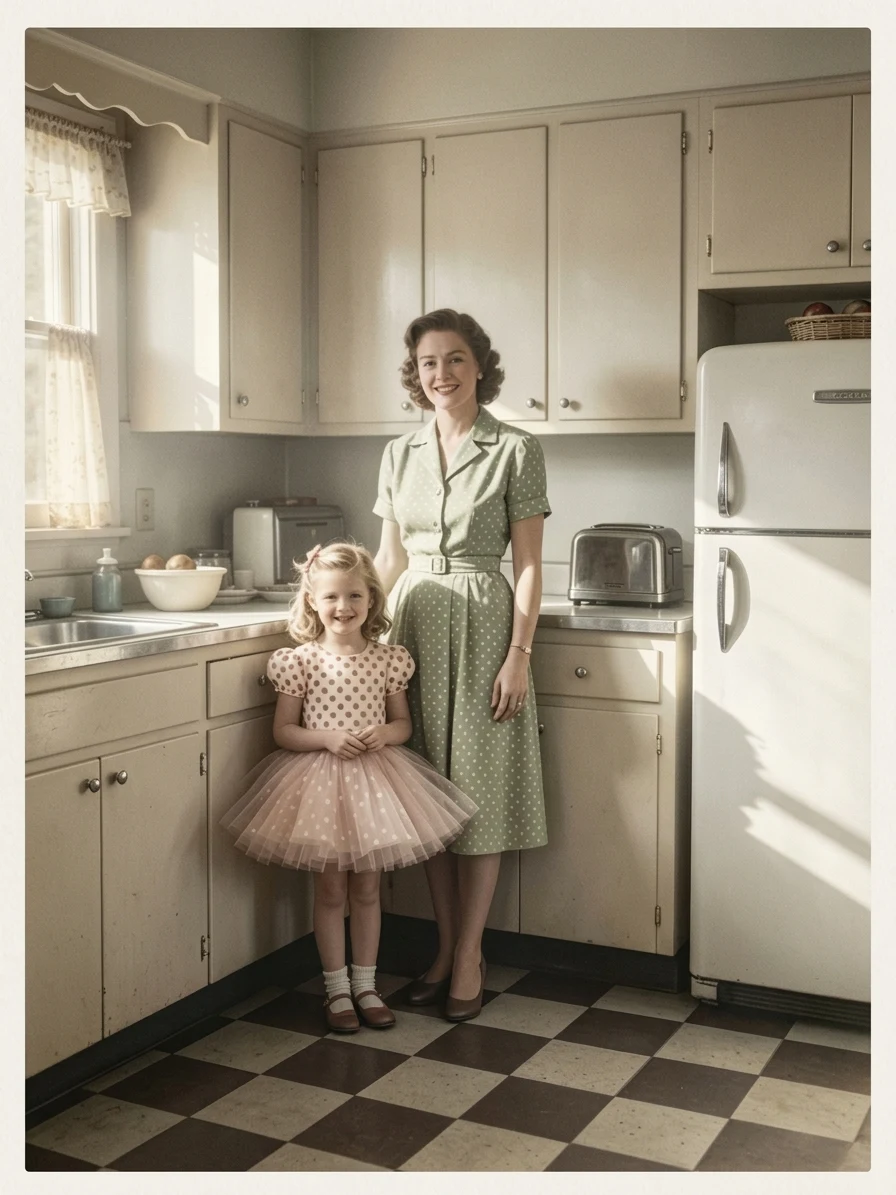
Specify fine lettering, skin texture, hair, fibers, stitches, metal wear, stone grain, and other small visual cues in the same brief. The result is more useful when important details remain clear up close.
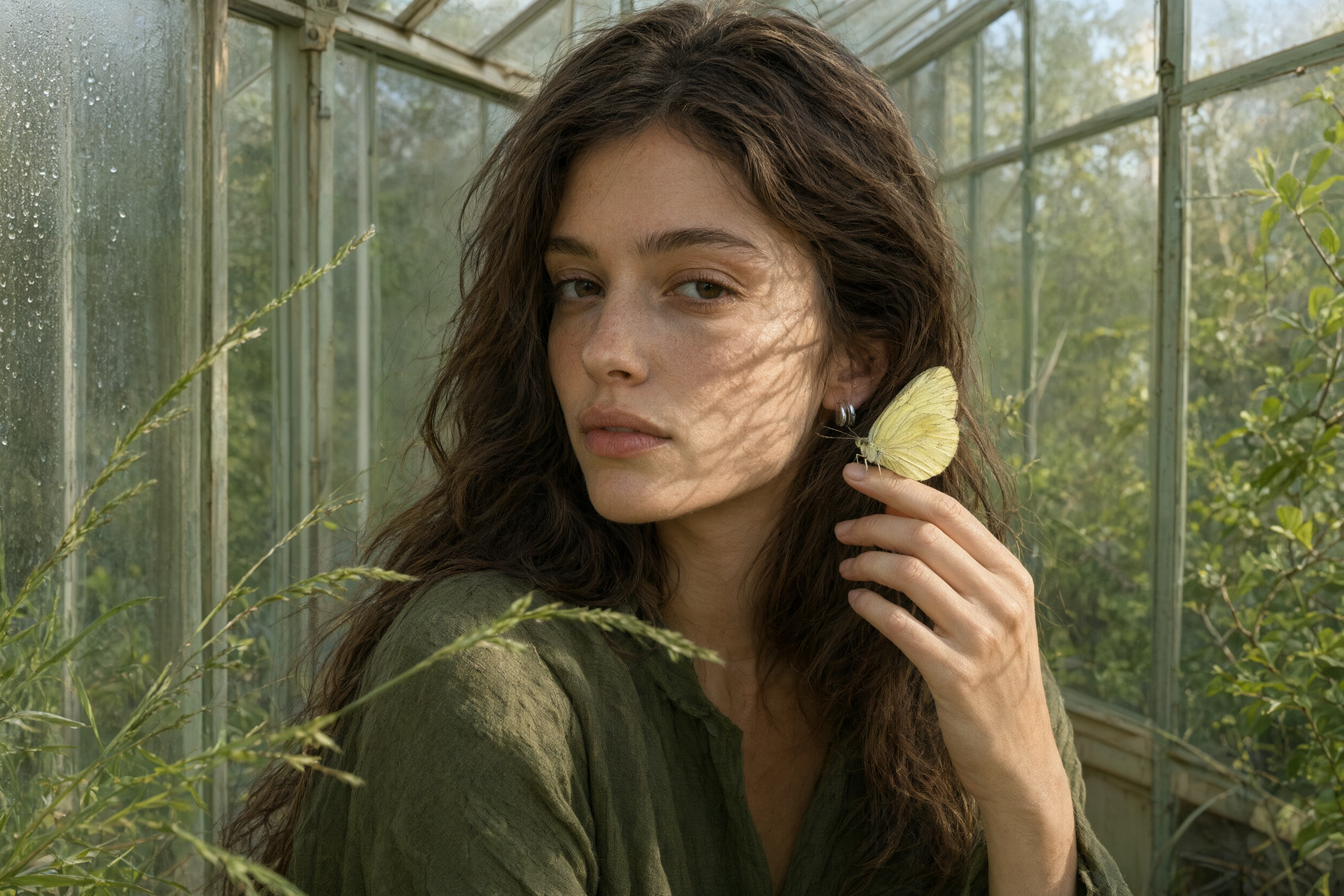
Details that feel natural and real
From natural skin texture and individual strands of hair to leaf veins, woven fibers, and light that follows the face, Qwen Image 3.0 keeps fine details coherent and believable. Review the full portrait, then enlarge the facial close-up to inspect the visible skin texture and pores.
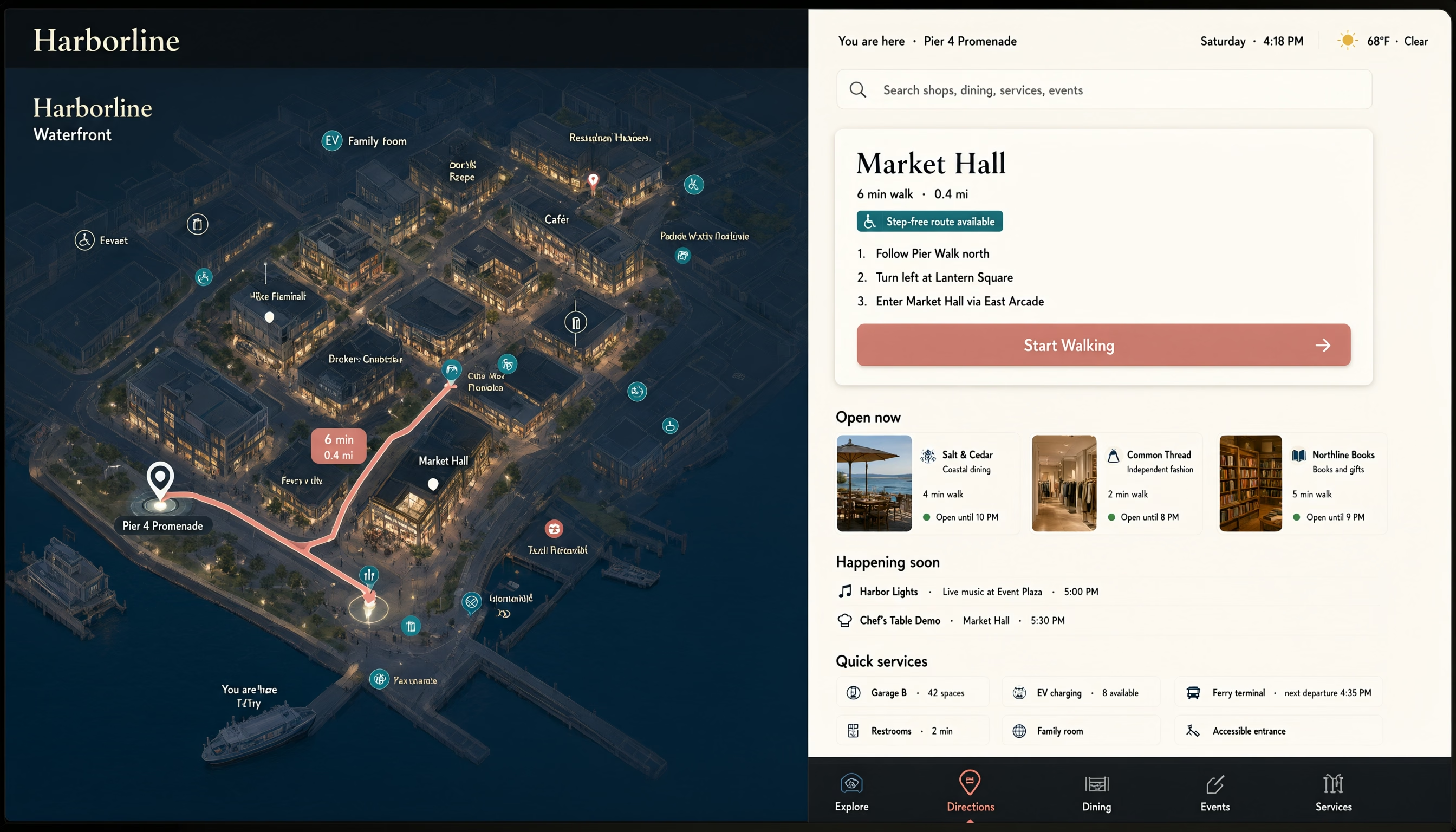
Knowledge-shaped visuals with useful structure
Build visual systems around language, information hierarchy, and task logic. Explore multilingual guides, educational diagrams, knowledge panels, and information-rich interfaces—so the image communicates more than a decorative screen. Verify generated text and factual content before publishing.
Four demanding briefs that test whether an image can carry information
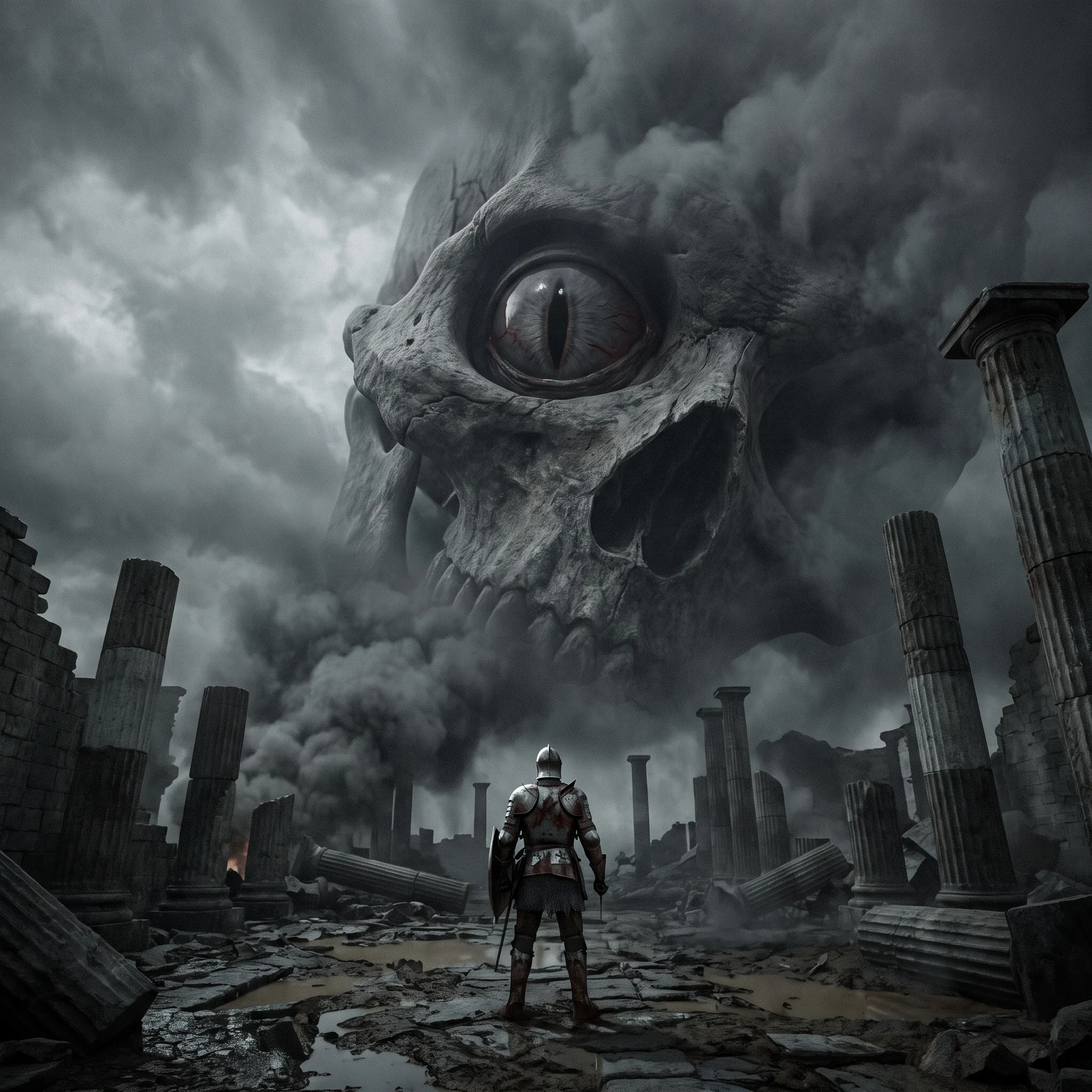
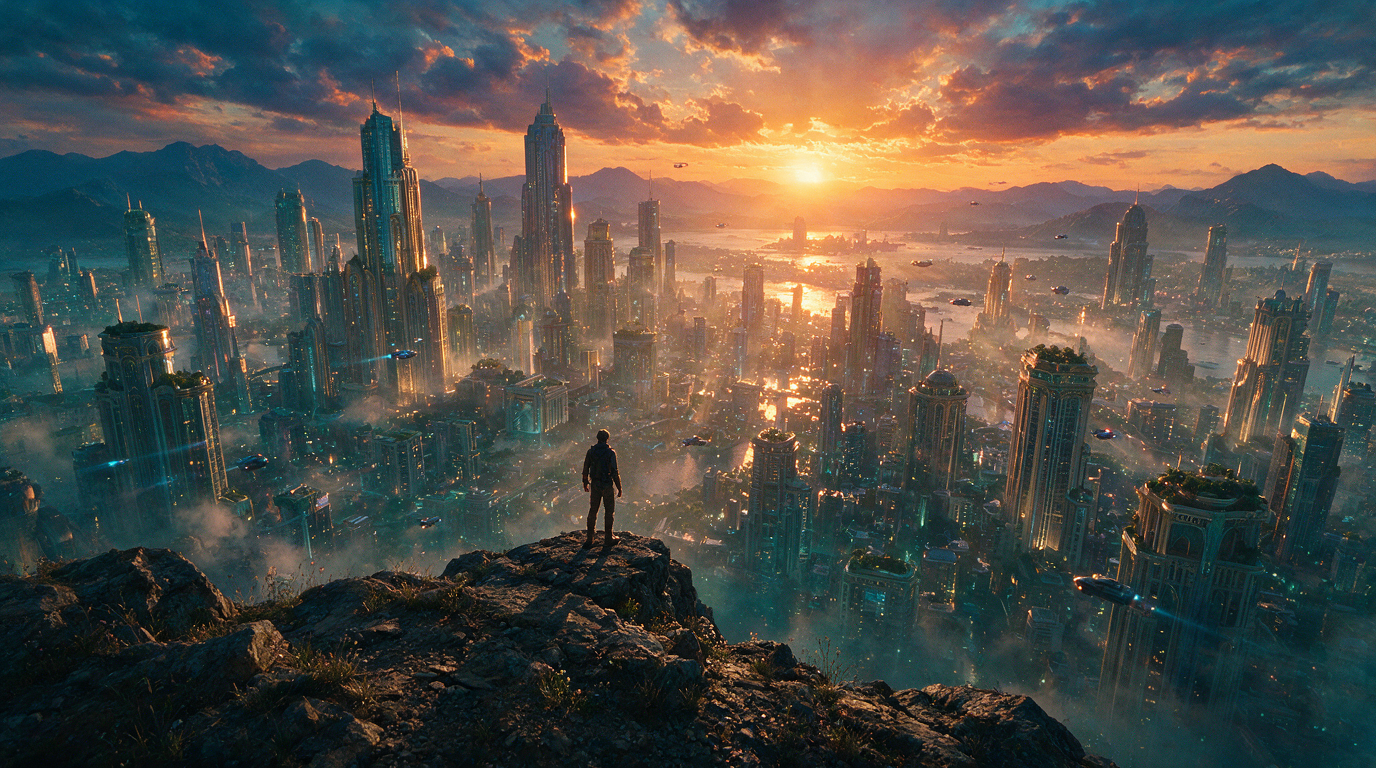
Use four concrete tasks to see how Qwen coordinates subjects, layout, material detail, and information people can inspect and use.
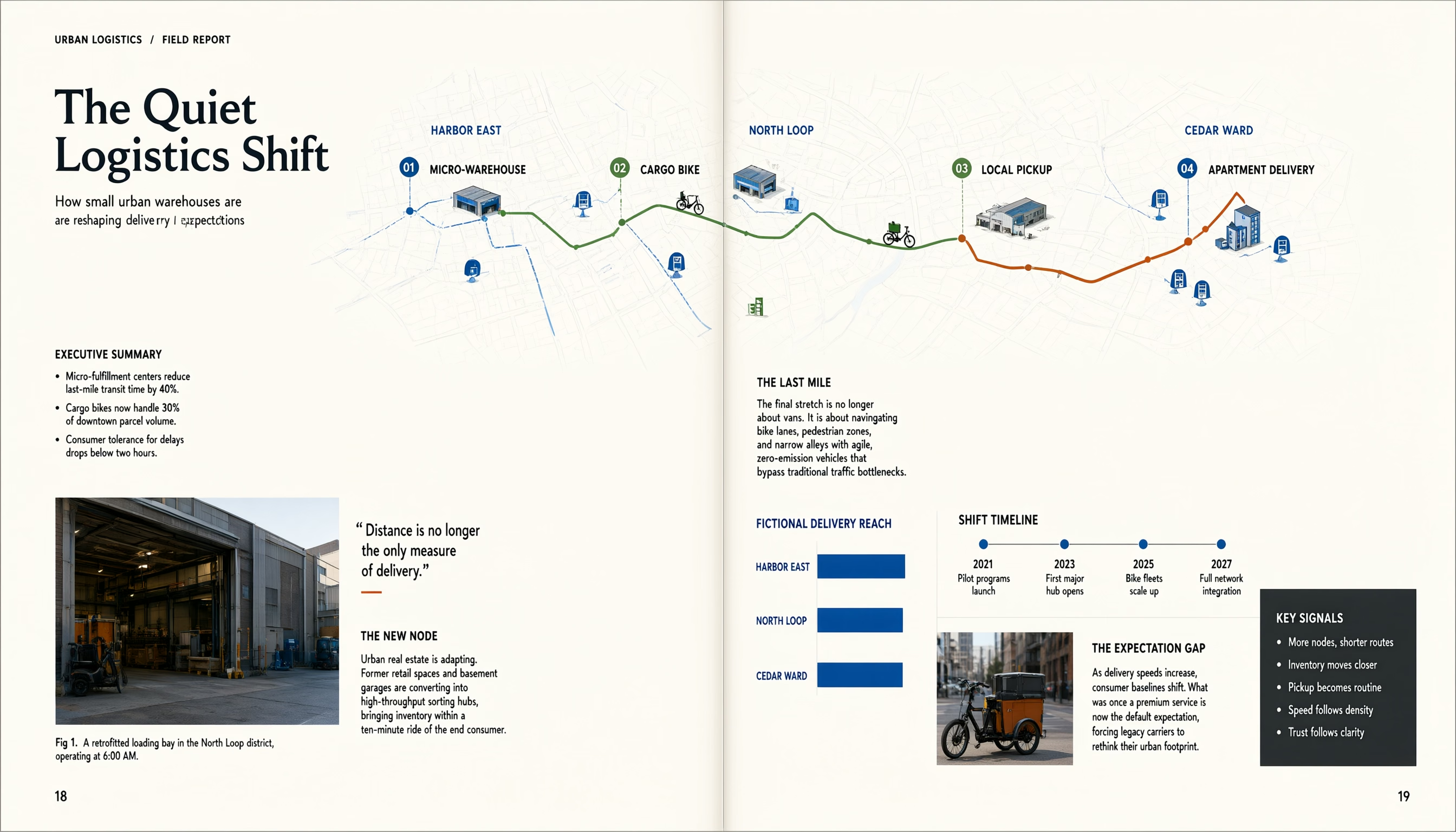
Turn a complex topic into a readable visual report
Ask for a complete editorial spread with a headline, supporting copy, captions, data points, and a clear reading path. The goal is not decoration; every information block should serve the same topic.
Choose the right level of constraint
Which fits your brief: Standard or Pro?
Choose the mode that matches how much information your image needs to carry. Whichever mode you choose, inspect the result before using it.
Swipe horizontally to compare the two workflows.
| Brief requirements | Standard | Pro |
|---|---|---|
Best starting point | One clear visual idea, a simple scene, or a fast direction check | A review-ready candidate with more content, hierarchy, or constraints |
Brief complexity | A focused subject, setting, and style direction | Multiple subjects, required content blocks, constraints, and composition instructions |
Text and layout | A simple title or text-led visual direction to explore | Editorial, poster, interface, or information layouts with more text and hierarchy |
Fine-detail review | Useful when you are still choosing the overall direction | A stronger fit when material, portrait, small type, or spatial relationships need closer attention |
Reference-image role | Use references to explore alternate scenes, moods, and styles | Specify what each reference must preserve, such as identity, composition, product details, or color |
Recommended next step | Find the direction, then turn the strongest idea into a more explicit brief | Generate, zoom in, verify the important information, then refine the weak points |
Before publishing | Review the direction before relying on it for final content | Verify every important word, number, fact, product detail, and rights requirement |
Set up the brief
Set up your creative brief
Use the available controls to state what must appear, what must stay unchanged, and what you need to inspect in the generated result.
Generated images are creative candidates. Review text, numbers, facts, trademarks, people, and rights before publishing or distributing them.
Swipe horizontally to view the full table.
| Control | Available here |
|---|---|
Start with | Text prompt or reference images Available |
Reference images | Up to 3 images in image-to-image mode Available |
Resolution | 1K / 2K Available |
Output format | PNG / JPEG Available |
Brief controls | Prompt extension, negative prompt, and seed Available |
Give the model a clear creative brief
Describe the information, hierarchy, and details your image needs to carry—or upload references and explain what each one must preserve. Then review the result and refine what matters most.
Qwen Image 3.0 FAQ
Learn what Qwen Image 3.0 is suited for when an image needs to carry real information, fine detail, or multiple languages—and what to review before use.