
Cobalt, white, celadon, and a trace of red
A restrained palette gives the artwork its porcelain character without claiming a historic reproduction.
AI Blue-and-White Porcelain Mosaic Generator
Upload one photo and let its defining subject be reassembled from cobalt blue, white porcelain, quiet celadon, and a trace of copper red. The silhouette and structure stay recognisable; the surface becomes a new editorial artwork.
Create Porcelain MosaicOne photo to start. No prompt writing. Download the finished artwork.
Start with one photo
Your photo supplies the subject. The porcelain-shard direction is already set.
Upload one photo to create a standalone editorial artwork reassembled from porcelain shards. Choose a format, or match your photo.
Fixed porcelain mosaic direction
Blue-and-White Porcelain Mosaic
Your photo guides the subject, silhouette, pose, direction, and structure. The finished image is rebuilt as a complete ceramic-shard artwork.
Finished porcelain mosaic artworks
Architecture, people, animals, travel scenes, and night moments can all become one complete ceramic-shard image.
Roofs, courtyards, and landmarks become a composed field of ceramic fragments and warm gaps.
Blue density, ivory space, and restrained red accents give an evening photo a calmer surface.
The silhouette, pose, and visual centre stay legible while the surface becomes porcelain-shard art.
Travel scenes retain their spatial relationships in a new editorial composition.
Gesture and direction guide the fragment pattern, rather than a regular tile grid.
What makes it porcelain mosaic
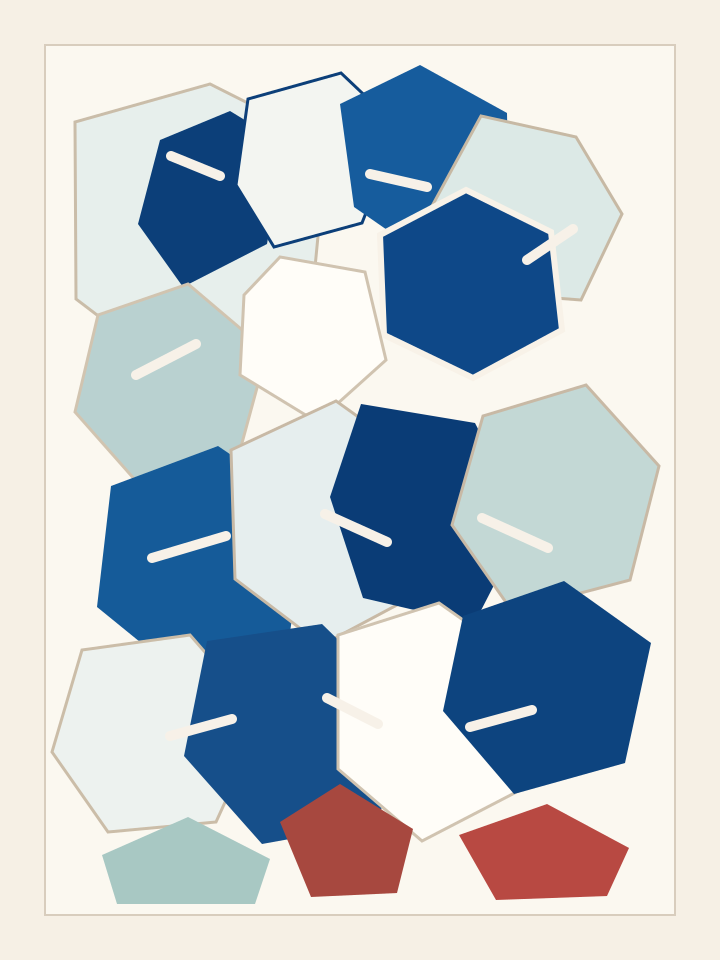
Deep cobalt, milky white, soft celadon, and restrained copper red give the artwork its porcelain character. Irregular fragments follow the form of the scene, while a calm ivory ground gives every edge room to breathe.
A restrained palette gives the artwork its porcelain character without claiming a historic reproduction.
Broken edges and warm gaps follow the form of the subject instead of flattening it into regular blocks.
Ivory negative space gives the composition an editorial rhythm and lets the silhouette remain clear.
Source confidence
The goal is not to keep every pixel untouched. It is to preserve the silhouette, proportion, gesture, direction, and structural relationships that make a photo feel like yours at a glance.
Create Porcelain MosaicFrom photo to finished artwork
Choose a photo with a clear subject or scene.
The fixed visual direction carries forward the subject, silhouette, and relationships worth keeping.
Receive one finished editorial artwork in your chosen format.
A material-led transformation
The image is not left intact and covered with cracks. Its subject, gesture, architecture, and colour relationships are rebuilt as a single ceramic-shard composition.
Create Porcelain MosaicIt is an AI photo transformation that rebuilds a recognizable subject as a standalone editorial artwork made from irregular blue-and-white porcelain, celadon, and small copper-red ceramic fragments.
No. The result is a digital artwork inspired by porcelain and ceramic-shard material language. It does not make physical ceramics, cutting templates, or a craft pattern.
The tool is designed to carry forward the main silhouette, proportion, pose, direction, and structural relationships. It creates a new artwork, so it does not promise pixel-perfect preservation of every detail.
No. Kintsugi repairs a broken object with lacquer and gold. This tool rebuilds the whole image as a ceramic-shard composition rather than leaving the photo intact and placing cracks over it.
Photos with a clear subject, readable silhouette, and a composition you already like are the strongest starting points. Portraits, animals, places, architecture, travel scenes, and moving moments all work well.
Ready when your photo is
Start with the image you already care about. The fixed direction will take it from photo to a finished blue-and-white ceramic-shard artwork.
Create Porcelain Mosaic