Qwen Image 2.1: Bilder erstellen, kombinieren und bearbeiten

Erstellen Sie transparente Assets aus Text, kombinieren Sie bis zu 10 Referenzbilder oder ändern Sie nur einen ausgewählten Bildbereich.

Ein Modell für Bilder mit mehr Kontrolle

Qwen Image 2.1 vereint Bildgenerierung, transparente Ausgabe, Mehrfachreferenzen und lokale Bearbeitung in einem Workflow.

Create a real transparent asset, not a white-background substitute

Generate a native RGBA image from a text prompt, or work with transparent layers during editing. Choose PNG or WebP for an alpha channel, and describe the subject without adding a scene or surface when transparency matters.

Native RGBAPNG or WebPSubject cutouts

Put people, products, and style references in the same brief

Use one to 10 reference images and name the role of each one in your prompt. This is useful when a composition needs several distinct people, objects, garments, or product cues. Use fewer, focused references when retaining detail matters most.

Up to 10 referencesReference orderMulti-subject composition

Change the selected area and preserve the rest

For a local edit, add one reference image and a black-and-white mask. White marks what should change; black marks what should remain. Use it for a packaging color, a garment, a small product area, or another focused revision.

Mask-based editingOne reference imageFocused changes

Give typography, texture, and light a clearer brief

Qwen Image 2.1 is optimized for refined typography, portrait lighting, realistic textures, and fine visual detail. State the material, lighting, wording, and small details you need, then zoom in and review every important word, face, logo, and product feature.

TypographyPortrait lightingMaterial detail

In diesem Generator verfügbar

Das benötigte Bild einrichten

Wählen Sie Eingabe, Ausschnitt, Auflösung, Hintergrund und Ausgabeformat passend zu Ihrer Aufgabe.

Generierte Bilder können Fehler enthalten. Prüfen Sie wichtige Texte, Produktdetails, Gesichter, Logos, Fakten und Rechte vor der Veröffentlichung.

Wischen Sie horizontal, um die vollständige Tabelle zu sehen.

Das benötigte Bild einrichten
Steuerung
Qwen Image 2.1
Start with
A text prompt, or one to 10 reference images with an editing instruction
Available
Reference-aware output
Use reference order in the prompt; use four or fewer focused references when detail retention matters
Available
Local edit
Optional black-and-white mask with exactly one reference image; white changes and black is preserved
Available
Resolution
1K for faster generation or 2K for more pixels; 4K is not available
Available
Framing
1:1, 4:3, 3:4, 3:2, 2:3, 16:9, 9:16, 21:9, or 9:21; image-to-image also offers auto framing
Available
Transparency and export
Opaque or transparent background; use PNG or WebP for a transparent alpha channel, not JPEG
Available
Prompt control
Optional prompt enhancement and a seed for controlled iteration within the same service version
Available

Vier Aufgaben, für die Qwen Image 2.1 entwickelt wurde

Nutzen Sie das Modell, wenn Ein- oder Ausgabeformat Teil der kreativen Anforderung sind.

Qwen Image 2.1 transparent asset example

Create product cutouts ready for a layout

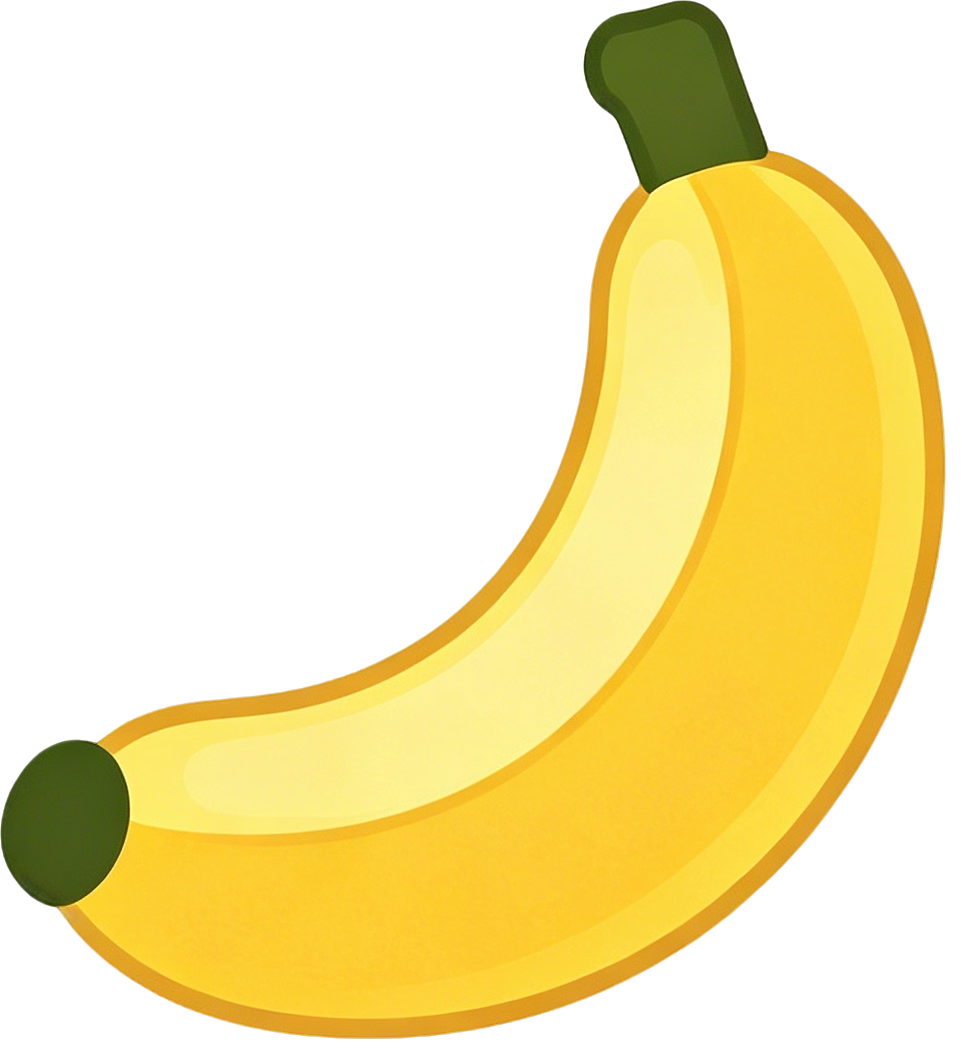
Generate an RGBA product, mascot, sticker, or graphic element on a real transparent background. Keep the prompt focused on the subject and export PNG or WebP when you need alpha.

Transparent assetsProduct elementsRGBA
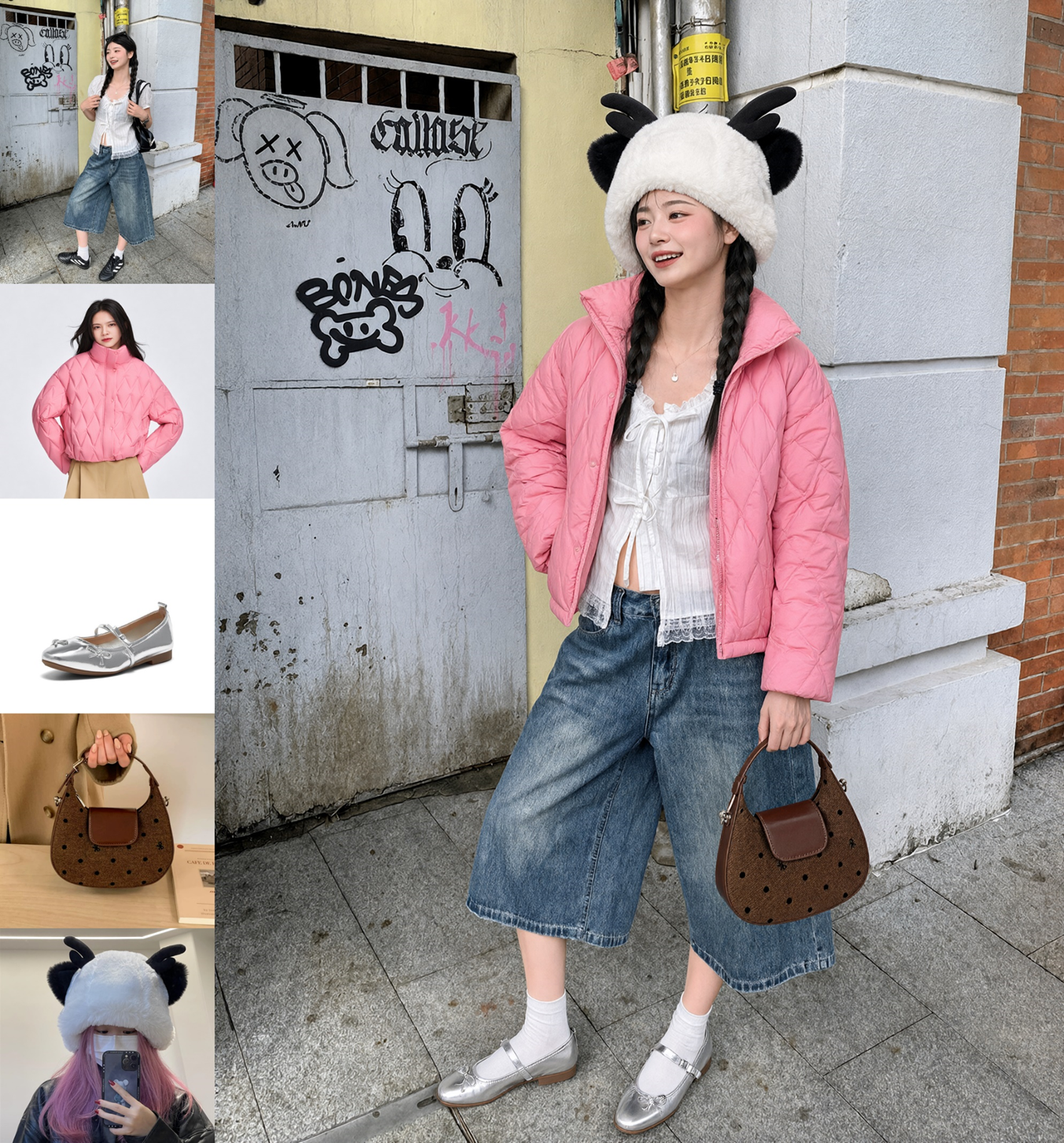
Qwen Image 2.1 outfit composed from multiple references

Build one scene from several real references

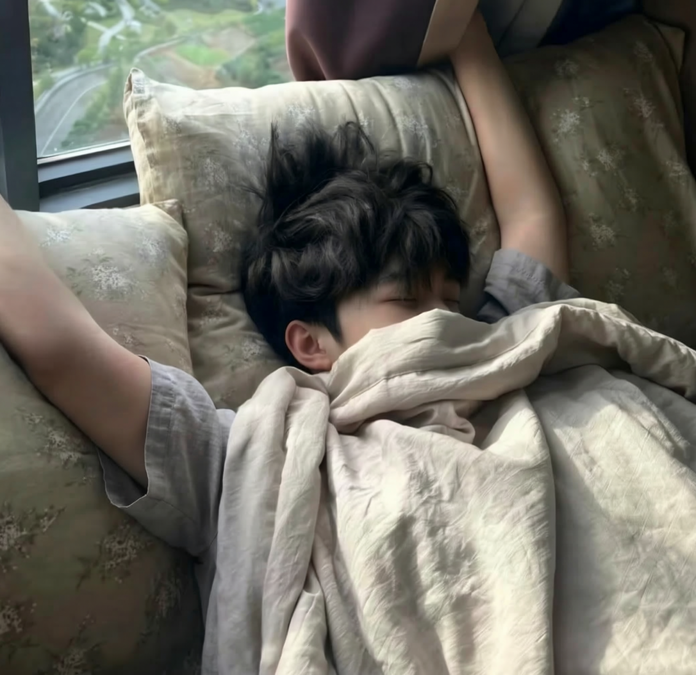
Assign each reference a clear role: a person, garment, product, prop, composition, or palette. A single image can bring those ingredients together without rewriting every detail from scratch.

Multi-referenceProducts and peopleComposition
Qwen Image 2.1 targeted local image edit example

Revise one detail without rebuilding the image

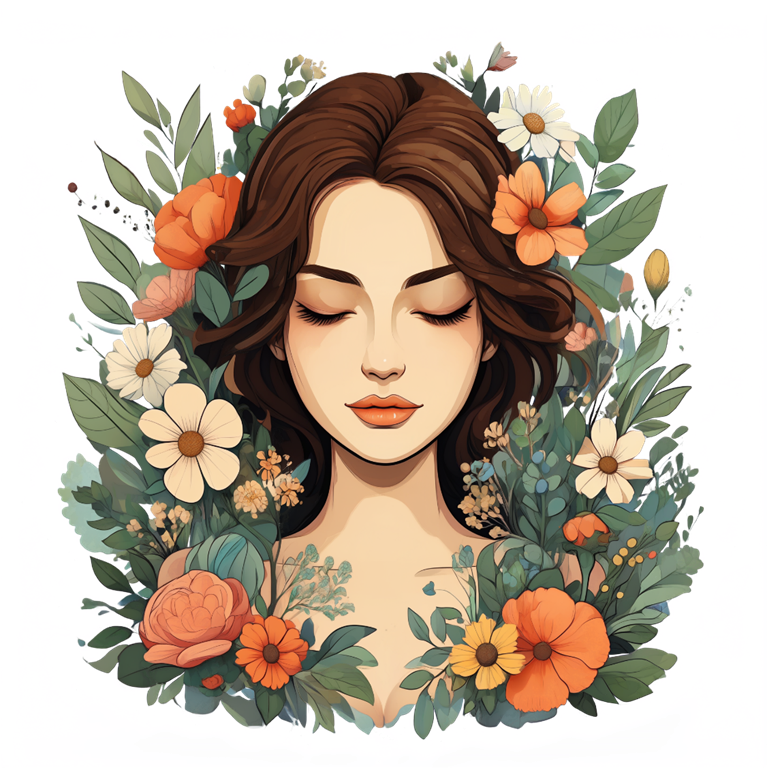
Mask the exact area that needs work and describe only what belongs inside the white area. Keep the rest of a product shot, portrait, or composition as the reference for the edit.

Local editMaskPackaging and styling
Qwen Image 2.1 text rendering example

Explore text-led visuals and inspect the details

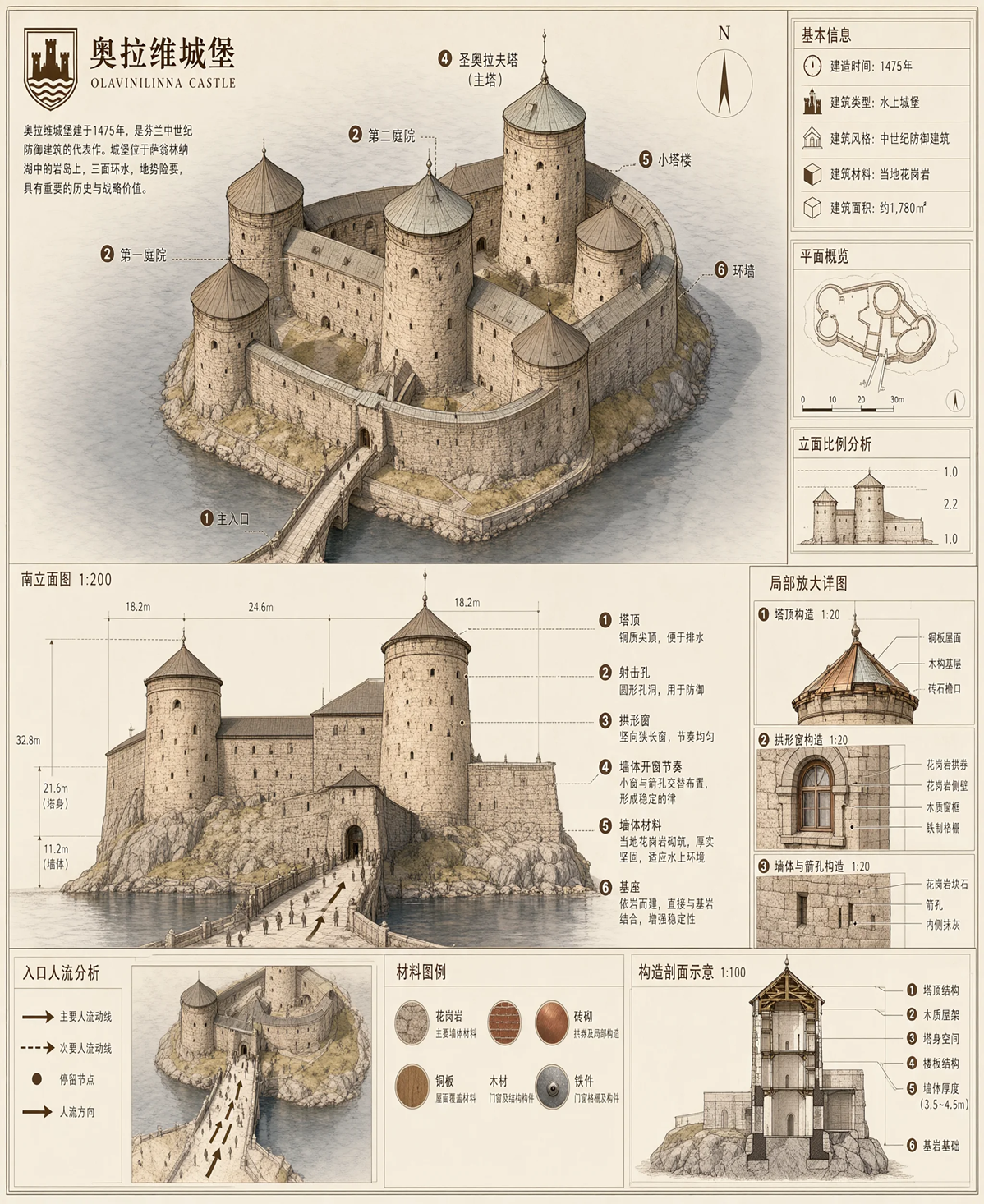
Create posters, packaging concepts, editorial scenes, or copy-led visuals with an explicit wording and material brief. Treat generated text as a candidate and verify it at the size where people will read it.

TypographyPostersDetail review
Die richtige Eingabe für die Aufgabe

Drei Wege zu einem präziseren Briefing

Wählen Sie die einfachste Einstellung, die vermittelt, was erscheinen, bleiben und sich ändern soll.

1

Start from text when the image is new

Describe the subject, composition, material, light, and exact wording. Use prompt enhancement when you want a short idea expanded, or turn it off to keep your own wording.

2

Use references when recognition matters

Upload the people, product, garment, or visual cues that should guide the result. Name what each reference contributes instead of leaving its role implied.

3

Add a mask when only one area should change

Pair one image with a black-and-white mask. Describe the replacement inside the white area, then inspect the preserved edges and the edited detail.

Beginnen Sie mit dem Bild, das Sie erstellen oder ändern möchten

Schreiben Sie ein detailliertes Briefing, fügen Sie wichtige Referenzen hinzu oder maskieren Sie den zu ändernden Bereich.

Qwen Image 2.1 – FAQ

Erfahren Sie, was dieser Bildgenerator und -editor auf dieser Website kann und was Sie vor der Nutzung eines Ergebnisses prüfen sollten.